Inside a Cybersecurity Audit in Daytona Beach and Why It Matters
A practical checklist for planning a cybersecurity audit in Daytona Beach, with local context and clear next steps for business owners.
Published on · Craig Wheeler · How this article was made
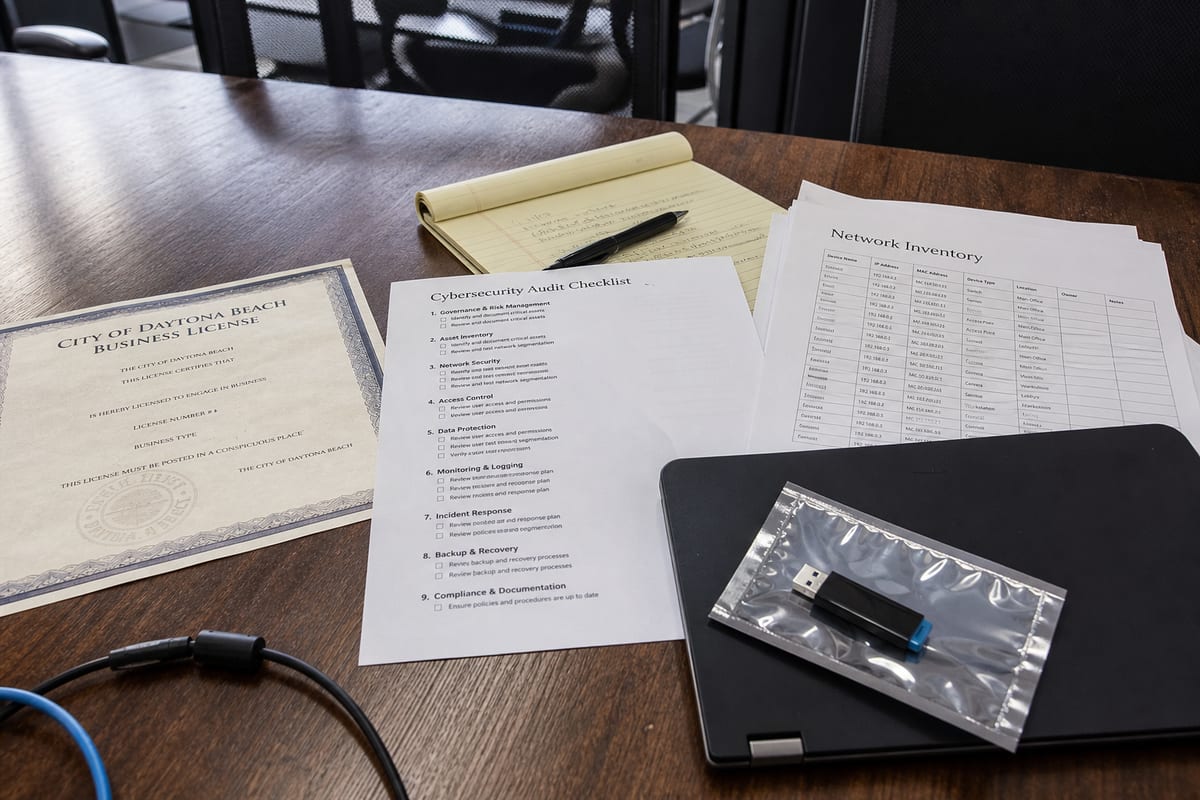
A cybersecurity audit is not just a technical exercise. For most businesses, it is a structured way to answer a simple question: where are we exposed, and what should we fix first?
In Daytona Beach, that question can get more urgent at certain times of year. Businesses near Daytona International Speedway often deal with major spikes in visitors during the Daytona 500, Bike Week, and Biketoberfest. For hotels, restaurants, retailers, and service providers, those busy periods can put extra strain on point of sale systems, guest Wi-Fi, remote access, and the people managing them.
If you are planning a cybersecurity audit, use the checklist below to make it practical, useful, and tied to how your business actually operates.
Start with the systems that keep the business moving
Before reviewing tools or policies, list the systems your team depends on every day. Keep it simple and specific.
- Identify core business systems, such as email, accounting software, file storage, line of business applications, phones, and payment systems.
- Note where each system lives, on site, in the cloud, or with a third party.
- Document who uses each system, including employees, contractors, and outside vendors.
- Mark which systems would stop revenue, customer service, or operations if they went down.
This step matters because a useful audit is based on business impact, not just a generic security checklist.
Map who can access what
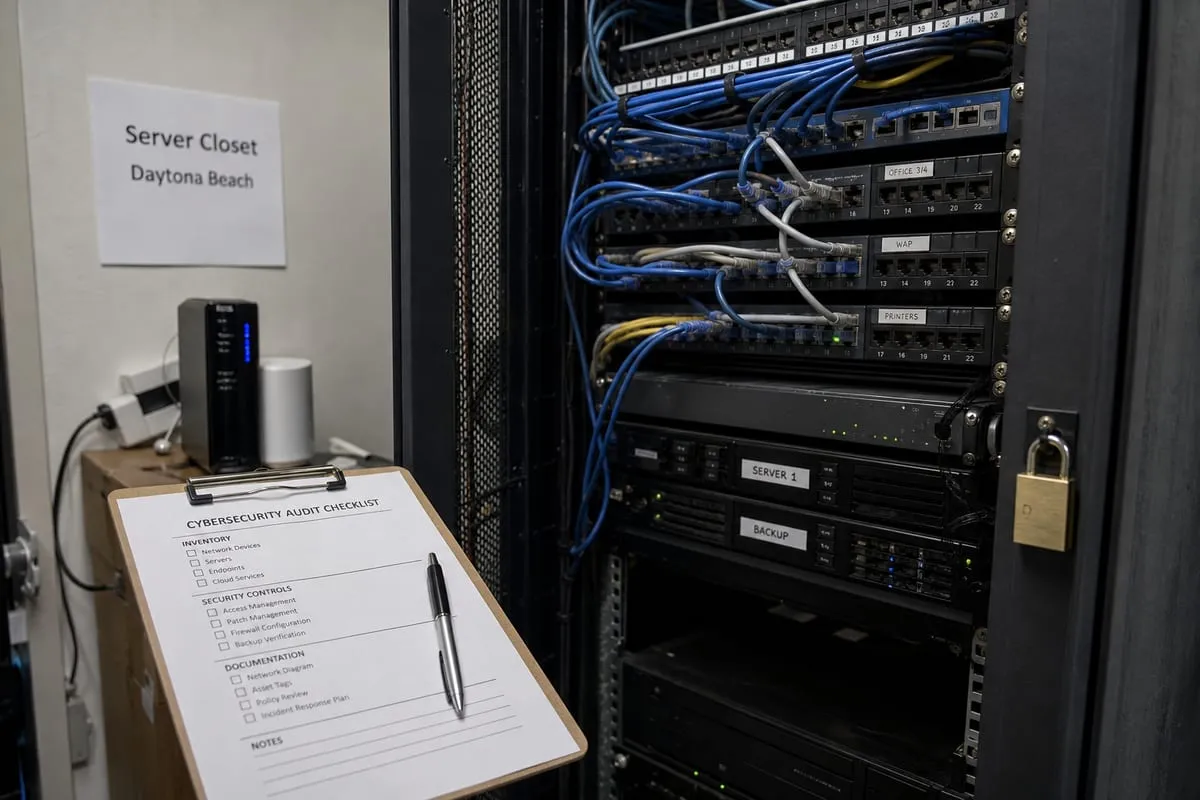
Many security problems come from access that has grown over time without much review.
- Review all user accounts across workstations, email, cloud apps, VPNs, and admin tools.
- Look for shared logins, old employee accounts, and vendor accounts that no longer need access.
- Confirm that people only have the permissions required for their role.
- Check whether multi-factor authentication is enabled everywhere it should be.
If your team has seasonal staffing changes or relies on temporary workers during major event periods in Daytona Beach, this step deserves extra attention. Fast onboarding is helpful, but rushed account setup often leaves behind unnecessary access later.
Take inventory of devices, not just servers
A cybersecurity audit should cover more than the obvious infrastructure.
- List desktops, laptops, mobile devices, firewalls, wireless equipment, printers, and any specialized devices connected to the network.
- Confirm which devices are company-owned and which are personally owned.
- Check whether each device is supported, patched, encrypted, and protected by current security software.
- Flag any device that cannot be updated or is no longer supported by its manufacturer.
This is often where hidden risk shows up, especially in businesses that have grown quickly or added locations over time.
Review email security and phishing exposure
Email is still one of the most common ways attackers get in. An audit should look at both technology and user habits.
- Check spam filtering, impersonation protection, and attachment scanning.
- Review domain settings that help prevent spoofing.
- Confirm whether suspicious login attempts are being monitored.
- Evaluate how employees report questionable messages.
A strong setup is important, but so is a clear process. If employees are unsure what to do with a suspicious email, the technical controls only go so far.
Look closely at payment workflows and customer data
For businesses that process payments or store customer information, this area should be reviewed carefully.
- Document where payment data enters the business.
- Verify whether card handling is isolated from the rest of the network where appropriate.
- Review who can access customer records and how those records are stored.
- Check whether old data is being retained longer than necessary.
Restaurants, hospitality groups, and retailers in the Daytona Beach area often discover that customer data flows through more systems than expected, from booking tools to marketing platforms to front desk or checkout systems.
Examine remote access, Wi-Fi, and vendor connections
Modern businesses rarely operate from one locked-down office anymore. Remote access is normal, but it needs guardrails.
- Review VPN, remote desktop, cloud portal, and help desk access methods.
- Separate guest Wi-Fi from internal business systems.
- Confirm that vendor access is limited, documented, and reviewed.
- Check for old firewall rules or open ports that are no longer needed.
If your business supports guests, customers, or event-driven foot traffic, network separation becomes especially important. Public connectivity should never make it easy to reach internal systems.
Test backups the way you would need them in real life
Backups are only useful if they can be restored quickly and correctly.
- Identify what is being backed up, including servers, cloud data, shared files, and critical application data.
- Verify backup frequency and retention.
- Test restores for a few real-world scenarios, not just a single file.
- Confirm who is responsible for recovery decisions if something goes wrong.
A cybersecurity audit should not treat backup status as a box to check. Recovery capability is part of security because ransomware and accidental deletion both turn into business problems fast.
Compare written policies to daily behavior
A lot of companies have policies that look fine on paper but do not match how work actually gets done.
- Review password, device, remote work, and incident response policies.
- Check whether onboarding and offboarding follow the written process.
- Confirm that staff know how to escalate a suspected security issue.
- Identify any workarounds employees use because the official process is too slow or confusing.
This is one of the most valuable parts of an audit because it shows the gap between intended security and lived security.
Include compliance requirements where they apply
Not every business has the same regulatory obligations, but many have more requirements than they realize.
- Identify any contractual, insurance, or industry security requirements.
- Review whether logging, retention, access control, and documentation meet those expectations.
- Make sure evidence can be produced if a client, insurer, or regulator asks for it.
If you are unsure what standard applies, a good audit can help define the scope before you spend money fixing the wrong things. In some cases, a short cybersecurity strategy call can help clarify priorities before a full review begins.
Rank findings by business risk, not by fear
Once the audit uncovers issues, resist the urge to treat everything as equally urgent.
- Prioritize weaknesses that could disrupt operations, expose sensitive data, or create financial loss.
- Separate quick fixes from larger projects.
- Assign owners and target dates.
- Budget for the improvements that require outside help or new tools.
A good audit should leave you with a plan you can act on, not a long document that sits unread.
Turn the audit into an ongoing routine
The most effective audits are repeatable. Technology changes, employees change, and vendors change.
- Set a review cadence for user access, patching, backups, and vendor connections.
- Revisit the audit after major system changes, office moves, acquisitions, or staffing shifts.
- Track improvements over time so the next review starts from a stronger baseline.
If you want outside guidance, our Daytona Beach team can help translate audit findings into practical next steps instead of technical overload.
A cybersecurity audit works best when it reflects the reality of your business, your systems, your staff, and your busiest moments. It should help you make better decisions, not just generate a report.
If your business in Daytona Beach has grown, added cloud tools, expanded remote access, or simply gone too long without a full review, this is a smart place to start.
Talk to our team about cybersecurity audit support built around how your business actually runs.