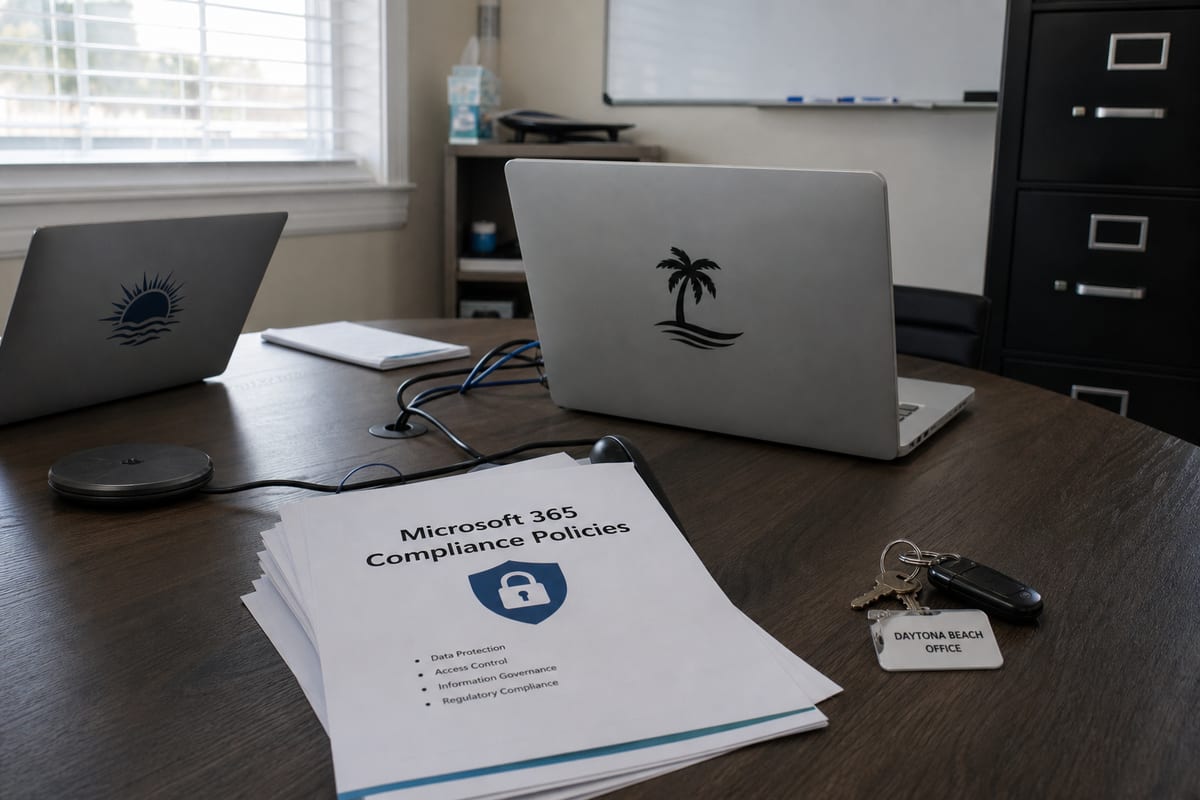
The Case for Microsoft 365 Managed Services in Daytona Beach
Learn how Microsoft 365 managed services help Daytona Beach businesses improve security, support, and day-to-day productivity.
Published on · How this article was made

Microsoft 365 is familiar to most businesses. Teams powers meetings, Outlook runs communication, SharePoint stores documents, and OneDrive makes remote access easier. On paper, it feels simple. In practice, many organizations end up with a mix of half-finished setup, inconsistent security settings, and users who are doing their best without clear guidance.
That gap is where managed support makes a real difference. For businesses in Daytona Beach, Microsoft 365 managed services can turn a basic subscription into a well-run, secure, and productive platform that supports daily work instead of creating avoidable friction.
Why Microsoft 365 often needs active management
Buying licenses is only the starting point. Microsoft 365 includes a wide set of tools and settings, but those tools do not automatically align with your business needs. Someone still has to decide how accounts are provisioned, how files are shared, how multifactor authentication is enforced, how mobile devices are handled, and how data is protected.
Without ongoing management, common issues start to appear:
- Former employees still have access longer than they should
- Sensitive files are shared too broadly
- Multifactor authentication is enabled for some users but not all
- Teams and SharePoint sprawl makes information harder to find
- Email security policies are too weak or too aggressive
- Backups, retention, and recovery expectations are unclear
- Staff members do not know the safest or most efficient way to use the tools available to them
These are not unusual mistakes. They happen because Microsoft 365 touches nearly every part of modern business operations, and it needs oversight that goes beyond occasional troubleshooting.
What managed services actually cover
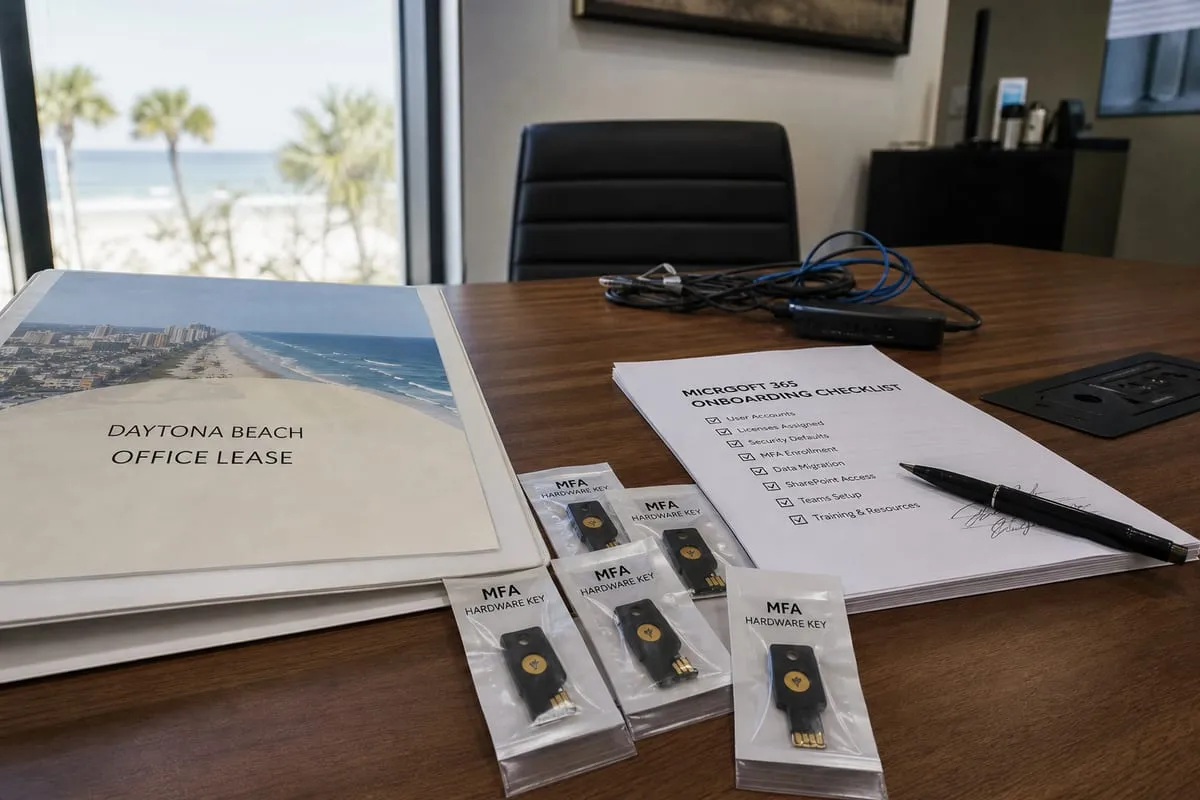
A good managed service approach is not limited to help desk tickets. It should include strategic administration, security oversight, user support, and continuous improvement.
That often means help with:
- User onboarding and offboarding
- License management and cost control
- Security configuration and policy enforcement
- Email protection and spam filtering review
- SharePoint, OneDrive, and Teams governance
- Data retention and recovery planning
- Device and app access controls
- End-user training and support
- Monitoring for suspicious account activity
For many businesses, this kind of support fills the gap between internal day-to-day needs and the technical depth required to keep a cloud environment healthy over time.
A better fit for how local businesses work
Businesses in Daytona Beach often need flexibility. Some teams are fully office-based, while others split time between the office, home, and the field. Some rely heavily on email and file sharing, while others need structured collaboration across multiple departments or locations.
Microsoft 365 can support all of those workflows, but only if the environment is set up with intention. A managed service provider helps make sure the platform matches how your team actually works, instead of forcing your staff to work around confusing defaults.
That local context matters. Seasonal shifts, distributed staff, and the need for quick support can all shape how your Microsoft 365 environment should be managed. Working with our Daytona Beach team can make it easier to get timely help, practical guidance, and support that reflects the pace of your business.
Security is one of the biggest reasons to get help
Microsoft 365 is a major target for phishing, credential theft, and account compromise. Attackers know that email, file access, and collaboration tools are central to business operations. If they gain access to one account, they may be able to move quickly through inboxes, shared files, and internal conversations.
Managed services can reduce that risk by tightening identity controls, reviewing sign-in activity, enforcing multifactor authentication, limiting risky sharing practices, and responding quickly when something looks wrong. For organizations that want stronger protection beyond standard support, Managed Detection and Response can add another layer of visibility and response.
Security in Microsoft 365 is not just about turning on a feature. It is about understanding how people use the platform, where data lives, and which controls are realistic for your business.
Productivity improves when the platform is organized
A lot of Microsoft 365 frustration comes from inconsistency. One department saves files in Teams, another uses desktop folders, and another still emails attachments back and forth. People create duplicate channels, permissions pile up, and nobody is fully sure where the latest version of a document lives.
Managed support helps bring order to that environment. That can include setting standards for file storage, improving team structure, cleaning up permissions, and helping users understand when to use Outlook, Teams, SharePoint, or OneDrive.
When the platform is organized well, people spend less time searching, less time fixing version issues, and less time waiting for someone to explain where something belongs. The result is not just better technology management, but smoother daily work.
Planning for backup, retention, and recovery
Many business owners assume cloud data is automatically protected in every way they need. The reality is more nuanced. Microsoft provides platform resilience, but businesses still need to think carefully about retention requirements, accidental deletion, overwritten files, and recovery expectations.
That is why managed Microsoft 365 support should include a clear conversation about what can be restored, how long data is retained, and whether additional protection is needed. In some cases, pairing Microsoft 365 management with backup and disaster recovery planning gives businesses a more complete safety net.
If your team depends on email, shared files, and collaboration history to keep operating, recovery planning should not be an afterthought.
Signs your business may have outgrown DIY administration
Some organizations start with a simple setup and handle Microsoft 365 internally for years. That can work for a while. But growth, compliance needs, and rising security risks often change the picture.
You may be ready for managed services if:
- User setup and access changes are becoming inconsistent
- Your team is unsure whether security settings are configured correctly
- Employees regularly need help with Teams, OneDrive, or SharePoint
- Leadership wants better visibility into licenses, policies, and risk
- You have concerns about phishing, account compromise, or data loss
- Internal staff are stretched too thin to manage the platform proactively
Managed support is especially valuable when your business wants fewer surprises and a clearer operating standard.
Choosing the right support model
Not every provider approaches Microsoft 365 the same way. Some only respond when something breaks. Others take a more proactive role and help shape the environment over time.
A strong partner should be able to explain:
- How they secure identities and user access
- How they handle onboarding and offboarding
- What support users can expect day to day
- How they approach Teams, SharePoint, and file governance
- Whether they help with policy planning and compliance concerns
- What reporting or visibility they provide to leadership
If you are evaluating providers, ask practical questions. How quickly can they resolve account issues? Will they help clean up an existing environment? Can they guide your team through better usage, not just technical fixes? Those answers often matter more than a long feature list.
FAQ
Do small businesses really need Microsoft 365 managed services?
Many do. Even small teams rely on email, file sharing, and collaboration tools every day. Managed support helps keep those systems secure, organized, and easier to use, especially when no one in-house has time to manage them consistently.
Is Microsoft 365 secure enough on its own?
The platform includes strong security capabilities, but those features still need to be configured, monitored, and maintained. Security depends heavily on setup, user behavior, and ongoing oversight.
Can managed services help if our Microsoft 365 environment is already messy?
Yes. In many cases, one of the first steps is reviewing the current setup, identifying risks or inefficiencies, and creating a plan to clean up permissions, sharing, licensing, and collaboration structure.
What is the difference between Microsoft 365 support and general IT support?
General IT support may cover a broad range of systems, devices, and troubleshooting. Microsoft 365 support focuses specifically on the cloud platform, including identity, email, collaboration tools, policy configuration, and user experience.
How often should Microsoft 365 settings be reviewed?
Regularly. Access, user roles, sharing practices, and security policies should be reviewed as your business changes. A managed approach helps make those reviews part of normal operations instead of a one-time project.
For businesses in Daytona Beach, Microsoft 365 is often too important to leave on autopilot. The platform touches communication, collaboration, security, and daily productivity, which means small issues can quickly become larger operational problems if nobody is actively managing them.
The right support brings structure to the environment, reduces risk, and helps your team get more value from tools you are already paying for. If you want Microsoft 365 to work better for your business, start with a clear plan and the right partner. Contact us today for expert microsoft 365 managed services!