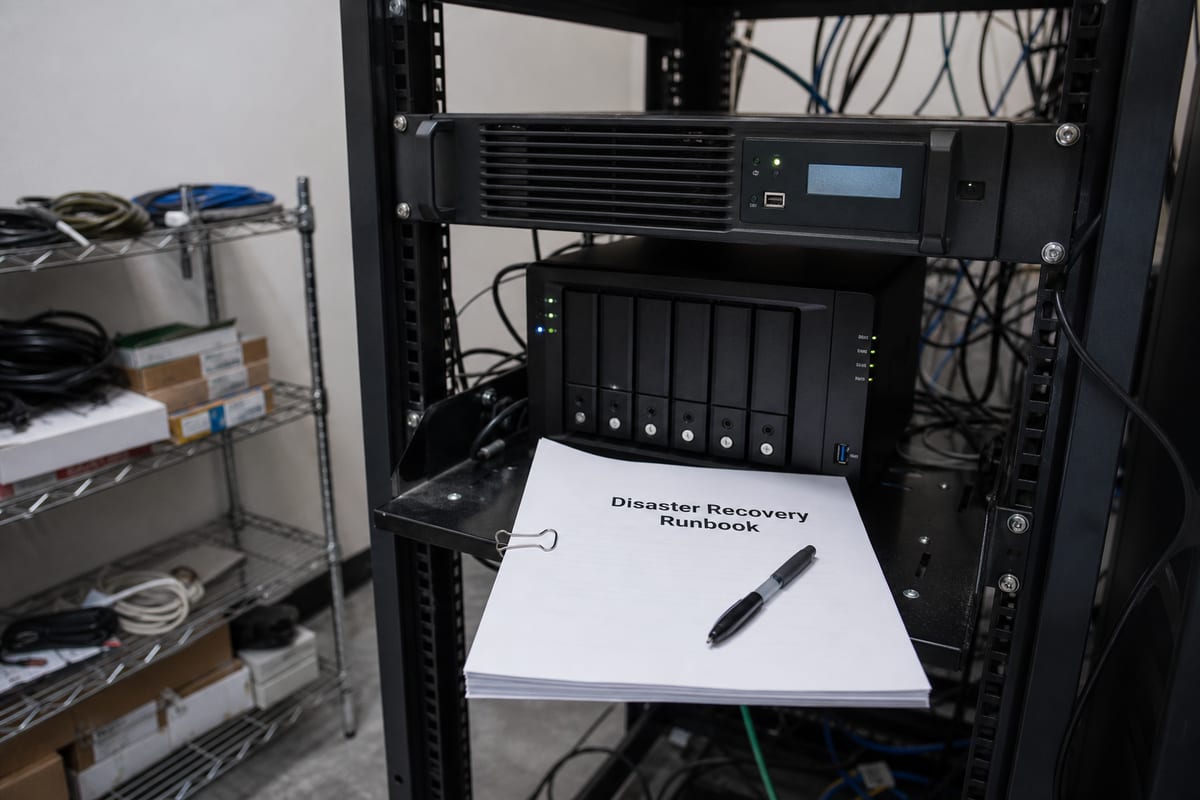
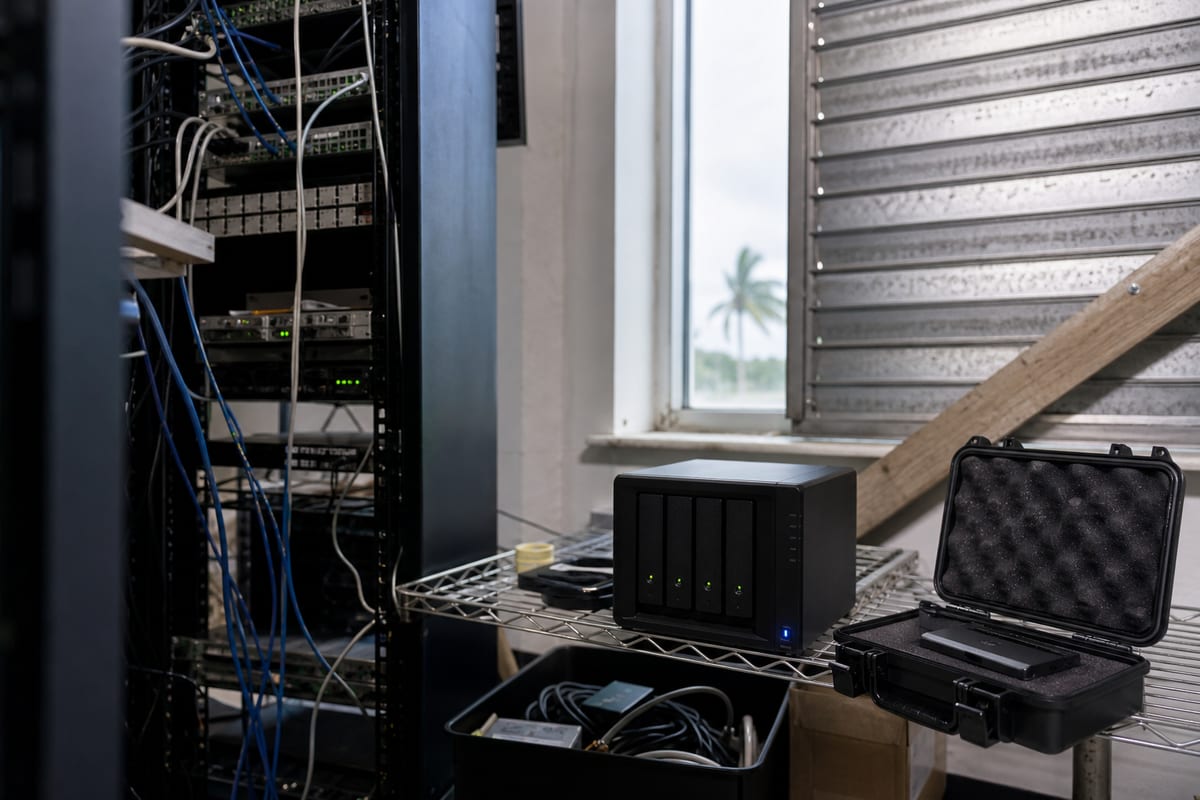
7 Backup and Disaster Recovery Priorities for Daytona Beach Businesses
A practical guide to backup and disaster recovery planning for Daytona Beach businesses facing outages, storms, cyber risk, and downtime.
Published on · Craig Wheeler · How this article was made
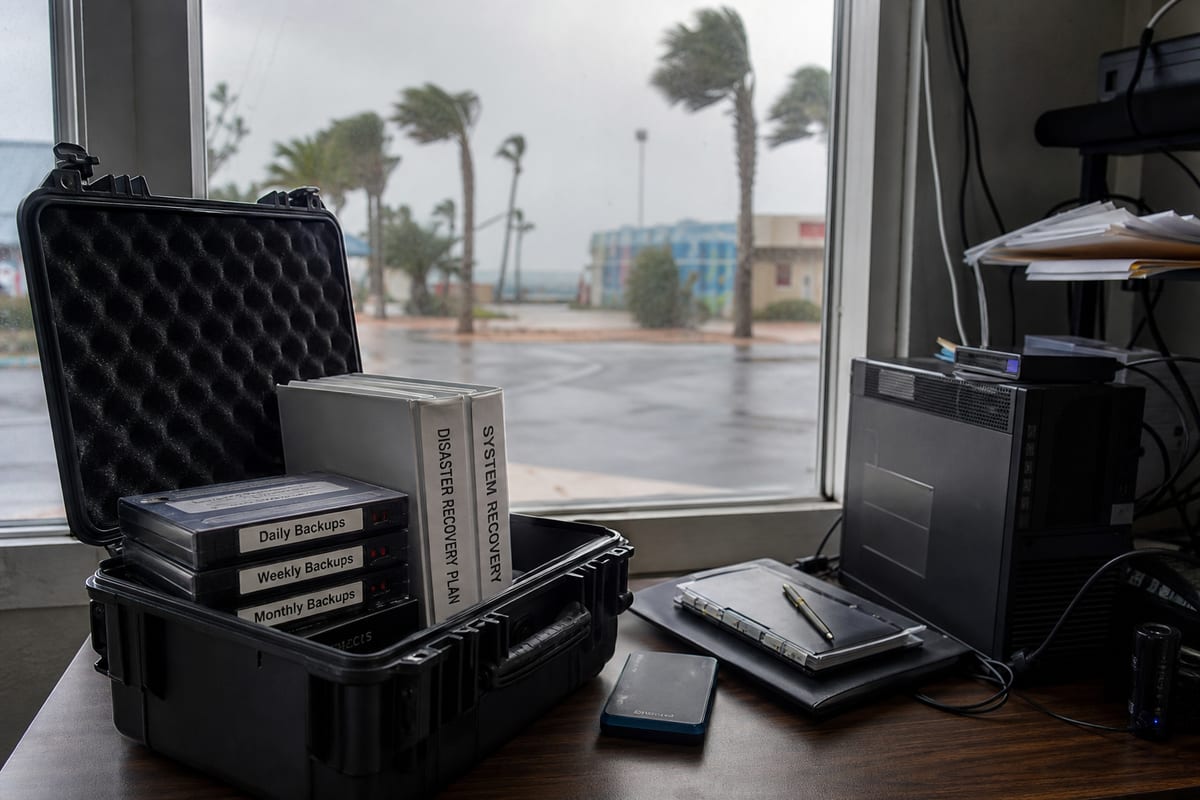
For many businesses, backup and disaster recovery sounds like an insurance policy you hope you never need. In practice, it is closer to an operating requirement. If your files, systems, email, line-of-business apps, or payment tools become unavailable, the problem is not just lost data. It is interrupted work, delayed service, missed revenue, reputational damage, and a stressful scramble to recover.
In Daytona Beach, that pressure can be even more visible because many local organizations operate in industries where downtime shows up immediately. Hospitality, retail, professional services, healthcare, automotive, and event-driven businesses often need systems to stay available when customer demand is highest, not just during a normal weekday.
A strong plan is not simply about making copies of files. It is about deciding what matters most, how quickly each system needs to come back, where recovery data lives, who is responsible for what, and how the business will keep operating if the unexpected happens. That is the difference between having backups and being truly recoverable.
1. Start with business impact, not backup software
The first mistake many companies make is shopping for tools before defining priorities. Good recovery planning begins with a business impact review.
Ask practical questions:
- Which systems stop revenue if they go down?
- Which data would be painful, expensive, or impossible to recreate?
- How long can each department realistically function without its main applications?
- What workarounds exist, and how long are they sustainable?
- Which vendors, cloud platforms, or office systems create single points of failure?
This exercise helps you separate inconvenience from true business disruption. For one company, a file share outage may be annoying but manageable for a few hours. For another, losing access to scheduling, billing, or customer records can halt operations almost immediately.
Once those priorities are clear, your backup strategy becomes much easier to design. Recovery should match business risk, not just storage capacity.
2. Know the difference between backup and disaster recovery
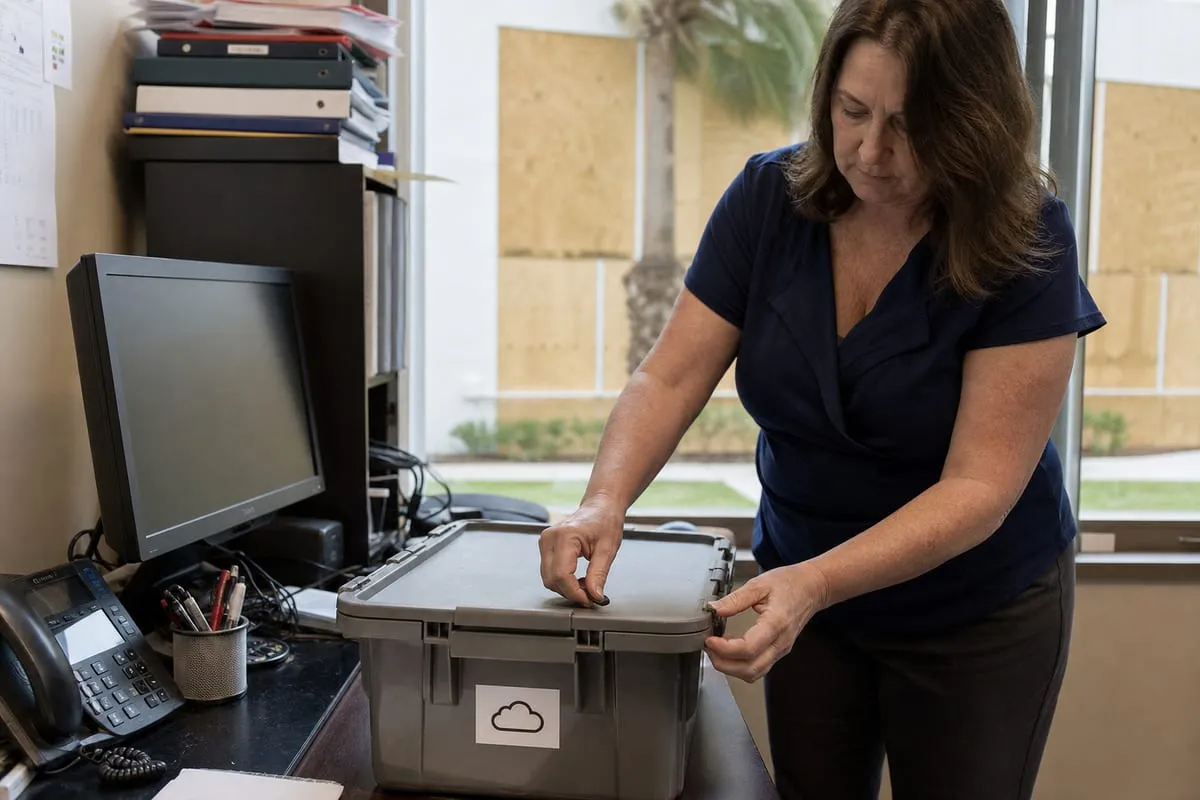
These terms are often used together because they are related, but they are not interchangeable.
Backup is the protected copy of your data, systems, or configurations. Disaster recovery is the process of restoring operations after a serious disruption.
That distinction matters. A business may technically have backups and still be poorly prepared. For example:
- Files are backed up, but no one knows how to restore an entire server quickly.
- Microsoft 365 data exists in the cloud, but there is no separate retention plan for deleted mail or overwritten files.
- Critical systems can be recovered, but only after many hours or days of manual work.
- Backups exist on-site, but the office itself is inaccessible.
A complete strategy usually includes both protected data and a tested path to resume operations. If you want a clearer view of what that should look like, backup and disaster recovery services should cover protection, restoration, documentation, and regular validation, not just storage.
3. Build around realistic Daytona Beach disruption scenarios
The best plans are grounded in the kinds of interruptions your business could actually face.
In Daytona Beach, continuity planning should account for more than one type of event. The Atlantic hurricane season runs from June 1 through November 30 each year, according to NOAA. For businesses in Volusia County, that makes continuity planning a recurring annual responsibility, not a one-time checklist item.
Local history reinforces the point. NOAA’s Storm Events Database records a Storm Surge/Tide event affecting Volusia County on November 9, 2022, with approximately $495,000,000 in reported property damage. Even when a business avoids direct physical damage, nearby flooding, power issues, building access problems, vendor interruptions, and internet outages can still disrupt operations.
There is also a Daytona Beach-specific operational wrinkle that many recovery plans overlook. Daytona International Speedway drives major event traffic during the Daytona 500, Bike Week, and Biketoberfest. For nearby hotels, restaurants, retailers, and service businesses, those periods can bring temporary spikes in transactions, guest services, Wi-Fi demand, and point-of-sale activity. A backup and recovery plan should consider not only worst-case disasters, but also timing. If systems fail during a high-demand event window, the business impact is often much greater than the same outage on a slower day.
That means your planning should account for scenarios like:
- A server outage during a major event week
- Internet disruption while remote staff need access to cloud systems
- Ransomware affecting shared files and line-of-business apps
- Power loss that corrupts active systems or interrupts transactions
- Accidental deletion of important records during a busy season
- Office inaccessibility, even when cloud tools remain available
4. Set recovery targets your team can actually use
Two planning terms matter here: recovery time objective and recovery point objective.
Recovery time objective is how long a system can be unavailable before the business impact becomes unacceptable. Recovery point objective is how much data loss is tolerable, measured by time. In plain language, how fast do you need to be back, and how recent does the recovered data need to be?
These targets should not be guessed. They should be assigned system by system.
Examples:
- A front-desk booking platform may need recovery within hours, not days.
- Accounting archives may tolerate a longer restore timeline.
- A shared drive used all day by multiple departments may need very frequent backups.
- A legacy application used once a week may not require the same investment.
This is where many businesses either overspend or underprotect. If every system gets premium recovery treatment, costs rise quickly. If critical systems are lumped into a generic backup routine, recovery may be far too slow when it matters most.
A right-sized plan protects the most important systems at the right speed and depth.
5. Follow the 3-2-1 mindset, then adapt it to modern risk
The classic 3-2-1 rule is still a useful starting point:
- Keep 3 copies of data
- Store them on 2 different types of media or platforms
- Keep 1 copy off-site
That framework remains relevant because it reduces the chance that a single event wipes out everything. But modern threats require a little more maturity than the basic rule alone.
Today, businesses should also think about:
- Immutable or tamper-resistant backups that are harder for ransomware to alter
- Backup segmentation so one compromised account cannot reach every recovery asset
- Protection for cloud platforms, not just office servers
- Multi-factor authentication for backup administration
- Retention policies that preserve multiple restore points over time
In other words, the goal is not merely to copy data. It is to create recovery options that remain available even if your production environment is compromised.
6. Protect more than files
When leaders think about backup, they often picture documents, spreadsheets, and PDFs. Those matter, but business continuity depends on much more than file storage.
A thorough recovery plan may need to include:
- Servers and virtual machines
- Workstation configurations for key roles
- Microsoft 365 data such as Exchange, OneDrive, and SharePoint
- Network device configurations
- Line-of-business databases
- SaaS application data, where export or backup options exist
- Security tools, policies, and logs needed for restoration
- Vendor contacts, licensing details, and setup documentation
This broader view is important because rebuilding an environment is often slowed down by missing configurations, undocumented dependencies, or overlooked cloud data. Restoring files is only part of the job. Restoring the ability to work is the real goal.
7. Test recovery like you expect to use it
Untested backups create false confidence. A successful backup job report does not automatically mean your business can recover cleanly under pressure.
Recovery testing should answer questions such as:
- Can we restore a single deleted file quickly?
- Can we recover an entire server or virtual machine?
- How long does a full restore actually take?
- Are application dependencies documented?
- Do we know who approves restoration decisions?
- Can key staff work remotely if the office is unavailable?
Testing does not always have to mean a dramatic full-scale simulation. It can include scheduled restore checks, tabletop exercises, role assignments, and selective failover drills. The key is consistency. Recovery readiness improves when testing becomes routine instead of reactive.
For businesses that want fewer surprises, pairing recovery planning with IT monitoring services can help identify failed jobs, storage issues, unusual activity, and system health problems before they turn into a larger outage.
Common gaps that quietly weaken recovery plans
Many organizations have some level of backup in place, but still carry hidden weaknesses. A few of the most common include:
- Backups that run, but are never restored in testing
- No written recovery sequence for critical systems
- One employee who knows the whole process, with no backup coverage
- Cloud apps assumed to be fully protected without verifying retention and recovery options
- On-site backup devices with no off-site or isolated copy
- Infrequent backup schedules for fast-changing data
- No alignment between technical recovery priorities and business priorities
These gaps often stay invisible until a real incident exposes them. That is why documentation and review matter as much as technology.
Cyber incidents change the recovery conversation
Not every disaster is weather-related or physical. Ransomware, account compromise, accidental deletion, and misconfiguration are now among the most common reasons businesses need to restore data.
That changes the standard for a good backup environment. If an attacker reaches admin credentials, can they delete or encrypt backup sets? If a compromised account syncs bad changes into cloud storage, how far back can you roll? If a staff member falls for phishing, can you recover mail and files without creating more confusion?
A modern plan should assume that some incidents begin inside the environment, not outside it. That is one reason recovery and security planning should be closely connected. Strong access controls, monitoring, and documented response steps make backup systems more dependable when you need them most.
The people side matters more than most teams expect
Technology alone does not recover a business. People do.
During an outage, confusion can become its own form of downtime. Staff need to know who communicates with customers, who works with vendors, who approves restoration steps, and how temporary workflows will function if normal systems are unavailable.
Simple preparation helps a lot:
- Keep an updated contact list for internal leaders and key vendors
- Document escalation paths
- Define who can declare a disaster and who can authorize recovery actions
- Maintain offline access to critical procedures if primary systems are unavailable
- Train managers on alternate workflows for scheduling, billing, communications, and customer service
This kind of planning may feel administrative, but it often determines whether recovery is orderly or chaotic.
A practical review schedule for businesses in Daytona Beach
Backup and disaster recovery should be revisited on a regular cadence, especially before and during hurricane season and ahead of major business periods.
A practical rhythm could include:
- Monthly review of backup job success, storage health, and alerting
- Quarterly restore testing for critical systems and data sets
- Semiannual review of recovery priorities, vendor dependencies, and contact lists
- Annual continuity planning update before peak storm exposure
- Additional review before major demand periods if your business is affected by Speedway-related events or seasonal occupancy shifts
This schedule keeps the plan tied to how the business actually operates, rather than letting it sit untouched until something goes wrong.
Choosing a recovery approach that fits your business
There is no single model that fits every company in Daytona Beach. A small office with a few cloud applications may need a very different solution than a multi-site business with compliance requirements, on-premises systems, and customer-facing transactions.
The right approach depends on factors like:
- How expensive downtime is for your business
- Whether you rely on local servers, cloud apps, or both
- How quickly your data changes throughout the day
- Whether you have industry retention or audit requirements
- How many locations, users, and vendors are involved
- Whether busy event periods create temporary spikes in operational risk
That is why a useful plan is specific, not generic. The goal is not to buy the most backup product. It is to create a recovery strategy your team can trust under real conditions.
If your current setup has grown organically over time, or if you are not fully sure what would happen during a serious outage, now is the right time to review it. The biggest recovery problems are usually not dramatic technical failures. They are assumptions that went untested.
A solid backup and disaster recovery plan gives you options, clarity, and a faster path back to normal when systems fail. If you want help evaluating your current risks and building a recovery plan that fits the way your business actually runs in Daytona Beach, reach out to BlazeLink today for expert guidance.