Backups vs. Business Continuity: A Better Way to Think About Disaster Recovery
Learn how backup and disaster recovery work together to reduce downtime, protect data, and keep your business running.
Published on · Craig Wheeler · How this article was made
Many businesses think they are protected because they “have backups.” That is a good start, but it is not the same as being ready to recover when systems go down, files are encrypted, or a storm interrupts operations.
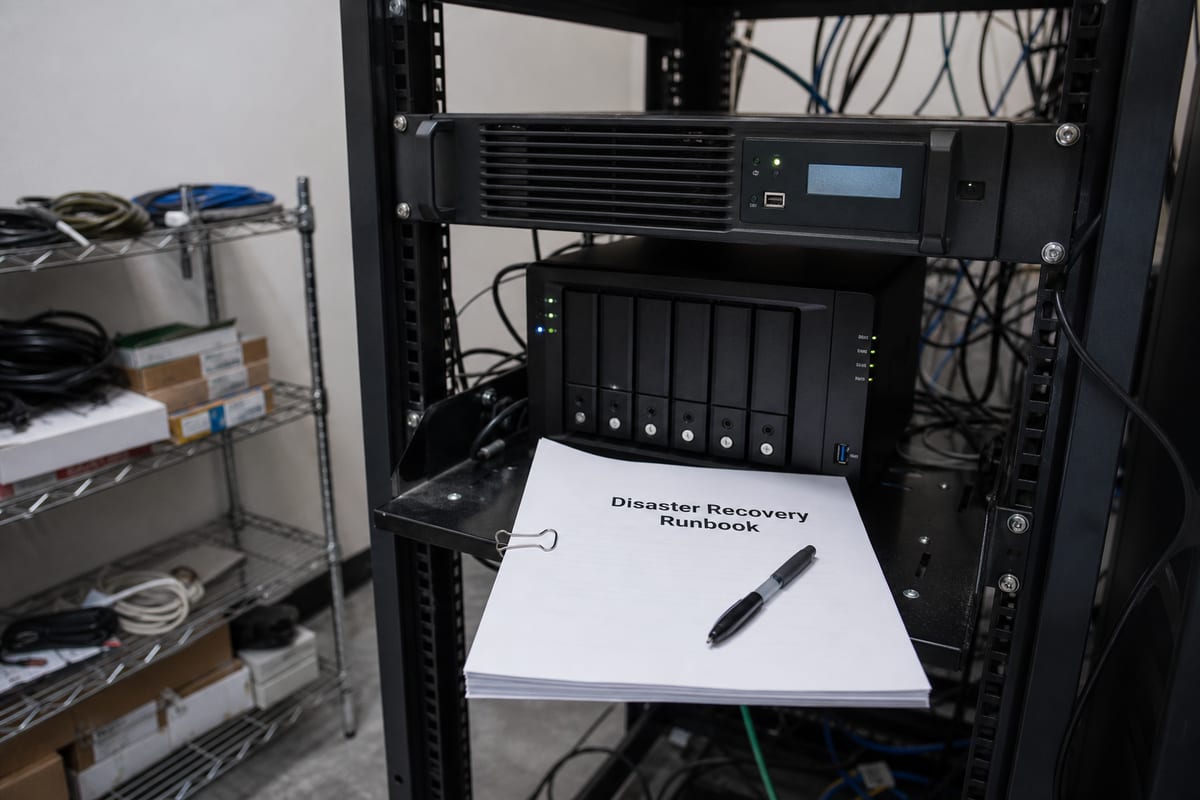
A backup is a copy of data. Disaster recovery is the plan, process, and technology that help you restore systems and keep work moving after a disruption. If you only focus on copies of data, you may still face long outages, confused employees, and hard decisions in the middle of a stressful event.
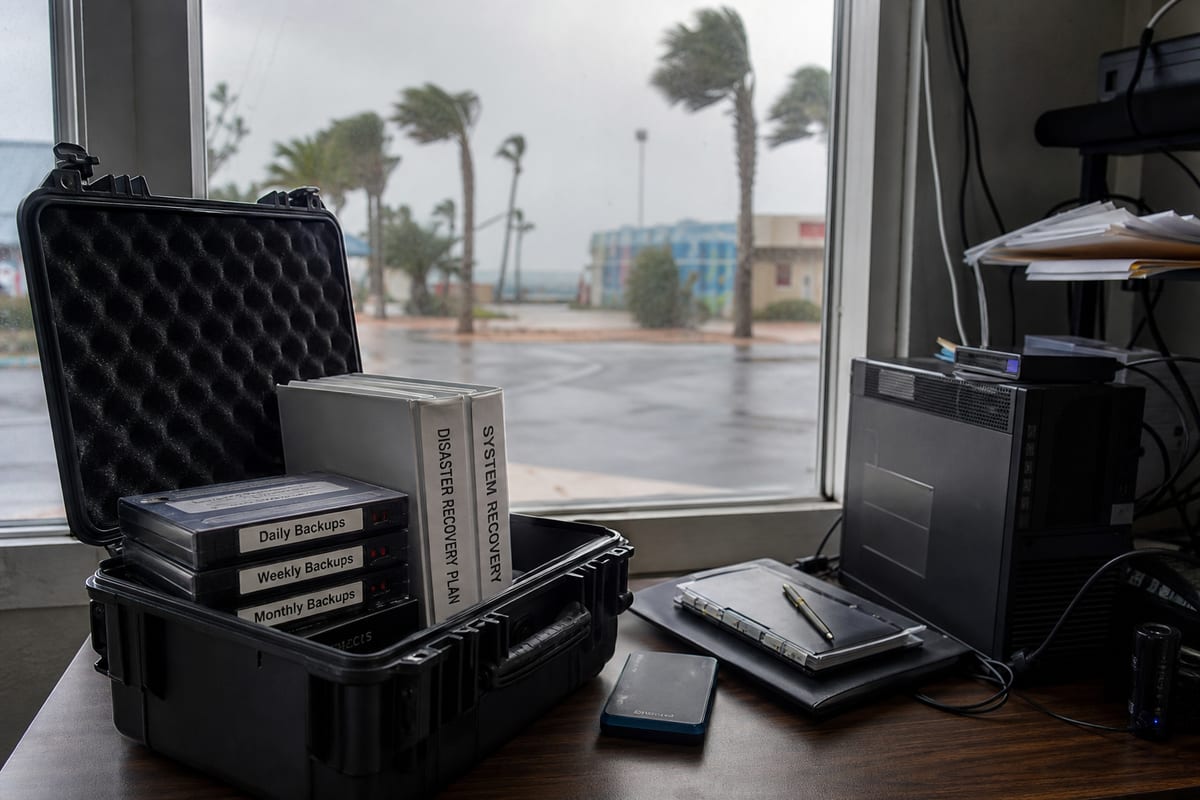
For businesses in the Daytona Beach area, that distinction matters. The Atlantic hurricane season runs June 1 through November 30 each year per NOAA, covering most tropical cyclone activity that can affect Florida. That makes continuity planning an annual business requirement, not a project you finish once and forget.
Is backup the same thing as disaster recovery?
No. Backup and disaster recovery are closely related, but they solve different problems.
Backups answer, “Can we get the data back?” Disaster recovery answers, “How fast can we operate again, and in what order do we restore what matters most?”
A company might back up files every night and still be unprepared if its line-of-business software takes two days to rebuild, if no one knows where the latest clean copy lives, or if remote staff cannot access restored systems. Recovery planning connects the technical pieces to the practical reality of your business.
If you want a clearer picture of what a complete approach includes, our backup and disaster recovery services page outlines the core building blocks.
When does a simple backup strategy stop being enough?
Usually sooner than people expect.
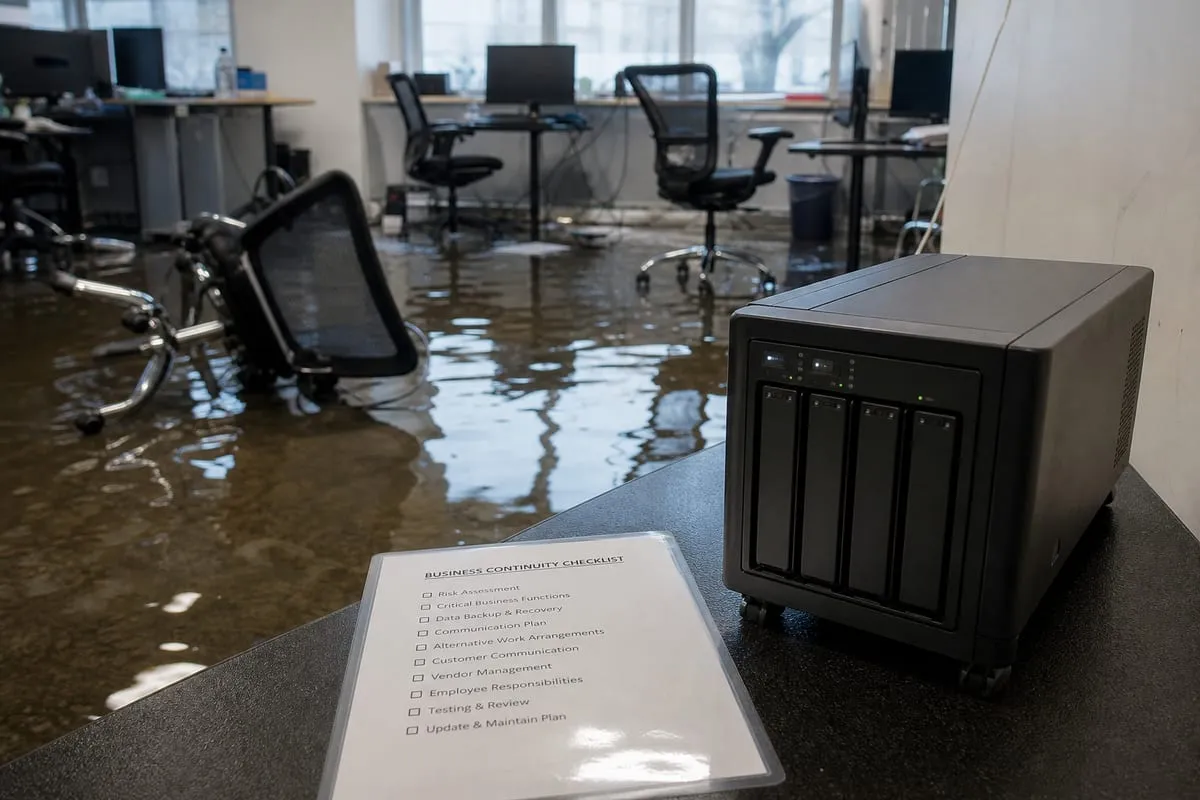
A simple strategy often works for a very small environment with limited risk, a low volume of changes, and no major consequences if systems are unavailable for a day or two. It stops being enough when downtime affects revenue, customer service, scheduling, compliance obligations, or your ability to communicate internally.
Here are a few signs you have outgrown basic backups:
- Your team relies on cloud apps, shared files, and line-of-business software all day
- More than one person needs access to the same systems to do their jobs
- You cannot clearly state how long you can afford to be down
- You are not sure whether backups are tested regularly
- Restoring a server or workstation would require guesswork
- You have no written order for which systems must come back first
The issue is not just data loss. It is operational loss.
Which business systems should be restored first after an outage?
The honest answer is, not everything at once.
A strong recovery plan ranks systems by business impact. For one company, that may mean accounting, phones, and file access. For another, it may mean scheduling software, customer records, and email. The right order depends on how your business actually runs.
A useful exercise is to ask each department two questions:
- What system do you need first to do even a basic version of your job?
- How long can you work without it before the problem becomes serious?
Those answers help define restoration priorities. They also reveal hidden dependencies, like a cloud app that still requires local identity services, or a copier workflow that depends on a file share no one thinks about until it stops working.
How often should backups be tested?
More often than most businesses test them now.
A backup that has never been restored is an assumption, not proof. Testing should confirm that data is recoverable, that the recovery point is acceptable, and that the process works under pressure.
That does not always mean a full environment rebuild every week. It can include scheduled file restores, image verification, application-level checks, and occasional recovery drills for critical systems. The goal is confidence, not ceremony.
Good testing also answers practical questions:
- Who approves a restore request?
- How long does a typical restore take?
- Can you recover a single file and a full server?
- Are credentials available if the primary system is offline?
- Do key employees know their roles?
Can cloud apps replace backup and disaster recovery planning?
Not by themselves.
Cloud platforms improve resilience, but they do not remove the need for planning. You still need to know what is protected, how long data is retained, what happens if a user deletes something important, and how your team will keep working if internet access or account access is interrupted.
Many businesses assume cloud means “automatically safe.” In reality, cloud services reduce some infrastructure burdens while introducing new questions about retention, permissions, recovery scope, and shared responsibility.
That is one reason backup planning often overlaps with broader managed IT services. Recovery is not only about storage, it is about users, devices, access, documentation, and response.
How does weather risk change recovery planning in the Daytona Beach area?
It changes the timeline and the stakes.
In Florida, severe weather is not a rare edge case. NOAA notes that the Atlantic hurricane season runs from June 1 through November 30, which means businesses in Daytona Beach should treat preparedness as part of normal yearly operations. Review cycles, testing, contact lists, and remote work contingencies should happen before the season is active, not while a storm is already approaching.
Historical events also make the risk more concrete. NOAA’s Storm Events Database, maintained by NCEI, records a Storm Surge/Tide affecting Volusia County on November 9, 2022, with about $495,000,000 in reported property damage. That kind of event is a reminder that recovery planning is not just about server failures or accidental deletion. It also has to account for building access, power disruption, connectivity issues, and staff working from different locations.
How quickly should a business expect to recover?
That depends on two targets, and both matter.
The first is how much data you can afford to lose, often measured by the gap between the last good backup and the incident. The second is how long you can afford to be down before the business impact becomes unacceptable.
Those targets should come from business reality, not wishful thinking. If your team updates customer records all day, losing a full day of changes may be too much. If your phones and scheduling system are central to revenue, waiting until tomorrow may not be reasonable.
This is where many plans become more useful once they are written down. Leaders can compare expectations to actual recovery capabilities and decide where to invest. Sometimes the answer is more frequent backups. Sometimes it is faster recovery infrastructure. Sometimes it is simply better documentation and testing.
Are ransomware and accidental deletion solved by the same backup plan?
Not always.
Both situations involve recovery, but they create different risks. Accidental deletion usually calls for quick, targeted restoration. Ransomware raises bigger questions, including whether backups are isolated, whether infected systems can be rebuilt safely, and whether restored data is clean.
That means recovery planning should include more than retention schedules. It should address who investigates the event, how systems are contained, when restores are approved, and how normal operations resume without reintroducing the original problem.
A practical checklist, without the fluff
If you want to improve your approach, start here:
- List the systems your business cannot function without
- Define how long each one can be unavailable
- Identify how much recent data loss is acceptable for each system
- Confirm where backups live and who can access them
- Test restores on a schedule
- Document the order of recovery steps
- Keep key contacts and credentials available securely
- Review the plan before hurricane season and after major technology changes
If you already have backups, that is valuable. The next step is making sure they support a recovery process your team can actually execute.
Reliable recovery is not about buying the most complicated tool. It is about aligning protection, priorities, and procedures with the way your business works day to day.
If you want help turning backups into a real recovery plan, talk to our team about backup and disaster recovery support built around how your business actually runs.