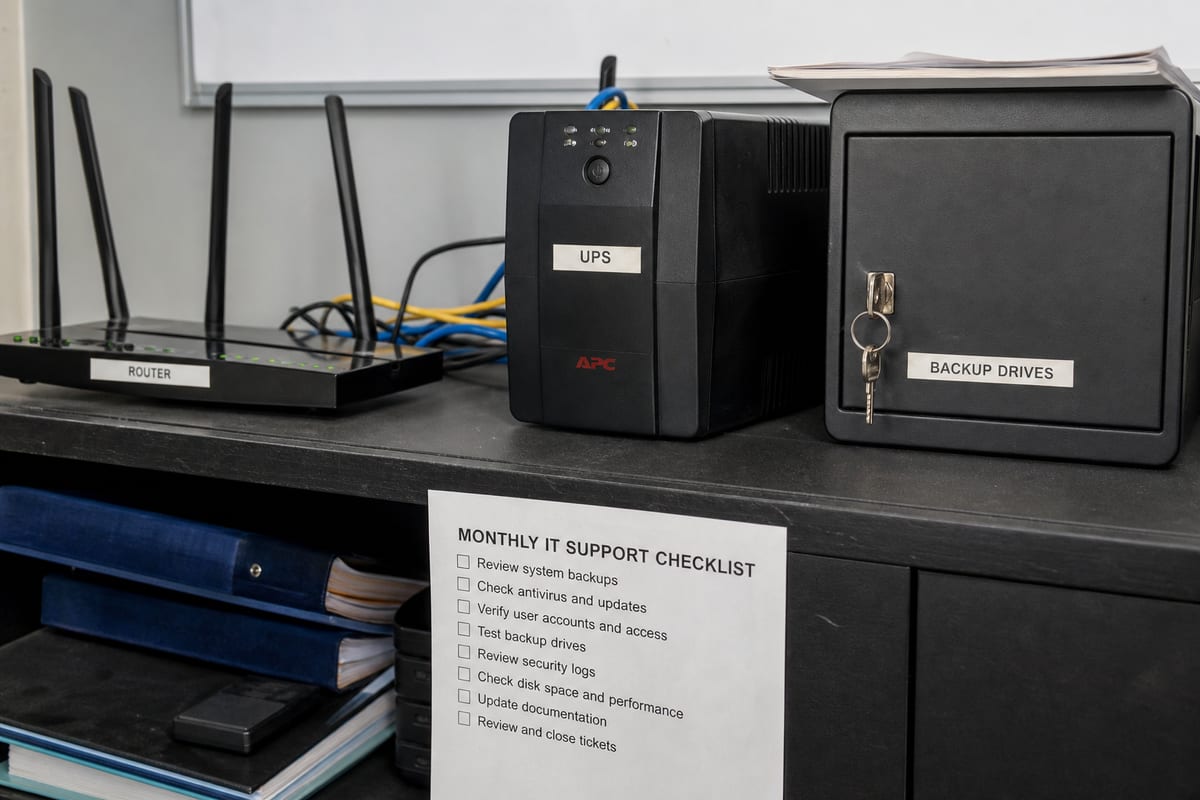
Is Your Daytona Beach Business Getting the Most From Microsoft 365?
Learn how Microsoft 365 support helps Daytona Beach businesses improve security, collaboration, and day-to-day reliability.
Published on · Craig Wheeler
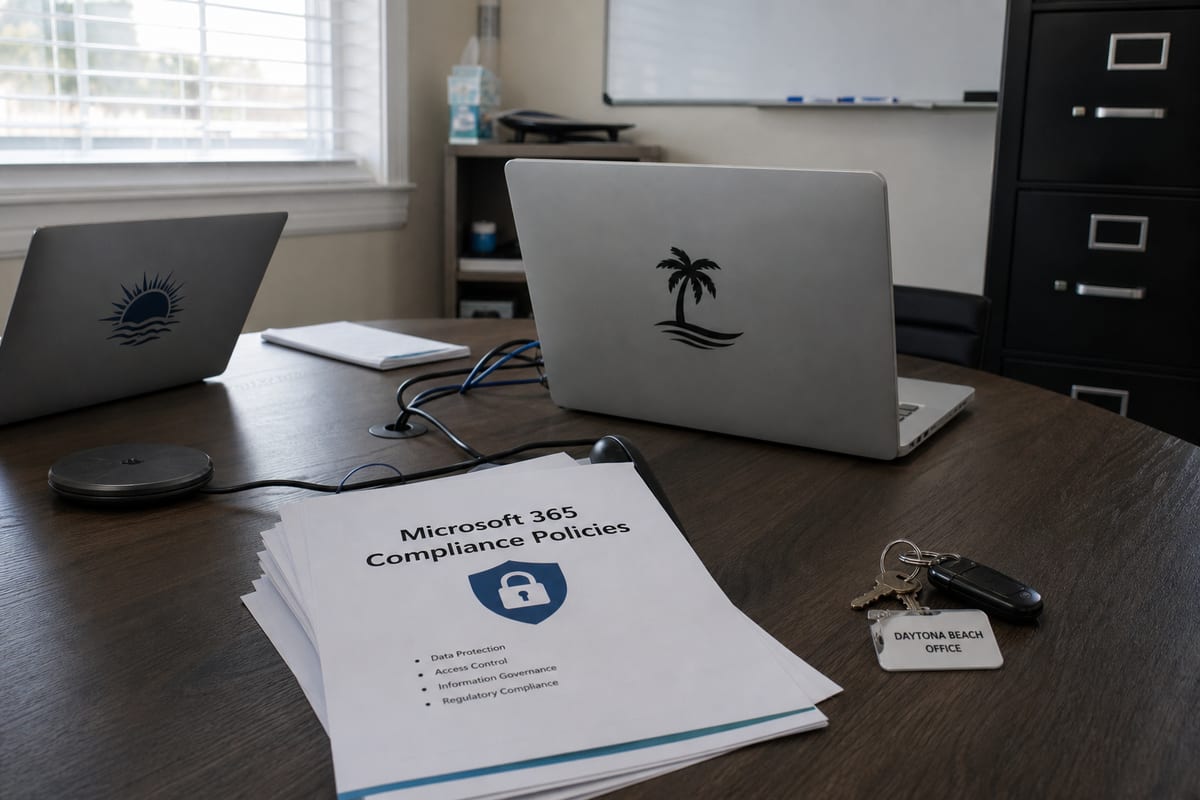
Microsoft 365 is familiar to most businesses, but familiar does not always mean fully supported. Many teams use Outlook, Teams, OneDrive, and SharePoint every day while still dealing with account lockouts, messy file permissions, weak security settings, and confusing licensing. Good support is not just about fixing a login problem, it is about helping your business use the platform in a way that is secure, practical, and easier to manage.
For businesses in Daytona Beach, that matters more than many people realize. This is a city with a distinctive mix of hospitality, healthcare, professional services, motorsports-related activity, and tourism-driven operations. A team working near the Ocean Center or serving visitors around International Speedway Boulevard may need fast coordination across mobile staff, front-desk employees, and back-office systems. Microsoft 365 can support that flexibility, but only when it is set up and maintained with intention.
Where Microsoft 365 support makes the biggest difference
A lot of businesses come to Microsoft 365 after piecing things together over time. One person set up email years ago, another added Teams during a busy season, and now nobody is quite sure who has admin access or whether the security settings make sense. That kind of growth is common, and it creates risk.
Reliable Microsoft 365 support services help bring structure back to the environment. That usually includes user management, license reviews, security configuration, email troubleshooting, SharePoint and OneDrive guidance, and ongoing support when employees run into issues.
The biggest value often comes from preventing small platform problems from turning into business disruptions. Examples include:
- New employees getting access quickly and correctly
- Former employees being removed fully and on time
- Shared files being organized with clear permissions
- Multifactor authentication being enforced properly
- Email delivery issues being resolved before they affect customers
- Teams and Outlook working consistently across desktop and mobile devices
These are not flashy improvements, but they are the details that shape everyday productivity.
Common pain points local businesses run into
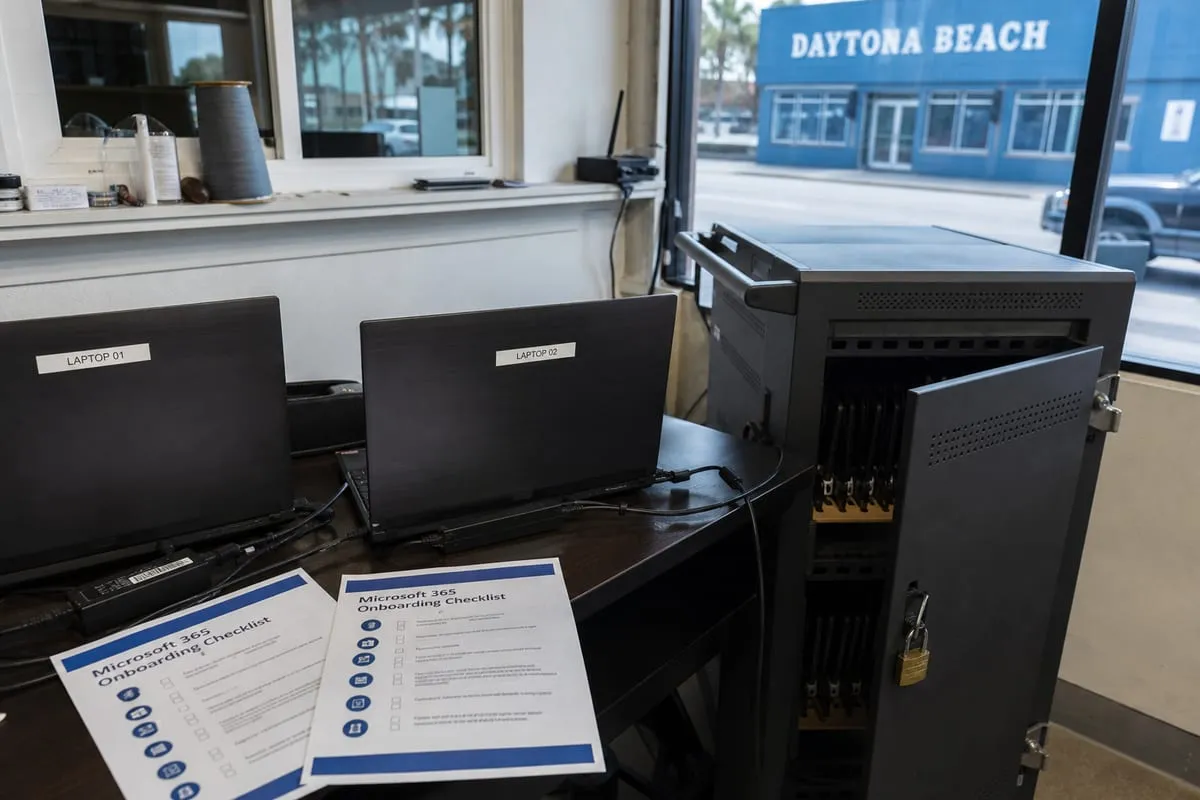
Many companies assume Microsoft 365 is mostly self-managing. In reality, it still needs oversight. Without it, several problems tend to show up.
Too many admins, not enough control
It is common to find several people with elevated access because it seemed convenient at the time. Over time, that increases the chance of accidental changes, security gaps, and confusion during troubleshooting.
File sharing that grew without a plan
Teams, OneDrive, and SharePoint make collaboration easier, but they can also create clutter. Businesses often end up with duplicate files, unclear ownership, and sensitive documents shared more broadly than intended.
Security settings left at the default
Default settings are rarely the right long-term answer. Account protection, conditional access, phishing defenses, and device policies all need to reflect how your business actually works.
For organizations with industry or privacy obligations, compliance support can also help align Microsoft 365 settings with documented requirements and internal policies.
Licensing that no longer fits the business
As companies grow, merge roles, or add seasonal staff, licensing can become inefficient. Some users may be over-licensed, while others lack features they need. A support partner can review that environment and clean it up.
Why local context matters in Daytona Beach
Support should fit the way your business operates, not just the software itself. Daytona Beach has a rhythm that is different from many other cities. Businesses here may support event traffic tied to Daytona International Speedway, manage guest communications across hospitality properties, or coordinate field and office teams spread across nearby communities. Those workflows affect how Microsoft 365 should be configured.
For example, a hospitality group may need tighter controls around shared mailboxes and shift-based access. A medical or legal office may care more about retention, secure document sharing, and account recovery procedures. A business with mobile managers may depend heavily on Teams, cloud file access, and phone-based authentication that works smoothly outside the office.
That is where working with a provider that understands both the platform and the pace of local business can make support more useful.
Beyond break-fix, support should improve the whole environment
The best Microsoft 365 support is not reactive only. It should also help your business simplify administration and reduce future issues.
A strong support approach often includes:
- Reviewing tenant security and admin roles
- Standardizing user onboarding and offboarding
- Improving file storage structure in SharePoint and OneDrive
- Helping teams use collaboration tools more consistently
- Monitoring for suspicious account activity
- Auditing licenses and subscriptions
- Supporting password resets, mailbox issues, and sync problems
- Coordinating with broader IT support services when devices, networks, or user access overlap
When these pieces work together, employees spend less time fighting the platform and more time using it productively.
Signs your business may need Microsoft 365 help now
Sometimes the need is obvious, like a major email outage. More often, the signs are quieter.
You may benefit from Microsoft 365 support services if:
- Employees regularly ask who can fix account or mailbox issues
- File permissions feel inconsistent or risky
- Multifactor authentication is not fully deployed
- You are unsure who has global admin access
- Teams, SharePoint, or OneDrive were rolled out without much planning
- Offboarding former employees feels manual or incomplete
- Your business has grown, but your Microsoft 365 setup has not kept up
If any of those sound familiar, support is less about adding complexity and more about restoring order.
FAQ
Can Microsoft 365 support help if we already have an internal IT person?
Yes. Many businesses use outside support to assist internal staff with escalations, security reviews, migrations, licensing, or tenant cleanup. It can complement your existing team rather than replace it.
Is Microsoft 365 support only for larger companies?
No. Smaller businesses often benefit the most because they may not have dedicated cloud administrators. Even a modest environment can create serious issues if accounts, sharing, and security are not managed well.
Which Microsoft 365 apps usually need the most support?
Outlook, Teams, OneDrive, and SharePoint are common trouble spots because they touch communication, file access, and daily collaboration. Identity and security settings in Entra ID are also important.
Can support improve security without making work harder?
Usually, yes. Good support balances protection with usability. The goal is to reduce risk while keeping sign-ins, file access, and collaboration practical for your team.
Microsoft 365 can be a strong platform for communication, collaboration, and security, but only when it is managed with care. If your setup has grown organically, there is a good chance a few smart changes could make daily work smoother and reduce risk at the same time.
For businesses in Daytona Beach, the right support should reflect both the technology and the way your team actually operates. Whether you need help with email, file sharing, security, or long-term administration, practical guidance can turn Microsoft 365 into a better business tool.
Contact us today for expert microsoft 365 support services!