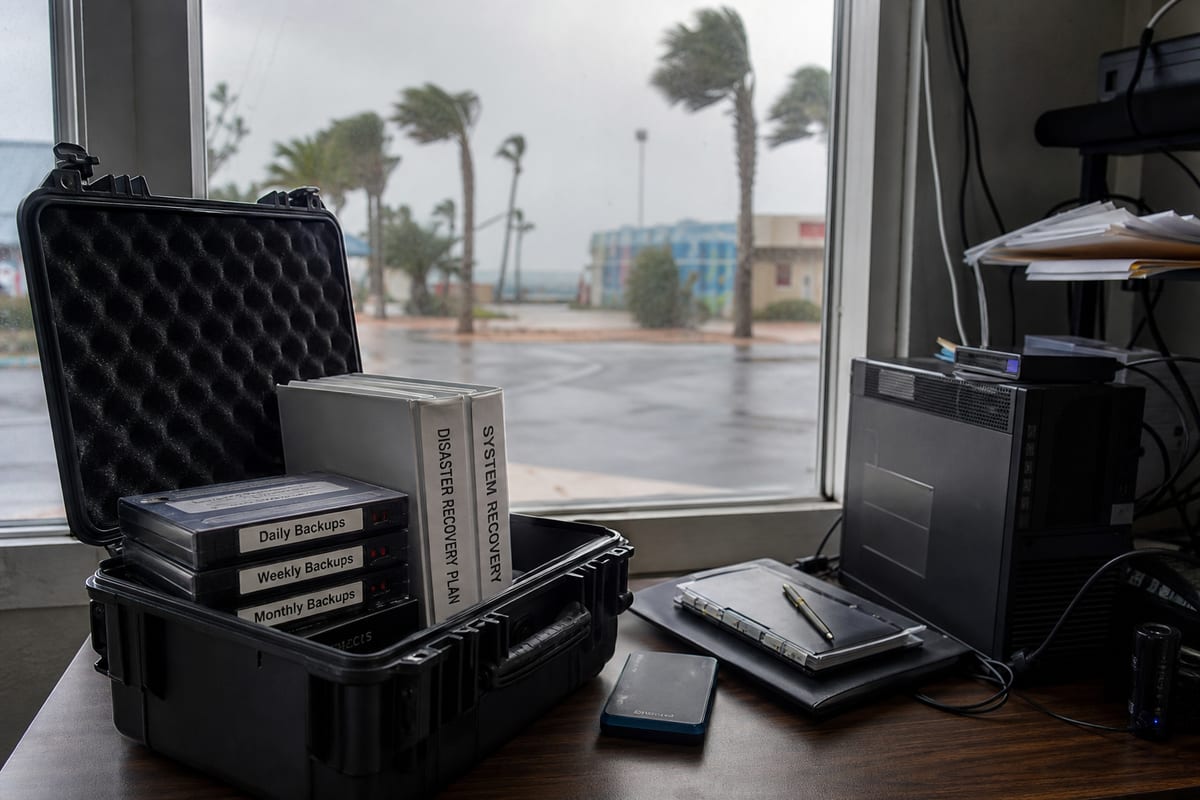
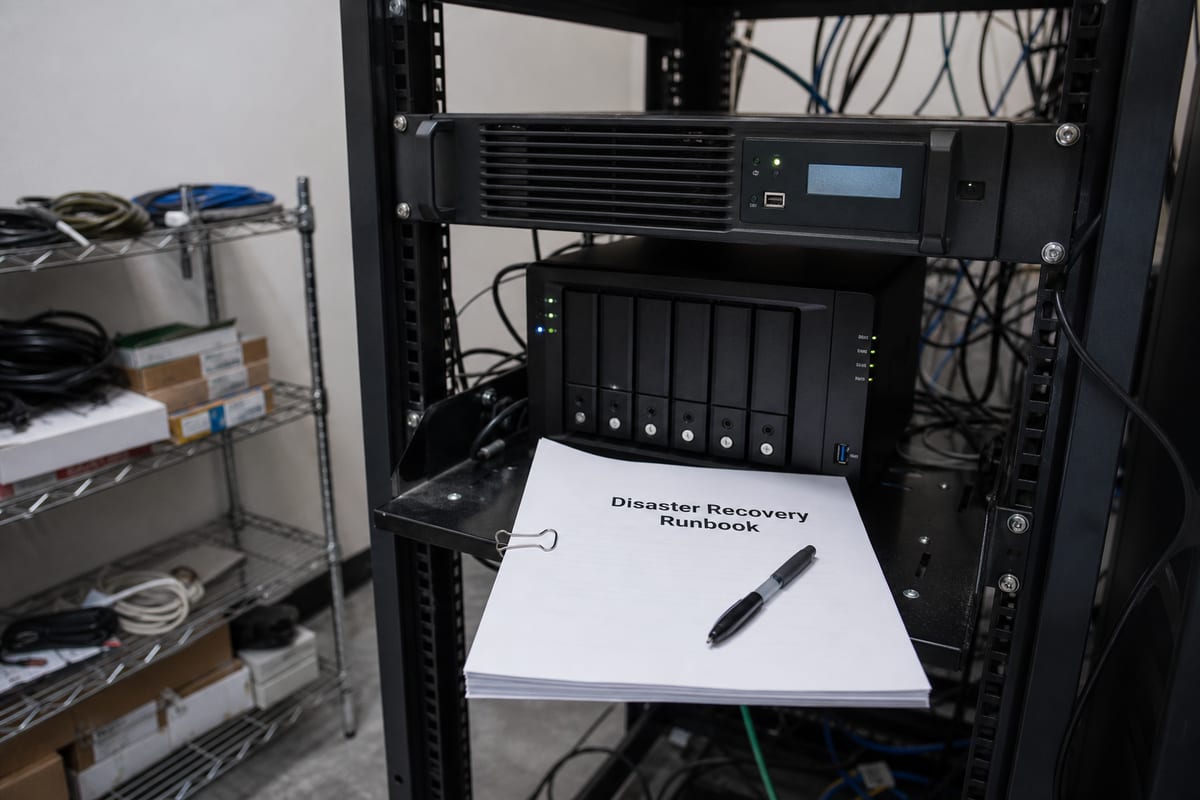
Is Your Daytona Beach Business Ready for the Next Data Disruption?
Learn how Daytona Beach businesses can build practical backup and disaster recovery plans that reduce downtime and protect data.
Published on · Craig Wheeler · How this article was made

For most businesses, data loss is not just an IT problem. It can interrupt payroll, customer service, scheduling, billing, inventory, and the everyday work your team depends on. A good backup and disaster recovery plan helps you keep operating when something goes wrong, whether that is accidental deletion, hardware failure, ransomware, or a larger outage.
In Daytona Beach, that planning matters for a wide range of organizations. Healthcare offices, legal firms, marine businesses, hospitality groups near the Speedway and beachside areas, and companies serving major events like Bike Week often rely on systems that cannot stay down for long. When reservations, service records, or financial data become unavailable, the impact is immediate.
A strong plan is not just about copying files. It is about knowing what needs to be restored first, how quickly you need access, and who is responsible when a disruption happens. That is the difference between having backups somewhere and being able to recover the business.
Backups are only one part of the picture
Many companies assume they are protected because files sync to the cloud or a server runs nightly backups. That is a start, but it is not the same as full disaster recovery. Backup focuses on preserving copies of data. Disaster recovery focuses on restoring systems, applications, access, and operations in a useful timeframe.
A practical plan usually includes:
- Backups for servers, workstations, cloud data, and critical applications
- Clear recovery priorities for the most important systems
- Defined recovery time goals and recovery point goals
- Secure offsite or cloud-based storage
- Protection against ransomware and accidental deletion
- Regular testing to confirm backups can actually be restored
- A communication plan for staff, vendors, and customers during downtime
If your team has never tested a restore, you may not know whether your backups are complete, current, or usable.
Why local business conditions shape recovery planning
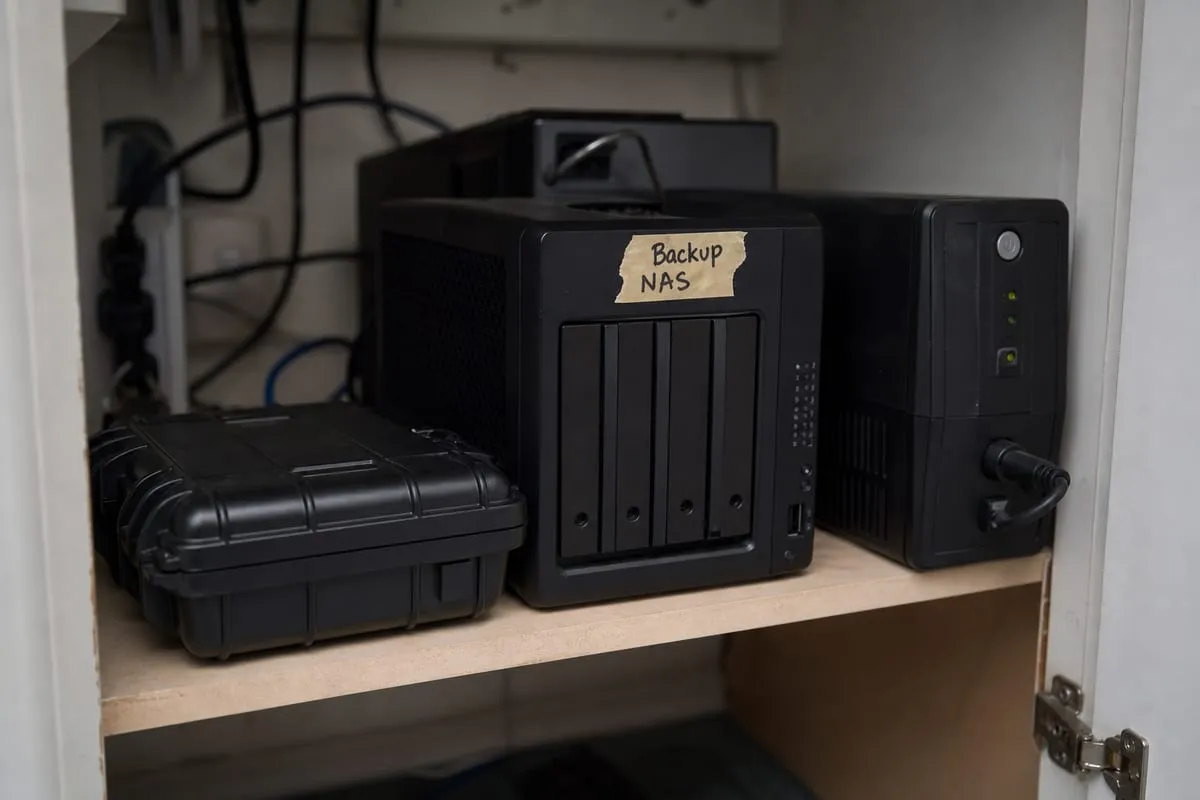
No two businesses in Daytona Beach have the same recovery needs. A medical office may need rapid access to patient records and scheduling. A hotel or vacation rental operation may need reservation systems restored first. A professional services firm may care most about document access, email continuity, and secure client communications.
Local business patterns also matter. Companies that support tourism, events, and peak visitor periods often have little room for downtime during busy weeks. If your systems fail right before a major race weekend at Daytona International Speedway or during a high-volume hospitality stretch, the financial and reputational cost can climb quickly.
That is why recovery planning should reflect your actual operations, not a generic checklist.
The risks that catch businesses off guard
The most damaging incidents are not always dramatic. In many cases, disruption starts with something ordinary:
- An employee deletes the wrong folder
- A server drive fails without warning
- A software update causes an application problem
- A phishing email leads to ransomware encryption
- A cloud platform sync removes or overwrites needed data
- A power event damages equipment or corrupts files
These issues can affect small and midsize businesses just as much as larger organizations. The real question is not whether something could happen, but whether recovery will be fast, organized, and complete when it does.
Building a recovery plan that works in real life
A useful backup and disaster recovery strategy starts with business priorities, not hardware. Before choosing tools, identify which systems matter most and what downtime actually costs your team.
Key planning steps include:
Start with your critical systems
List the applications, files, devices, and cloud platforms your business cannot function without. This often includes accounting platforms, file servers, line-of-business software, email, Microsoft 365 data, customer records, and network infrastructure.
Define acceptable downtime
Some systems can be offline for a day without serious harm. Others may need to be restored within hours. Setting realistic recovery targets helps determine the right backup frequency, storage design, and failover options.
Protect more than the main server
Businesses often focus on one central server and overlook endpoints, SaaS data, network configurations, and shared cloud storage. A complete plan protects the full environment, not just the most obvious device.
Keep copies separate and secure
Backups should be isolated from the systems they protect. If ransomware reaches your production network, it should not be able to encrypt backup copies too. This is one reason many organizations use a mix of local and offsite backup storage.
To see how a structured approach can support both fast restores and long-term resilience, explore our backup and disaster recovery services.
Test recovery regularly
Backups are only useful if restoration works under pressure. Test file restores, server recovery, and access to cloud data on a regular schedule. Document the results so you can fix gaps before an actual emergency.
Cloud backup is helpful, but not automatically complete
Many businesses assume Microsoft 365 or other cloud platforms fully protect everything by default. In reality, cloud services often provide platform availability, while long-term retention, granular recovery, and protection from user error may still require additional backup planning.
If your team relies heavily on cloud email, file sharing, and collaboration tools, it is worth reviewing whether your current setup covers accidental deletion, ransomware-related changes, and recovery of older versions. Our Microsoft 365 services can help you evaluate where cloud convenience ends and backup responsibility begins.
Recovery speed matters as much as data protection
A backup that takes two days to restore may still leave your business in a difficult position. That is why recovery objectives matter.
Two terms are especially useful:
- Recovery Time Objective, or RTO, which is how quickly systems need to be restored
- Recovery Point Objective, or RPO, which is how much recent data loss is acceptable
For example, if your accounting system can be down until the next business day, your RTO may be longer. If your front desk, scheduling, or dispatch system changes constantly throughout the day, your RPO may need to be much shorter.
These targets help align technology decisions with real business impact.
Security and recovery should work together
Backup and disaster recovery are closely tied to cybersecurity. A company that invests in backups but ignores phishing, access controls, patching, and monitoring may still face major recovery challenges after an attack.
The best protection combines prevention with preparedness. That means reducing the chance of an incident while also making sure your business can recover if one gets through. Our cybersecurity services are often part of that broader conversation for businesses that want a more complete risk strategy.
Signs your current setup may need attention
You may need to review your approach if any of these sound familiar:
- You are not sure when backups last ran successfully
- No one has tested a restore in the past six to twelve months
- Critical cloud data is not included in your backup plan
- Backup alerts go to a mailbox no one checks consistently
- Recovery steps exist only in one employee’s memory
- The business has grown, but the backup plan has not changed with it
- You do not know which systems should be restored first
Even a short review can reveal gaps that are easy to miss during normal operations.
FAQ
How often should a business back up its data?
It depends on how often your data changes and how much loss you can tolerate. Some businesses need frequent backups throughout the day, while others can work with nightly backups. The right schedule should match your operational needs, not a one-size-fits-all rule.
Is cloud storage the same as backup?
Not always. Cloud storage and file sync tools help with access and collaboration, but they may not provide the retention, version history, isolation, or full recovery options your business needs after deletion, corruption, or ransomware.
How often should disaster recovery be tested?
At minimum, test regularly enough to stay confident that backups work and recovery steps are current. Many businesses benefit from scheduled quarterly or semiannual testing, especially after infrastructure changes.
Can small businesses in Daytona Beach benefit from disaster recovery planning?
Yes. Smaller organizations often feel downtime more sharply because they have fewer workarounds and less internal IT capacity. A practical plan can make recovery faster, less stressful, and less expensive.
What is the difference between restoring files and restoring operations?
Restoring files means getting data back. Restoring operations means bringing back the systems, applications, access, and workflows your team needs to actually keep the business running.
A dependable recovery plan is not about buying the most complicated tool. It is about understanding your business, protecting the right systems, and making sure recovery can happen when it counts. If your current setup has not been reviewed in a while, now is a good time to look at it with fresh eyes.
For businesses in Daytona Beach, the right strategy should reflect how you actually operate, what data matters most, and how much downtime your team can realistically absorb. Contact us today for expert backup and disaster recovery services!