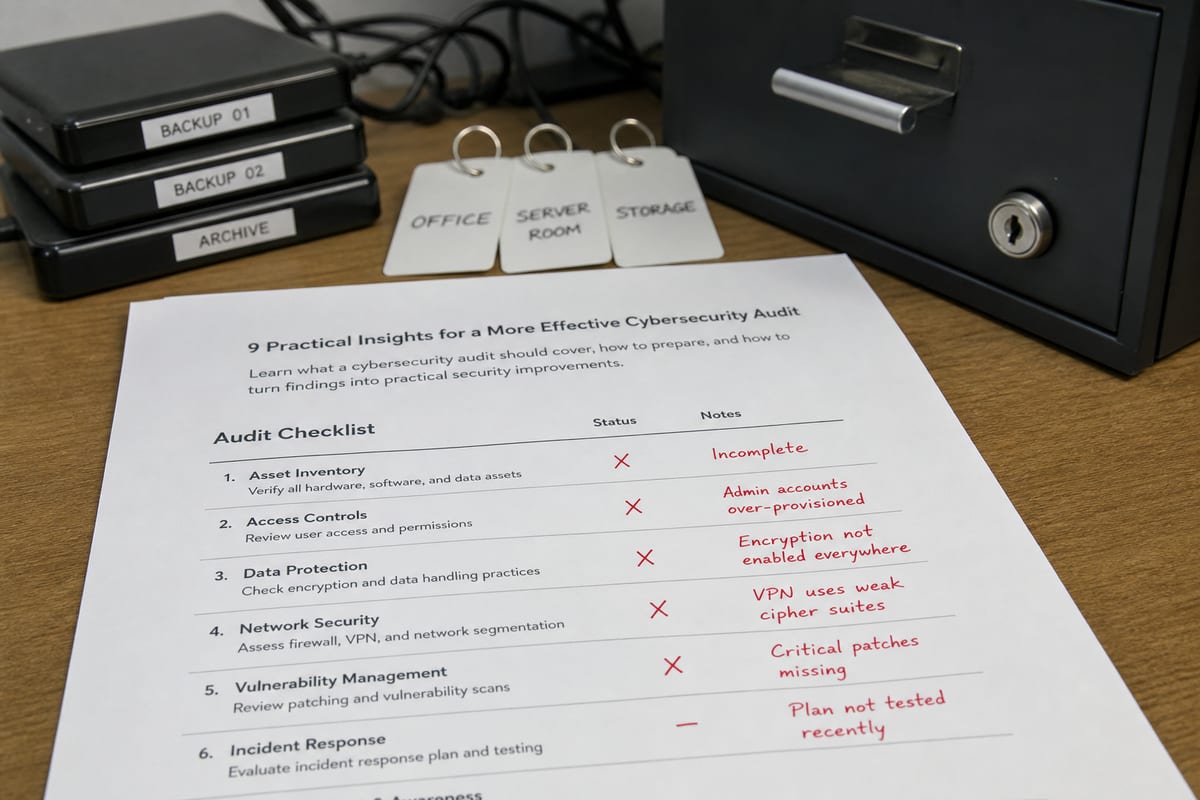
Inside Patch Management Services for Businesses in Daytona Beach
Learn how patch management services help Daytona Beach businesses reduce risk, limit downtime, and keep systems secure.
Published on · Craig Wheeler · How this article was made
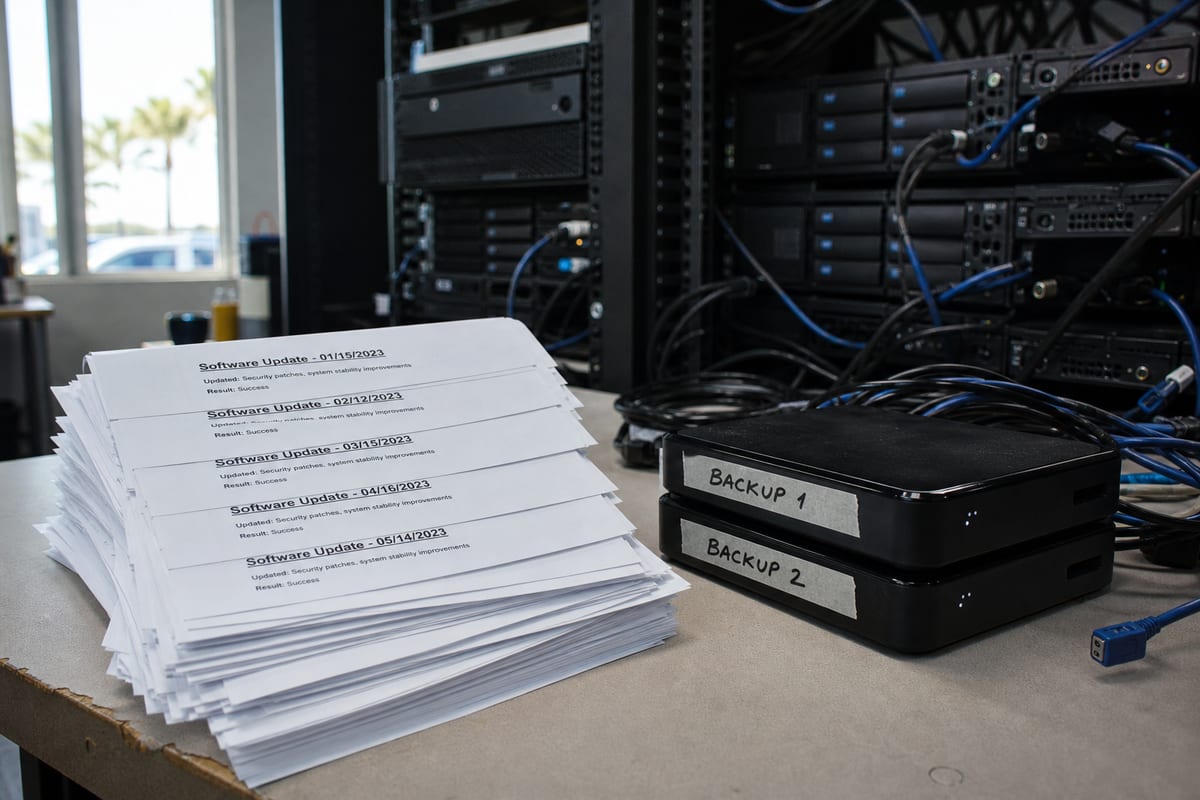
Software updates are easy to ignore until something breaks, a login stops working, or a security issue turns into real downtime. That is why patch management matters. For businesses in Daytona Beach, it is one of the simplest ways to reduce cyber risk without disrupting day-to-day operations.
Patch management services are not just about clicking “update” on a few computers. A good process covers servers, workstations, network devices, business applications, and sometimes cloud platforms. It also includes testing, scheduling, reporting, and a plan for what happens if an update causes trouble.
In a city like Daytona Beach, where healthcare offices, professional firms, hospitality businesses, retail operations, and organizations tied to tourism all depend on reliable systems, patching needs to be organized and predictable. A front desk computer that fails during Bike Week traffic or a line-of-business app that stops working near the Speedway can create problems quickly. The goal is to stay current without surprising your team.
Why patching deserves more attention
Most software patches do one or more of three things: fix security vulnerabilities, correct bugs, or improve stability. Security patches usually get the most attention, and for good reason. Attackers often target known flaws after vendors publish updates, especially when they know many businesses delay installation.
But patching is also about operations. Outdated systems can cause printing issues, application crashes, failed integrations, and login errors that waste time across the company. A structured patching process helps prevent small technical issues from becoming larger business interruptions.
For many organizations, patching also supports insurance, audit, and regulatory expectations. If your business handles sensitive information, documented update practices may matter just as much as the updates themselves. In those cases, compliance support often works hand in hand with patch management.
What patch management services actually include

A professional patch management service usually starts with visibility. You cannot protect devices you do not know exist. That means building and maintaining an accurate inventory of laptops, desktops, servers, firewalls, routers, and supported applications.
From there, the process typically includes:
- Identifying missing patches and unsupported software
- Prioritizing critical security updates
- Testing patches before broad deployment when needed
- Scheduling installations around business hours
- Reboot planning and user communication
- Verifying successful installation
- Tracking failures and remediating exceptions
- Documenting status for leadership, audits, or insurance needs
The best services also distinguish between routine updates and high-risk emergency patches. Not every update needs the same urgency, and not every system should be treated the same way. A public-facing server, for example, often deserves a different patching schedule than a rarely used back-office workstation.
The biggest patching mistakes businesses make
Many patching problems come from inconsistency, not bad intent. Teams are busy, systems are spread out, and updates can feel risky. Common issues include:
- Assuming automatic updates are enough
- Forgetting third-party applications like browsers, PDF tools, or remote access software
- Delaying patches because one critical app might have compatibility issues
- Missing remote devices that rarely connect to the office
- Running unsupported operating systems that no longer receive security fixes
- Lacking a rollback plan if an update causes problems
Another common mistake is treating patch management as a separate task instead of part of overall system health. It works best when paired with IT Monitoring Services, so failed updates, offline devices, and recurring issues are caught quickly.
A balanced approach beats rushed updates
Business owners sometimes hear two extremes: update everything immediately, or wait weeks to see what happens. In practice, the right approach is more nuanced.
Critical security patches for actively exploited vulnerabilities may need fast action. Other updates can be grouped into a planned maintenance window after testing. The point is not speed alone. It is informed, repeatable decision-making.
A solid patch management plan answers questions like these:
- Which systems are most important to the business?
- Which updates can be automated safely?
- Which devices require testing first?
- When can reboots happen with minimal disruption?
- Who is notified if a patch fails?
- How is patch status reviewed over time?
That kind of structure helps businesses avoid both unnecessary delay and unnecessary disruption.
Why local business context matters in Daytona Beach
Patch management is never one-size-fits-all, and local business patterns shape the right strategy. Daytona Beach has a distinct mix of hospitality, medical practices, legal and financial offices, retail, and organizations connected to events and tourism. Some businesses operate with extended hours near the beachside and boardwalk areas, while others depend on steady office workflows west of the Halifax River.
That matters because patching should fit the pace of the business. A hotel may need overnight maintenance windows. A medical practice may need tighter coordination around clinical software. A professional office may prefer updates after closing with clear next-morning verification. Good service reflects how your team actually works, not a generic monthly checklist.
Patch management and backup planning go together
Even well-tested updates can occasionally create issues. That is why patching should never happen without a recovery mindset. Before major changes, businesses need confidence that critical data and systems can be restored if something unexpected happens.
This is where backup and disaster recovery planning becomes important. If a server update fails or an application becomes unstable after a patch, recovery options can turn a major outage into a manageable incident.
Patch management is not a substitute for backup, and backup is not a substitute for patching. Together, they create a much safer operating model.
Signs your current process may need help
You may benefit from a more structured service if any of these sound familiar:
- No one can quickly confirm which devices are fully updated
- Updates happen only when users complain
- Remote laptops often miss scheduled maintenance
- You still rely on outdated software because replacing it keeps getting postponed
- Reboots interrupt staff at random times
- There is no clear reporting for leadership or compliance reviews
- Different vendors or internal teams handle updates inconsistently
These are not unusual problems. They are simply signs that patching needs ownership, process, and better visibility.
Choosing the right partner
If you are evaluating outside help, look for a provider that does more than deploy updates. Ask how they handle testing, exceptions, failed patches, after-hours scheduling, user communication, and reporting. Ask whether they patch only operating systems or also cover third-party software and network devices.
It is also worth asking how patching connects to broader security and support services. For example, if a critical device repeatedly fails to update, what happens next? Does someone investigate the root cause, or does it stay on a report until the next month?
A strong partner should be able to explain the process in plain language, show you what is covered, and align the schedule with your business priorities.
FAQ
How often should patches be installed?
It depends on the system and the risk level. Critical security patches may need rapid deployment, while routine updates are often handled on a scheduled cycle. The important thing is having a defined process instead of updating only when convenient.
Are automatic updates enough for a business?
Usually not. Automatic updates can help, but they do not provide full visibility, testing, exception handling, or reporting. Businesses often need a managed approach that covers more than basic operating system updates.
Can patching cause downtime?
It can, which is why scheduling and testing matter. Many updates require reboots, and some affect compatibility. A good patch management process reduces surprise downtime by planning changes carefully.
What kinds of systems should be included?
At a minimum, businesses should consider workstations, laptops, servers, business applications, browsers, security tools, and network equipment. The exact scope depends on your environment.
Is patch management mainly for larger companies?
No. Smaller organizations are often at greater risk because they have fewer internal resources and less time to track updates consistently. A right-sized service can help businesses of many sizes stay current.
Keeping systems updated is one of the most practical ways to improve security and reduce avoidable support issues. It is not flashy, but it works. When patching is handled consistently, your team spends less time dealing with preventable problems and more time focused on the business.
If your current process feels reactive, incomplete, or hard to track, it may be time for a more structured approach. The right plan should fit your systems, your schedule, and the way your business operates in Daytona Beach.
Contact us today for expert patch management services!