How to Choose Cloud Backup Services in Daytona Beach Without Guesswork
Learn how Daytona Beach businesses can choose cloud backup services that protect data, speed recovery, and support daily operations.
Published on · Craig Wheeler · How this article was made

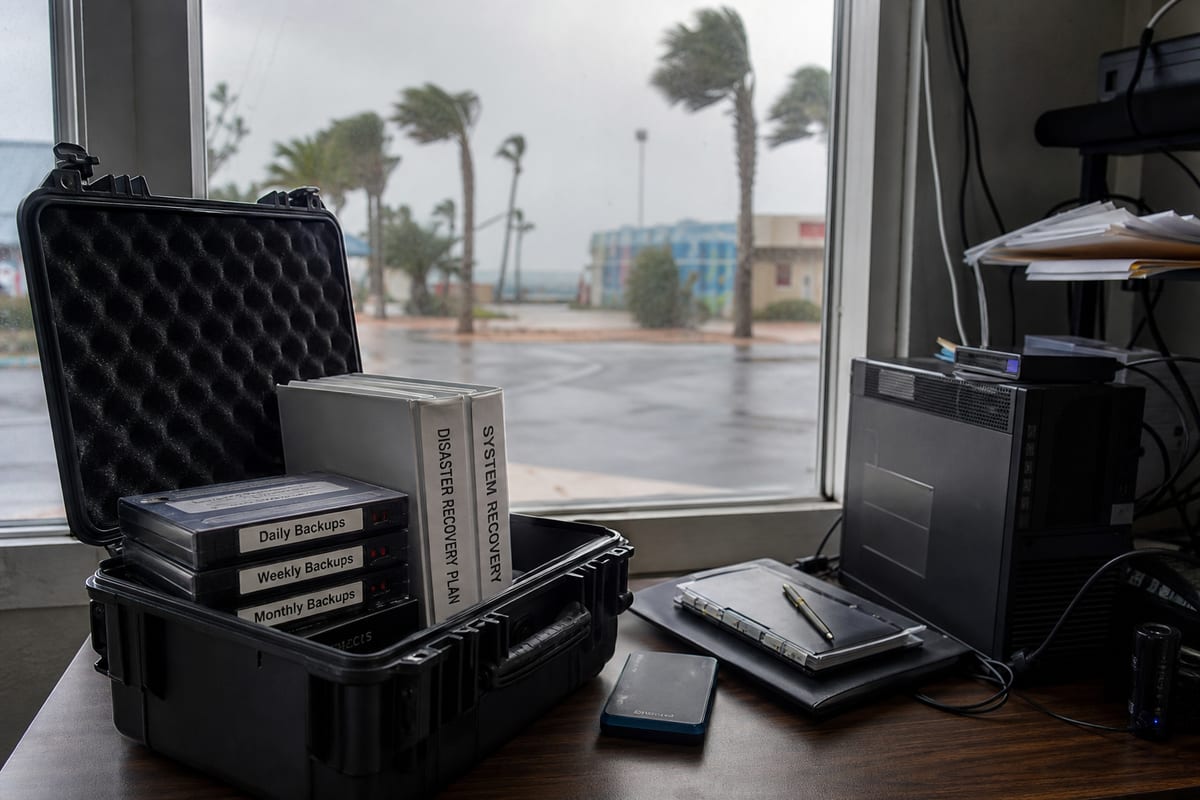
When people think about backups, they often think about storage space first. In practice, the more important question is recovery. If a file is deleted, a server fails, or ransomware locks up shared folders, how quickly can your business get back to work, and how much data can you afford to lose?
That is why choosing cloud backup services is less about buying space in the cloud and more about building a practical recovery plan. For businesses in Daytona Beach, that plan should match the way your team actually works, whether you run a professional office near the riverfront, support visitors around the Speedway area, or manage a healthcare, legal, retail, or hospitality operation with data spread across laptops, servers, and Microsoft 365 accounts.
Start with the recovery outcome, not the tool
A good backup conversation begins with two simple questions:
- How fast do you need systems restored?
- How much recent data can you afford to lose?
Those answers shape everything else. A small office may be fine restoring a few folders by the next morning. A busy front-desk environment, accounting team, or business that depends on line-of-business software may need much faster recovery.
This is where many companies overbuy the wrong thing or underbuy the right thing. A backup platform can look impressive and still be a poor fit if restores are slow, coverage is incomplete, or testing never happens.
If you are comparing options, focus on the service behind the technology, including restore planning, backup verification, and escalation support. Our approach to backup and disaster recovery services is built around those real-world needs, not just storage quotas.
What should actually be backed up?

Many businesses assume their server is the whole story. It rarely is.
A complete backup strategy often includes:
- File servers and shared drives
- Business workstations and laptops
- Microsoft 365 data such as email, OneDrive, and SharePoint
- Line-of-business applications and their databases
- Network configuration and critical system settings
- Cloud platforms that do not provide full point-in-time recovery by default
This matters because data now lives in more places than it did even a few years ago. Teams save documents locally, collaborate in cloud apps, and move information between devices all day. If your backup plan only covers one piece of that environment, recovery gaps show up at the worst possible time.
Daytona Beach businesses often need flexibility, not a one-size-fits-all setup
Daytona Beach has a business mix that creates very different backup needs from one company to the next. A hospitality group serving visitors near the beach has different operational pressure than a medical office, a law firm, or a manufacturer supporting activity around the Daytona International Speedway corridor.
That local mix matters because backup windows, retention needs, and restore priorities are not the same. A business with high customer turnover and frequent file changes may need more frequent backups. An organization with sensitive records may need longer retention and tighter access controls. A team with multiple locations or remote staff may need backups that protect endpoints just as carefully as office systems.
The best solution is usually layered. It combines cloud backup, device coverage, secure retention, and a tested process for restoring what matters first.
Red flags to watch for before you sign
If you are evaluating a provider, watch for these common problems:
- Backups are running, but nobody is reviewing failures
- Recovery testing is rare or undocumented
- Microsoft 365 data is assumed to be fully protected when it is not
- Retention policies are unclear
- Restores require too many manual steps
- Access to backup data is not tightly controlled
- There is no clear ransomware recovery plan
A backup service should reduce uncertainty, not create more of it. If the provider cannot clearly explain what is protected, how restores work, and who responds when something fails, keep asking questions.
Security matters just as much as storage
Backups are part of your security posture. If they are not protected properly, they can become another target.
Look for safeguards such as:
- Encryption in transit and at rest
- Role-based access controls
- Immutable or tamper-resistant backup options
- Multi-factor authentication for administrative access
- Alerting for failed jobs or unusual behavior
For organizations with regulatory obligations, backup design should also align with documentation and policy requirements. If your business handles sensitive records, it helps to review backup decisions alongside broader compliance support.
Recovery testing is where confidence comes from
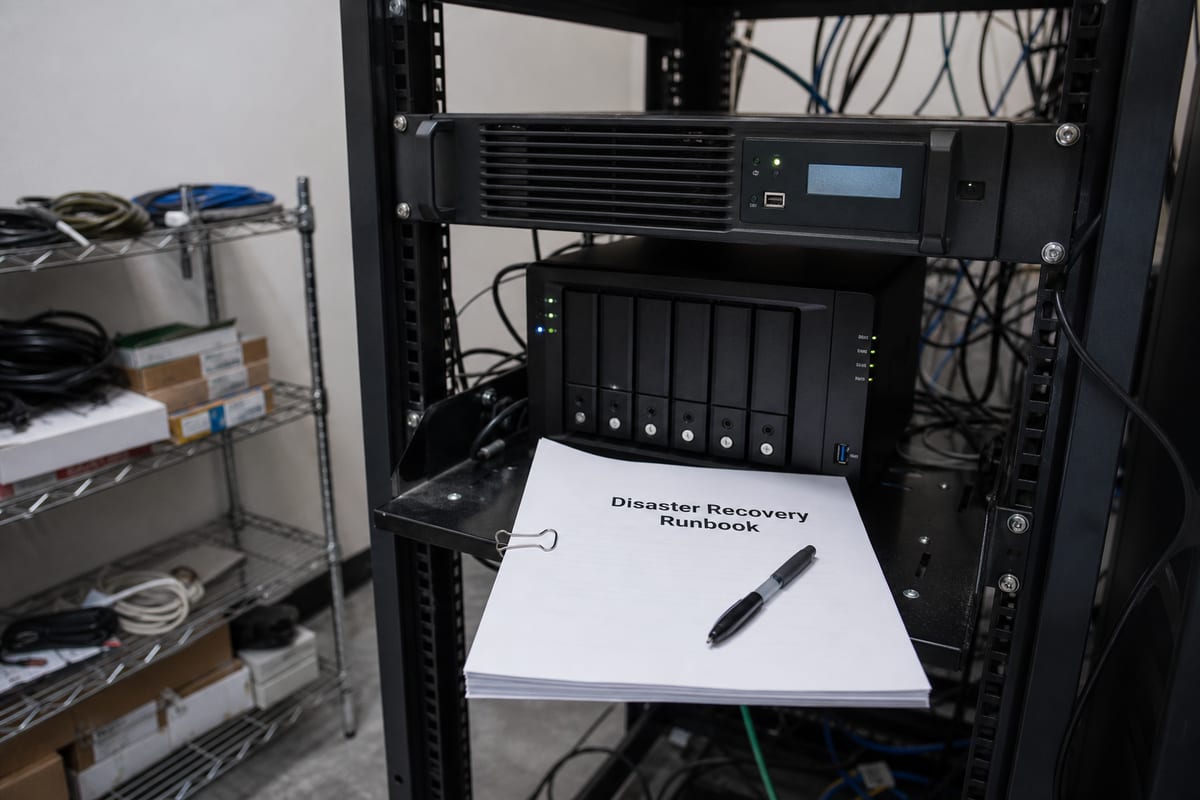
A backup is only proven when it has been restored successfully.
That sounds obvious, but many businesses do not discover restore issues until they are already dealing with an outage. Files may be incomplete, permissions may not come back correctly, or critical applications may take much longer to restore than expected.
Regular testing helps answer practical questions:
- Can a single deleted file be restored quickly?
- Can an entire server be recovered if hardware fails?
- Can email or OneDrive data be restored for one user without affecting everyone else?
- Can the business continue operating during a partial outage?
This is also where ongoing oversight matters. Backup systems should be reviewed consistently, not only after a problem. Pairing backups with proactive IT monitoring services can help catch failed jobs and performance issues before they turn into a real recovery event.
Questions worth asking a cloud backup provider
Before choosing a service, ask:
- What systems, devices, and cloud apps are included?
- How often are backups performed?
- How long is data retained?
- How quickly can you restore a file, a mailbox, or a full server?
- How do you protect backup data from unauthorized access or ransomware?
- How often do you test restores?
- Who is responsible for monitoring failed jobs?
- What happens if we need urgent recovery outside normal business hours?
Clear answers usually signal a mature service. Vague answers often mean the process depends too much on best-case conditions.
Choosing a service that fits your business
There is no single best backup setup for every company in Daytona Beach. The right choice depends on your systems, risk tolerance, compliance requirements, and how expensive downtime would be for your team.
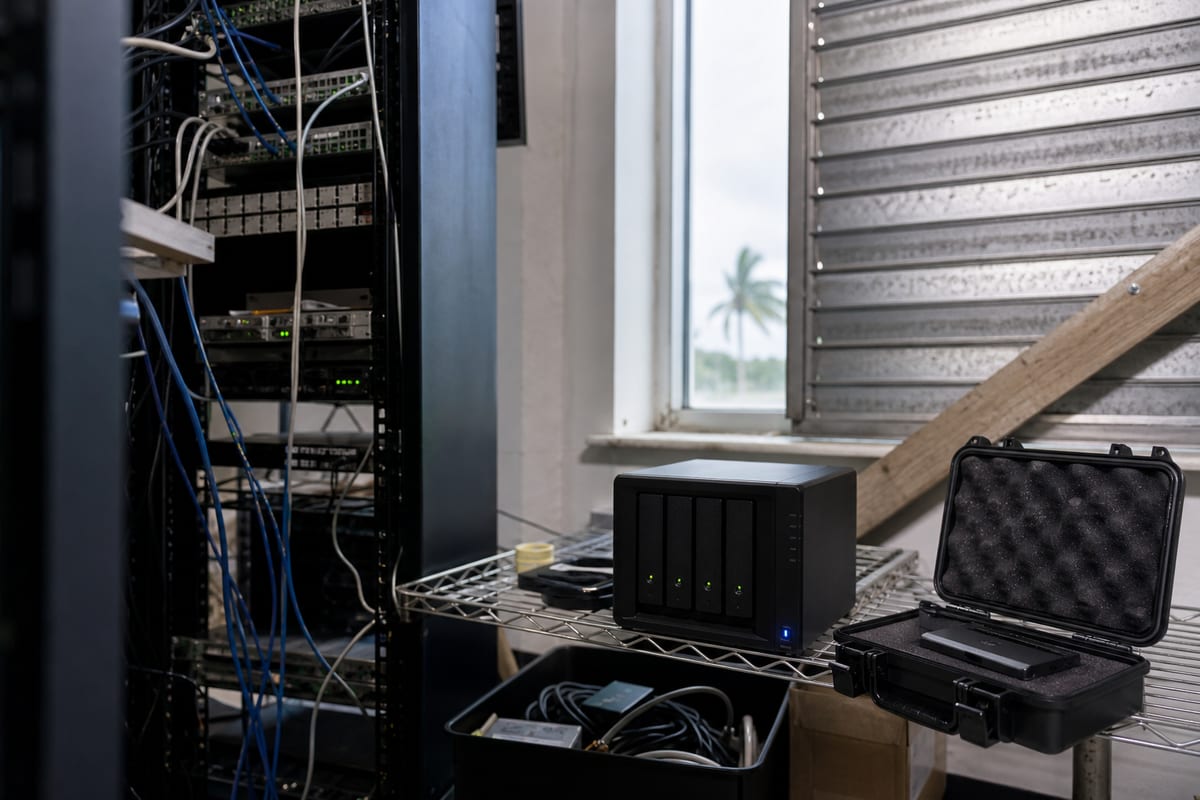
For some businesses, a simple cloud-first solution may be enough. For others, the smarter move is a hybrid strategy with local recovery speed and cloud retention for resilience. If your environment includes servers, remote devices, Microsoft 365, and sensitive records, your backup service should tie those pieces together into one understandable plan.
A provider should be able to explain that plan in plain language, document what is covered, and help you prioritize the systems that matter most. If you want to explore that further, learn more about our cloud backup and recovery approach.
FAQ
Do cloud backups replace local backups completely?
Not always. Cloud backups are excellent for resilience and offsite protection, but some businesses also benefit from local recovery options for faster restores.
Is Microsoft 365 already backed up by default?
Microsoft provides service availability, but that is not the same as a full third-party backup strategy for long-term retention and granular recovery.
How often should backups run?
It depends on how often your data changes and how much loss your business can tolerate. Some systems need multiple backups per day, while others can run on a less frequent schedule.
How long should backup data be kept?
Retention depends on business needs, legal requirements, and operational risk. A good provider will help define retention based on those factors, not guesswork.
What is the most important part of a backup service?
Reliable recovery. Storage is important, but the real value is knowing your data can be restored quickly and correctly when you need it.
Choosing cloud backup services should give you more clarity, not more technical noise. The goal is to protect the systems and data your business depends on, then make recovery predictable when something goes wrong.
If your current setup feels incomplete, untested, or hard to explain, it may be time to revisit the plan. The right service should fit the way your business in Daytona Beach actually operates and give your team confidence that important data is recoverable.
Contact us today for expert cloud backup services!