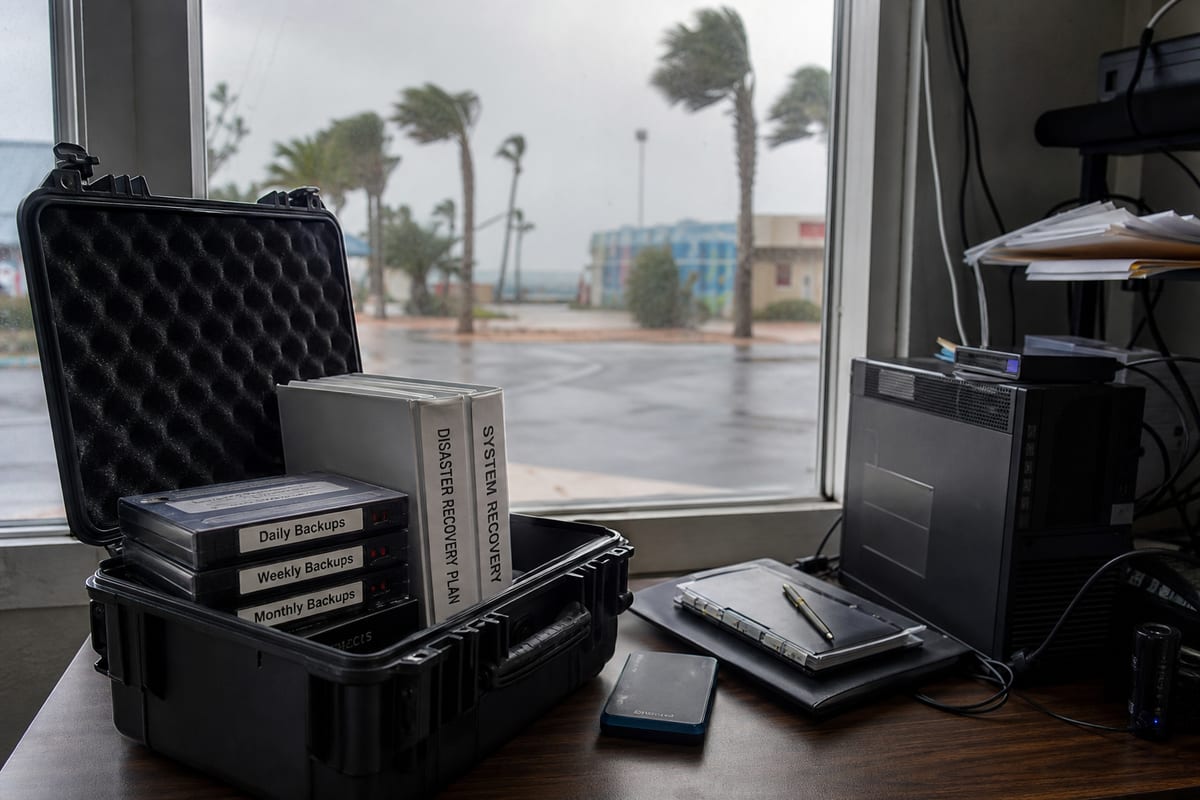
Inside Disaster Recovery Services in Daytona Beach and Why Preparation Matters
Learn how disaster recovery services help Daytona Beach businesses protect data, reduce downtime, and recover faster after disruptions.
Published on · Craig Wheeler · How this article was made

When most business owners think about disaster recovery, they picture a worst-case event, a major storm, a server failure, or a ransomware attack that shuts everything down at once. In reality, recovery planning is just as much about the smaller disruptions that happen every year, such as corrupted files, failed hardware, accidental deletions, internet outages, and power issues that interrupt day-to-day work.
For businesses in Daytona Beach, that planning matters because downtime rarely stays contained to one system. A problem with email can stall customer communication. A failed file server can stop billing, scheduling, or inventory updates. If a line-of-business application goes offline during a busy event week near Daytona International Speedway or along the beachfront hospitality corridor, the financial and operational impact can grow quickly.
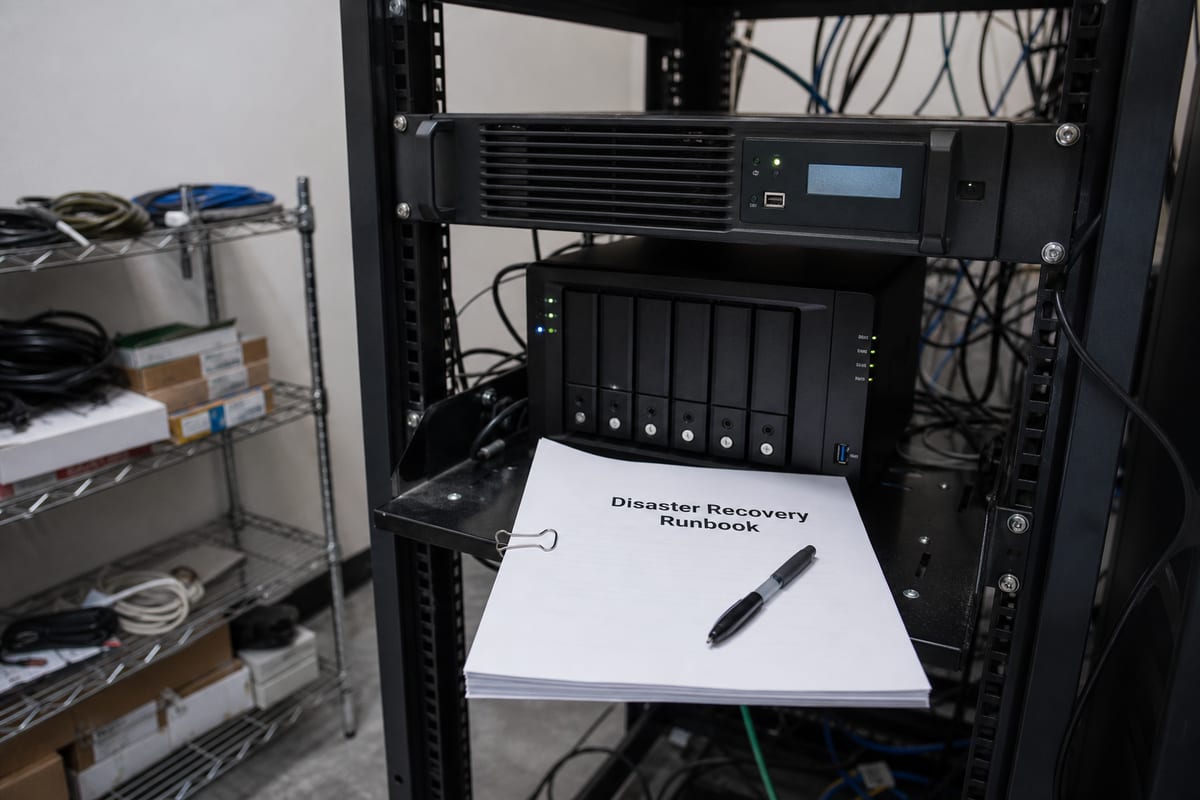
Disaster recovery services give your business a practical way to prepare for those moments. Instead of scrambling after something breaks, you have a tested plan for protecting data, restoring systems, and getting your team working again with as little disruption as possible.
Disaster recovery is more than backup storage
A lot of companies assume that if they have a backup, they have a recovery strategy. That is only partly true. Backups are essential, but they are just one part of the picture.
A real recovery plan answers questions like these:
- Which systems need to come back first
- How much data can you afford to lose
- How quickly does each function need to be restored
- Where your backup copies are stored
- How you will recover if your office, devices, or network are unavailable
- Who is responsible for making decisions during an outage
This is why many organizations use backup and disaster recovery services rather than relying on a simple external drive or a basic cloud sync tool. Recovery is about continuity, not just storage.
Why local business conditions shape recovery planning
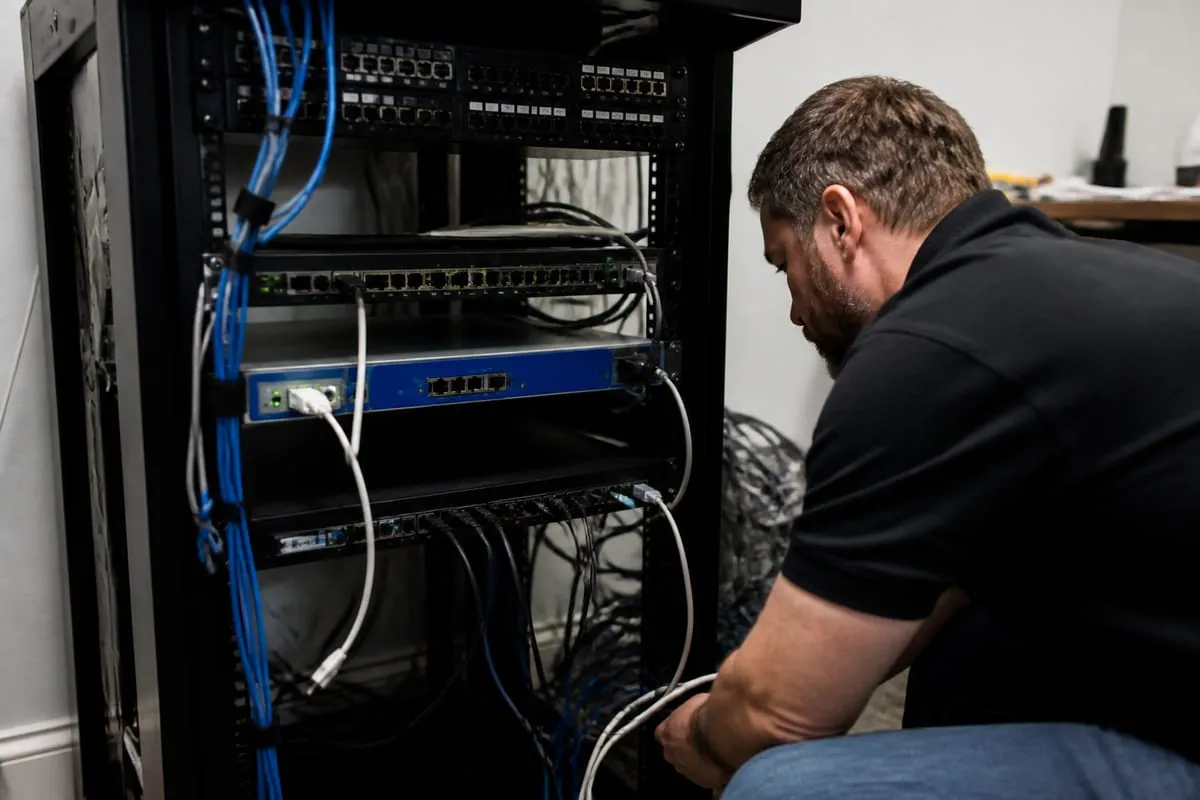
Daytona Beach has a business mix that makes continuity planning especially important. Hotels, restaurants, event venues, healthcare offices, professional services firms, and retail operations often depend on constant access to reservations, point-of-sale systems, scheduling platforms, shared documents, and payment workflows. During high-traffic periods tied to race events, Bike Week, and tourism peaks near Atlantic Avenue, even a short outage can create a backlog that is difficult to unwind.
That local context changes the conversation. A professional office may be able to work around a system outage for a few hours. A property that relies on guest check-ins and payment processing may not have that flexibility. A medical office may need rapid access to records and strict handling of protected data. Good disaster recovery services account for those differences instead of forcing every business into the same template.
The building blocks of a strong recovery strategy
An effective recovery approach usually includes several layers working together.
Business impact review
This step identifies the systems your organization depends on most. For one company, that may be accounting and document management. For another, it may be phones, email, scheduling, or a specialized application. The goal is to rank priorities so recovery happens in the right order.
Recovery time and recovery point goals
These are two of the most important planning decisions.
- Recovery Time Objective, or RTO, is how quickly a system needs to be restored.
- Recovery Point Objective, or RPO, is how much data loss is acceptable, measured in time.
If your team can tolerate being down for one day, your plan will look different than a business that needs systems back within an hour. If losing four hours of work is unacceptable, backups need to happen more frequently.
Protected backups in multiple locations
A dependable strategy usually includes local and offsite copies, with backup data protected from accidental deletion, hardware failure, and malicious encryption. This reduces the risk of a single point of failure.
Recovery testing
This is the part many businesses skip, and it is one of the most important. A backup that has never been tested is a risk. Recovery testing confirms that data can actually be restored, systems can be brought online, and the process works under pressure.
Ongoing visibility into system health
Many recovery problems start as smaller technical issues that go unnoticed. Storage fills up. A backup job fails. A server starts showing hardware warnings. Consistent oversight through IT Monitoring Services helps catch these issues before they become full outages.
Common gaps that leave businesses exposed
Even companies that take IT seriously can have weak points in their recovery posture. Some of the most common include:
- Backups running without anyone reviewing success or failure reports
- Critical software stored on one server with no tested fallback
- No written recovery process for staff to follow
- Backup copies connected directly to the same environment they protect
- Cloud applications assumed to be fully protected without confirming retention and restore options
- Recovery plans built years ago and never updated after staff or system changes
These gaps often stay hidden until a real incident happens. That is why periodic review matters so much.
Cloud tools help, but they do not replace planning
Many businesses now rely on Microsoft 365, cloud file storage, and web-based business applications. That can improve resilience, but it does not eliminate risk.
Accounts can still be compromised. Files can still be deleted or overwritten. Third-party applications can still fail. Staff can still lose access to the tools they need to serve customers. A complete recovery strategy should cover cloud platforms, on-premise equipment, user devices, and the processes your team depends on every day.
Security and recovery should work together
Disaster recovery and cybersecurity are closely connected. Ransomware, account compromise, and malicious data deletion are recovery events as much as they are security incidents. If your backups are not isolated, monitored, and regularly tested, a cyberattack can damage both production systems and the backups meant to save them.
For organizations with regulatory obligations, recovery planning also overlaps with documentation, retention, and incident response expectations. If your business handles sensitive information, it helps to align recovery planning with compliance support so technical safeguards and reporting requirements stay in sync.
Choosing the right approach for your business
There is no single recovery model that fits every company in Daytona Beach. The right solution depends on your systems, your tolerance for downtime, your budget, and your operational risks.
A useful provider should help you answer practical questions, such as:
- What are our most critical systems
- How long could each one be unavailable before business is seriously affected
- Are our backups protected from ransomware and accidental deletion
- How quickly can we restore a single file, a full server, or an entire environment
- Have we tested recovery recently
- Who do we call first when something goes wrong
The best plans are realistic. They match your actual business needs and can be maintained over time, rather than looking impressive on paper and failing in practice.
A plan is only valuable if it is maintained
Recovery planning is not a one-time project. Your environment changes as your business changes. New employees join, software gets replaced, data volumes grow, and workflows shift. If your plan does not keep up, it becomes less reliable every month.
That is why many businesses review their backup and disaster recovery services on a regular schedule. The goal is to make sure backup coverage, recovery priorities, contacts, and testing still reflect how the business actually operates today.
FAQ
How often should disaster recovery plans be tested?
At minimum, plans should be reviewed regularly and tested on a scheduled basis, especially after major infrastructure or application changes. The right frequency depends on how critical your systems are, but annual testing is often too infrequent for fast-changing environments.
Is cloud storage the same as disaster recovery?
No. Cloud storage can be part of a recovery strategy, but it does not automatically provide full business continuity. You still need restore procedures, retention planning, security controls, and a clear process for getting operations back online.
What is the difference between backup and disaster recovery?
Backup focuses on making copies of data. Disaster recovery focuses on restoring systems, access, and business operations after a disruption. Backups support recovery, but they do not replace a full plan.
Can small businesses benefit from disaster recovery services?
Yes. Smaller organizations are often hit harder by downtime because they have fewer workarounds and less internal IT capacity. A right-sized recovery plan can protect revenue, customer trust, and day-to-day operations without unnecessary complexity.
Disaster recovery is really about reducing uncertainty. You may not be able to prevent every outage, attack, or equipment failure, but you can decide in advance how your business will respond, what gets restored first, and how much disruption you are willing to accept.
If your current plan is unclear, untested, or built around assumptions, now is the time to review it. A practical recovery strategy can make the difference between a short interruption and a long, expensive setback.
Contact us today for expert disaster recovery services!