What Cybersecurity Services for a Small Business in Daytona Beach Look Like
Learn what practical cybersecurity services look like for small businesses in Daytona Beach, from risk reduction to recovery planning.
Published on · Craig Wheeler · How this article was made
For a small business, cybersecurity should feel practical, not overwhelming. You do not need a giant in-house security team to protect customer data, keep staff productive, and lower the risk of downtime. What you do need is a clear plan, the right tools, and a local partner who understands how smaller organizations actually operate.
In Daytona Beach, that often means balancing security with speed and convenience. A medical office near Halifax Health, a hospitality business serving beachside visitors, a professional firm downtown, or a marine-related company near the Intracoastal all have different workflows, different devices, and different pressure points. Good cybersecurity services account for those differences instead of forcing every business into the same checklist.
Security starts with the way your business really works
The biggest mistake many small businesses make is buying security products before they understand their risks. A better approach is to look at how your team works day to day.
Ask a few practical questions:
- Where is your most important data stored?
- Who has access to financial records, customer information, and email?
- Are employees working only in the office, or also from home and on mobile devices?
- Which systems would cause the most damage if they stopped working for a day?
- How would your business respond if someone clicked a phishing link this afternoon?
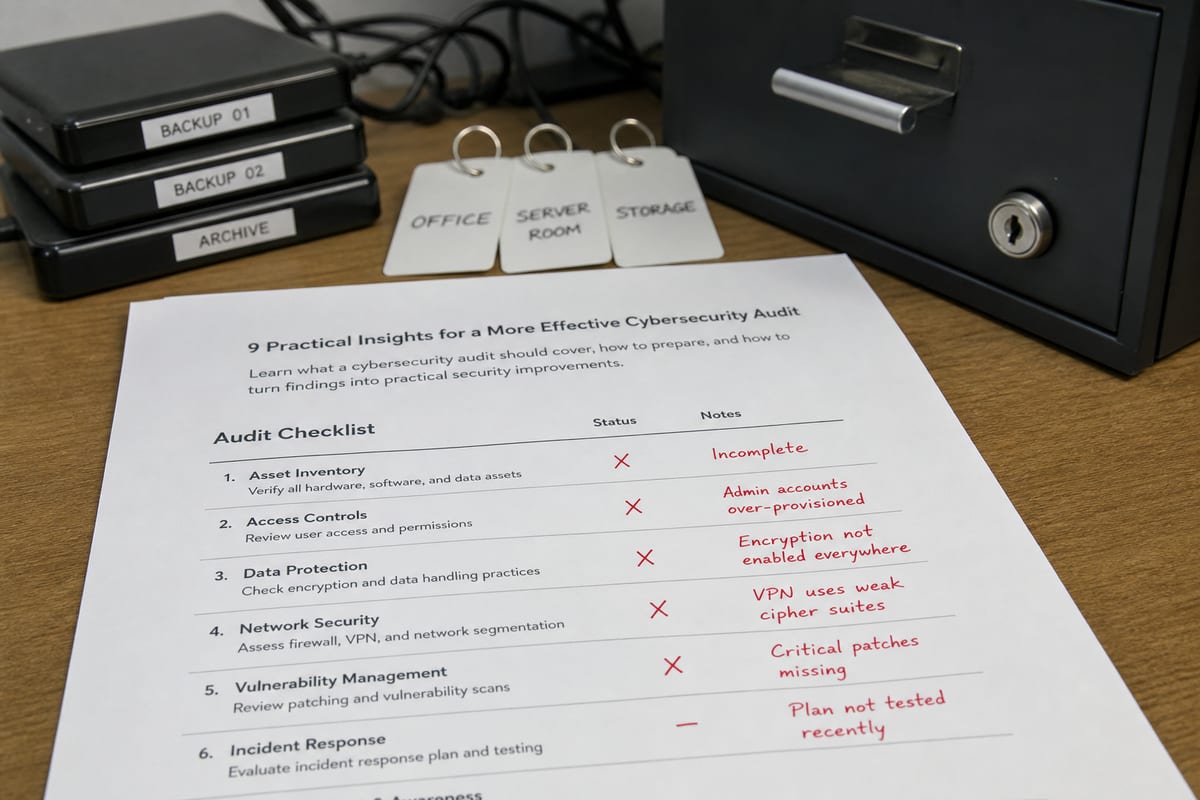
Those answers shape the right security setup. A front-desk-heavy business with shared workstations needs different controls than a small accounting firm with remote staff and cloud apps. That is why a thoughtful cybersecurity risk assessment is often the best starting point. It helps uncover weak passwords, outdated devices, risky permissions, and gaps in backup or response planning before they turn into bigger problems.
The core services that matter most

Small businesses usually do best with cybersecurity services that cover the essentials well. That includes prevention, monitoring, response, and recovery.
Account and access protection
Many breaches begin with compromised logins, not dramatic movie-style hacking. Strong password policies, multi-factor authentication, limited admin access, and prompt offboarding for former employees all make a major difference.
This is especially important for businesses using Microsoft 365, cloud accounting tools, scheduling platforms, and shared file systems. If one account is exposed, an attacker may gain access to email conversations, invoices, saved passwords, or customer records.
Endpoint security for everyday devices
Laptops, desktops, phones, and tablets are the front line. Endpoint protection helps detect malware, suspicious behavior, and unauthorized changes on the devices your team uses every day.
For small businesses, this should also include:
- Device patching and software updates
- Encryption on business laptops
- Screen lock and remote wipe options for mobile devices
- Control over which apps and tools can be installed
These steps are not flashy, but they close many of the gaps attackers commonly exploit.
Email security and phishing defense
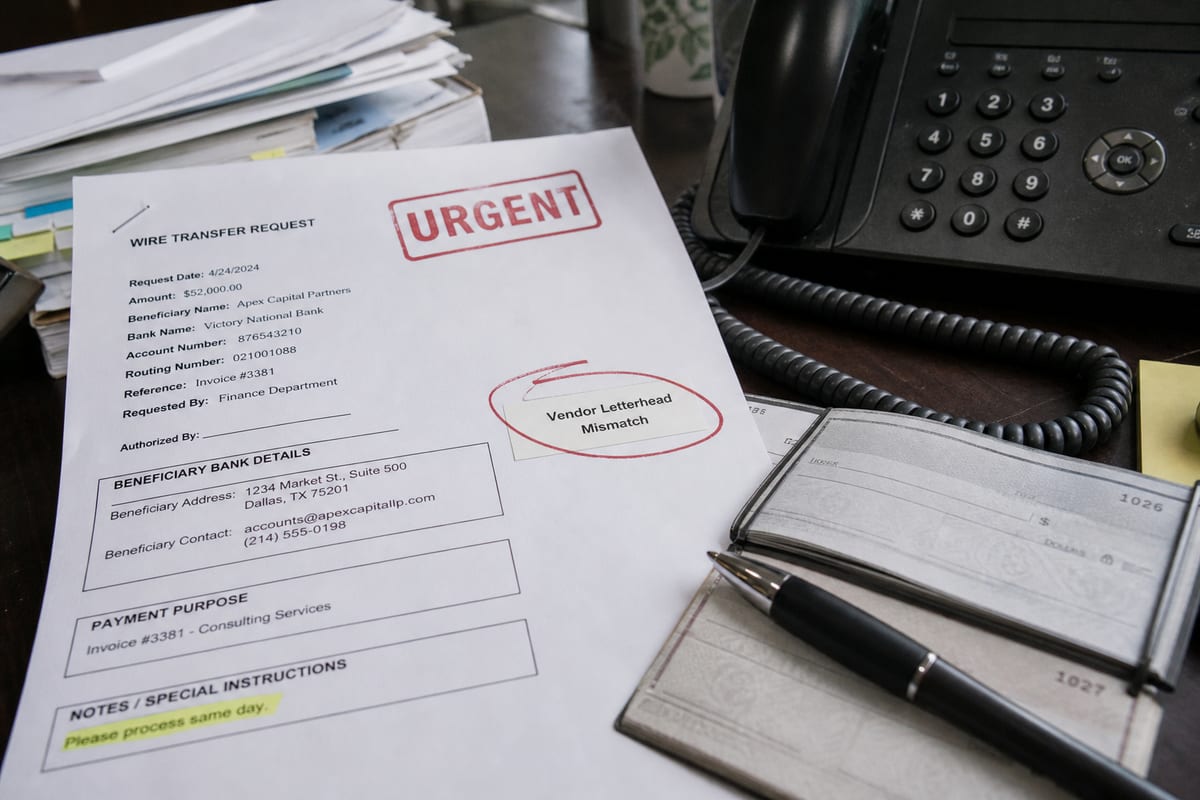
Phishing remains one of the most common threats because it targets human behavior. A fake invoice, a password reset email, or a message that appears to come from a vendor can be enough to start a serious incident.
Effective protection usually combines email filtering, suspicious link scanning, attachment controls, and employee awareness training. Staff do not need to become security experts, but they should know how to pause, verify, and report unusual messages.
Network security without unnecessary complexity
Your network should be secure, but it should also be manageable. For many small businesses, that means properly configured firewalls, secure Wi-Fi, separate guest access, and visibility into what devices are connecting.
This matters in Daytona Beach businesses that welcome customers, vendors, or temporary staff on site. A retail space, hospitality property, or office with public-facing Wi-Fi should not treat guest traffic the same way it treats internal systems.
Backup and recovery planning
Cybersecurity is not only about stopping attacks. It is also about limiting damage when something goes wrong.
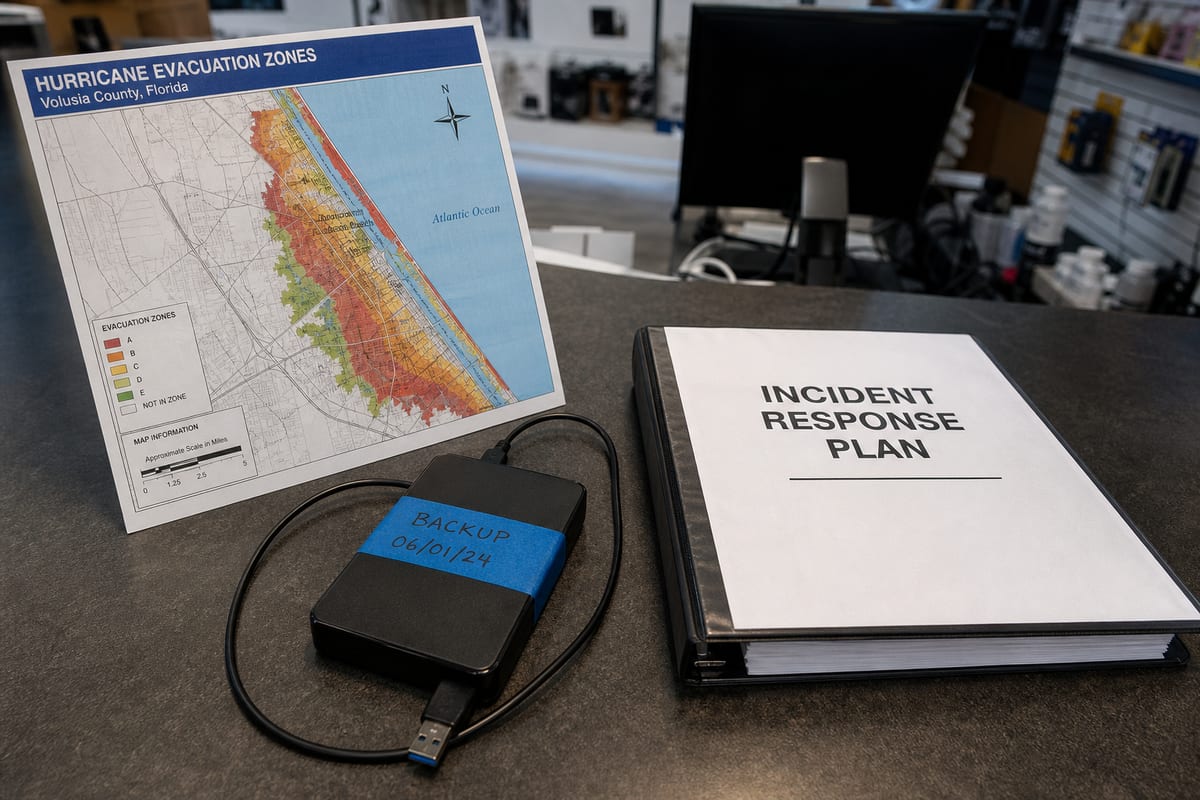
Reliable backups, tested recovery steps, and a realistic continuity plan can make the difference between a stressful incident and a business crisis. If ransomware locks files or a user accidentally deletes critical data, recovery should not be improvised.
A strong backup and disaster recovery plan helps protect operations, customer trust, and revenue when systems fail or data is lost.
Why local context matters in Daytona Beach
Cybersecurity is never one-size-fits-all, and local business patterns matter. Daytona Beach has a distinct mix of healthcare, tourism, retail, professional services, motorsports-related activity, and small organizations that support events around the Daytona International Speedway. That creates a wide range of security needs.
Some businesses handle high volumes of guest transactions and reservations. Others deal with regulated records, vendor coordination, or seasonal staffing changes. A tax office, legal practice, or contractor may be more concerned about wire fraud and document security. A hospitality business may focus more on payment systems, guest Wi-Fi separation, and staff turnover. A provider who understands the city can better align security priorities with the way local businesses actually operate.
Compliance is part of the picture, even for smaller companies
Not every small business is formally regulated, but many still face contractual or legal expectations around data protection. If you handle payment cards, health information, financial records, or sensitive client files, you may need stronger controls than you realize.
Even when compliance is not the main driver, following sound security practices helps you answer client questions with confidence. It also reduces risk during insurance applications, vendor reviews, and contract negotiations.
If you are unsure where your current setup stands, a focused security strategy call can help you prioritize what matters most without overcomplicating the process.
Signs your current protection may not be enough
A lot of small businesses assume they are covered because they have antivirus installed or because nothing bad has happened yet. Unfortunately, those are not reliable indicators.
You may need stronger cybersecurity services if:
- Employees reuse passwords or share accounts
- Former staff may still have access to systems
- Software updates happen irregularly
- Backups exist, but no one has tested recovery
- Your team has no clear process for reporting suspicious emails
- Sensitive files are accessible to more people than necessary
- You are unsure which devices are currently protected
- Vendors or cyber insurance providers are asking security questions you cannot easily answer
These are common issues, and they are fixable. The important thing is to identify them before they lead to downtime, fraud, or data loss.
What good support should feel like
The best cybersecurity support for a small business is steady, understandable, and aligned with your operations. It should not rely on fear, jargon, or a long list of tools you do not need.
You should expect a provider to help you:
- Understand your biggest risks in plain language
- Prioritize improvements based on business impact
- Put practical safeguards in place
- Monitor for issues and respond quickly
- Strengthen employee habits over time
- Review and adjust protections as your business changes
That last point matters more than many businesses realize. Security is not a one-time project. New employees join, software changes, devices age, and attackers adapt. Good service keeps pace with those changes.
FAQ
How much cybersecurity does a small business really need?
Enough to protect email, devices, accounts, data, and recovery processes in a way that matches your actual risk. Most small businesses do not need enterprise-level complexity, but they do need more than basic antivirus.
Is cybersecurity only important if we store sensitive customer data?
No. Even if you store limited customer information, attackers may still target your email, payment workflows, vendor communications, or employee accounts. Business interruption alone can be costly.
Can employee training really make a difference?
Yes. Many incidents begin with phishing, weak passwords, or accidental data exposure. Short, practical training helps employees spot red flags and respond appropriately.
What should we do first if we have never reviewed our security setup?
Start with a clear assessment of your systems, users, devices, and data. That creates a realistic baseline and helps you prioritize the most important fixes first.
Do backups count as cybersecurity?
They are a critical part of it. Backups do not prevent attacks, but they reduce the damage when ransomware, deletion, hardware failure, or other incidents affect your business.
Cybersecurity for a small business should support the way you work, not slow everything down. When the basics are handled well, your team can focus on customers, operations, and growth with fewer surprises and less risk.
If you run a business in Daytona Beach, the right security approach starts with understanding your systems, your people, and your real-world exposure. A practical plan today can prevent expensive disruption later.
Contact us today for expert cybersecurity services for small business services!