
A Practical Guide to IT Monitoring Services in Daytona Beach
Learn how IT monitoring services help Daytona Beach businesses reduce downtime, spot issues early, and keep systems reliable.
Published on · Craig Wheeler · How this article was made
When people hear “IT monitoring,” they sometimes picture a wall of dashboards that only a technician could love. In practice, good monitoring is much simpler and more useful than that. It is the ongoing watch over the systems your business depends on, including servers, networks, cloud tools, endpoints, backups, and security alerts, so problems can be found early and handled before they turn into costly downtime.
For businesses in Daytona Beach, that matters more than it may seem at first glance. This is a city with a distinctive mix of hospitality, healthcare, professional services, retail, and motorsports-related activity. A hotel near the Speedway, a medical office serving year-round residents, and a professional firm closer to Beach Street all rely on technology in different ways, but they share the same need for stable systems and fast response when something starts to go wrong.
Why monitoring matters before something breaks
Most technology issues do not appear out of nowhere. A storage drive starts reporting errors. A firewall logs unusual traffic. A critical workstation misses security updates. Internet performance degrades at certain times of day. Backup jobs begin failing quietly in the background.
Without monitoring, these warning signs are easy to miss until a staff member cannot log in, a line-of-business application crashes, or customers feel the impact first. With proactive IT Monitoring Services, businesses can identify patterns early, prioritize what needs attention, and reduce the scramble that comes with reactive support.
That does not mean every alert becomes an emergency. It means the right issues are surfaced to the right people, with enough context to act quickly.
The systems that usually deserve close attention
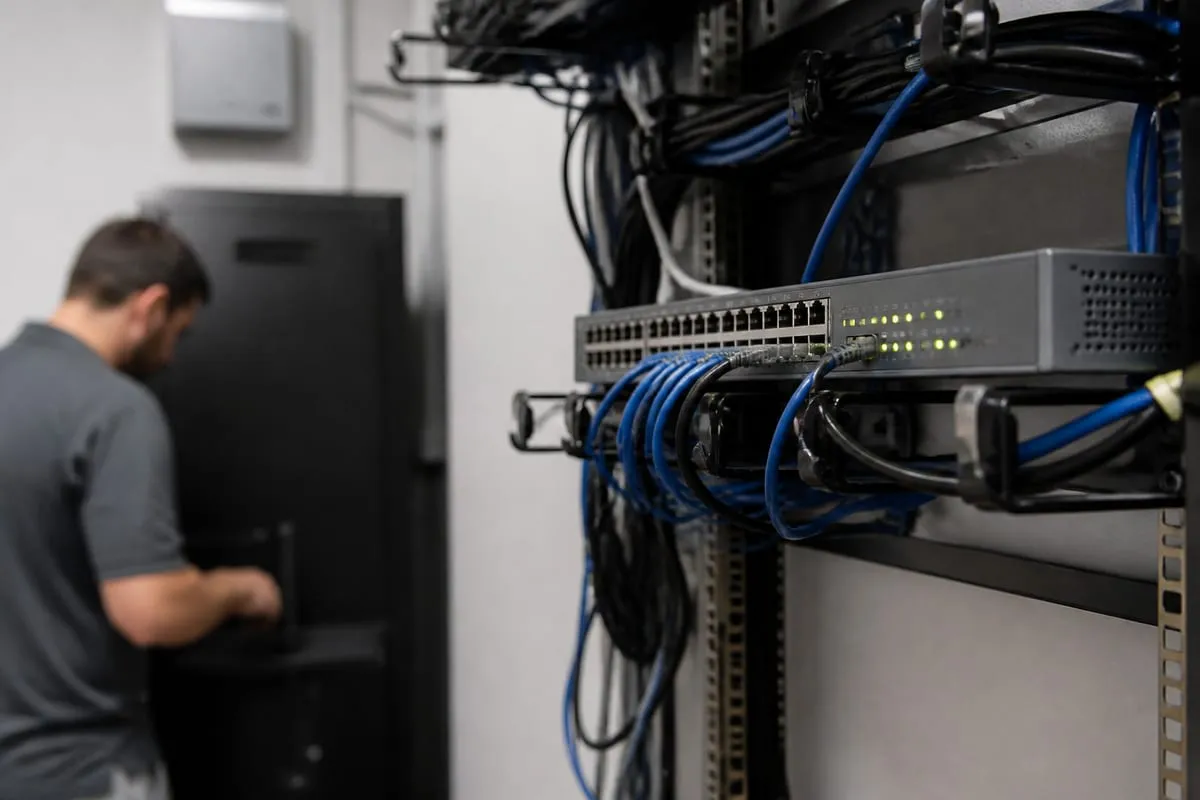
Monitoring can cover a wide range of tools and infrastructure, but for most organizations, a few categories matter most.
Network health and connectivity
Your network is the foundation for almost everything else. Monitoring helps track uptime, latency, device status, bandwidth usage, and configuration changes across switches, firewalls, wireless access points, and internet connections.
This is especially important for businesses with guest Wi-Fi, multiple offices, or cloud-heavy workflows. If your phones, payment systems, scheduling platform, or remote access all depend on a stable network, you want visibility before users start opening tickets.
Servers, endpoints, and business devices
Workstations, laptops, servers, and specialized devices all generate clues when something is off. CPU spikes, disk space shortages, memory pressure, failing hardware, and missed patches can all be monitored.
For smaller organizations, this matters because one aging server or one critical front-desk computer can create a disproportionate amount of disruption. For larger teams, monitoring helps standardize visibility across many devices instead of relying on someone to notice problems manually.
Backup status and recovery readiness
A backup that failed three nights ago is not helpful if nobody noticed. Monitoring should include backup success rates, storage thresholds, agent health, and alerts for missed jobs.
It is also smart to pair monitoring with a broader continuity plan. If your business has not reviewed its support structure recently, our IT support approach can help connect monitoring with day-to-day response and escalation.
Security-related events
Monitoring is not the same as a full security program, but it plays an important role in one. Suspicious login attempts, disabled antivirus tools, unusual account behavior, certificate expirations, and unexpected software changes can all be part of a useful monitoring strategy.
The goal is not to flood your team with noise. The goal is to make sure meaningful security signals are seen and investigated.
Daytona Beach businesses often need a practical, not oversized, solution
One of the biggest mistakes companies make is assuming monitoring has to be complex to be valuable. It does not. The right setup depends on your environment, your risks, and how much downtime would actually cost you.
In Daytona Beach, many organizations are not giant enterprises with internal NOCs and deep IT benches. They are lean businesses that need dependable systems, clear communication, and support that understands the pace of local operations. A law office, a marina-adjacent business, or a hospitality group near International Speedway Boulevard may all need strong visibility into their systems, but not an overbuilt platform full of features nobody uses.
Good monitoring should feel right-sized. It should help you answer practical questions such as:
- Are critical systems up and performing normally?
- Are backups completing successfully?
- Are devices patched and protected?
- Is unusual activity being flagged quickly?
- Who gets notified, and what happens next?
Signs your current monitoring may not be enough
Some businesses technically have monitoring in place, but it is not doing much for them. If any of the following sound familiar, your setup may need attention.
- Alerts go to an inbox nobody actively reviews.
- Staff members report problems before your provider does.
- You get too many warnings, but not enough useful guidance.
- Backup failures are discovered late.
- Device patching is inconsistent.
- Nobody can clearly explain which systems are being watched.
- Reports are full of data, but short on meaning.
Monitoring only creates value when it leads to timely action. Visibility without accountability is just noise.
Choosing a provider with local context and strong process
When evaluating providers, ask less about flashy dashboards and more about process. A dependable monitoring partner should be able to explain:
- What assets are monitored
- Which thresholds trigger alerts
- How alerts are prioritized
- Who responds, and during what hours
- How incidents are documented and escalated
- How monitoring ties into patching, support, and security reviews
Local familiarity also helps. A provider serving Daytona Beach should understand that businesses here range from tourism-facing operations with customer-heavy weekends to year-round professional and healthcare environments where system availability affects scheduling, communication, and service delivery in very different ways.
If you are also reviewing your security posture, a cybersecurity risk assessment can help identify blind spots that monitoring alone will not solve.
Monitoring is about business continuity, not just technology
It is easy to frame monitoring as a technical service, but the real value is operational. When systems are watched consistently, your team spends less time reacting, less time guessing, and less time dealing with preventable interruptions.
That can mean fewer disruptions at the front desk, smoother communication between staff, more confidence in backups, and faster troubleshooting when something does happen. It can also help leadership make better decisions because they have a clearer picture of recurring issues, aging infrastructure, and risk areas.
For many businesses, the best outcome is not dramatic. It is quiet reliability. Things work, issues are caught earlier, and your team can stay focused on serving customers.
FAQ
What do IT monitoring services usually include?
Most services include oversight of networks, servers, workstations, backups, patch status, and key security alerts. The exact scope depends on your systems and priorities.
Is monitoring only useful for larger companies?
No. Smaller businesses often benefit just as much, sometimes more, because they have fewer internal resources and less room for downtime.
Can monitoring prevent every outage?
No service can prevent every issue. What monitoring does well is reduce surprises, catch warning signs earlier, and improve response time when problems arise.
How is monitoring different from IT support?
Monitoring focuses on visibility and alerting across your systems. Support focuses on troubleshooting, user help, remediation, and ongoing technical assistance. The two work best together.
How often should monitoring be reviewed?
At minimum, review it whenever your environment changes, such as after adding new devices, cloud tools, locations, or compliance requirements. Regular review also helps keep alerts relevant and useful.
Reliable monitoring is not about adding complexity for its own sake. It is about making sure the systems your business depends on are being watched with purpose, so small issues are less likely to become major disruptions.
If your current setup feels reactive, unclear, or too noisy to trust, it may be time to simplify and strengthen your approach. The right partner can help you build monitoring around your real operations in Daytona Beach, not around a generic template.
Contact us today for expert it monitoring services!