
Why Proactive IT Monitoring Matters for Businesses in Daytona Beach
Learn why proactive IT monitoring helps Daytona Beach businesses reduce downtime, spot issues early, and keep systems secure.
Published on · How this article was made

When your business depends on technology, waiting for something to break is rarely a good plan. A slow server, an overloaded network, a failed backup, or an unpatched device can quietly build into a much bigger problem. Proactive IT monitoring helps you catch those issues early, often before your team notices a disruption.
For businesses in Daytona Beach, that matters more than many people realize. Local companies often rely on a mix of cloud apps, on-site equipment, remote access, guest Wi-Fi, security tools, and industry-specific software. Even a small issue in one area can affect customer service, employee productivity, and day-to-day operations.
Instead of reacting to outages after the damage is done, proactive monitoring gives you visibility into the health of your systems. With the right setup, your business can identify warning signs, respond faster, and make smarter IT decisions over time.
The difference between reactive support and proactive monitoring
Traditional break-fix support starts after something stops working. Someone notices a problem, submits a ticket, and then waits for a technician to diagnose it. That approach can work for isolated issues, but it often means downtime has already started.
Proactive monitoring takes a different path. It continuously watches critical parts of your environment, such as servers, workstations, networks, backups, and security alerts. When a threshold is crossed or a service fails, your IT team can investigate before the issue spreads.
That does not mean every problem disappears. It means small problems are less likely to become expensive emergencies.
A monitored environment can help your business:
- Detect hardware issues before a device fails completely
- Identify unusual activity that may point to a security concern
- Catch failed backups before you need to restore data
- Track resource usage so systems do not silently run out of capacity
- Reduce recurring disruptions caused by the same unresolved issue
- Improve response times when something does need hands-on support
If your current setup only gets attention when users complain, there is a good chance important warning signs are being missed.
Where monitoring delivers the most value
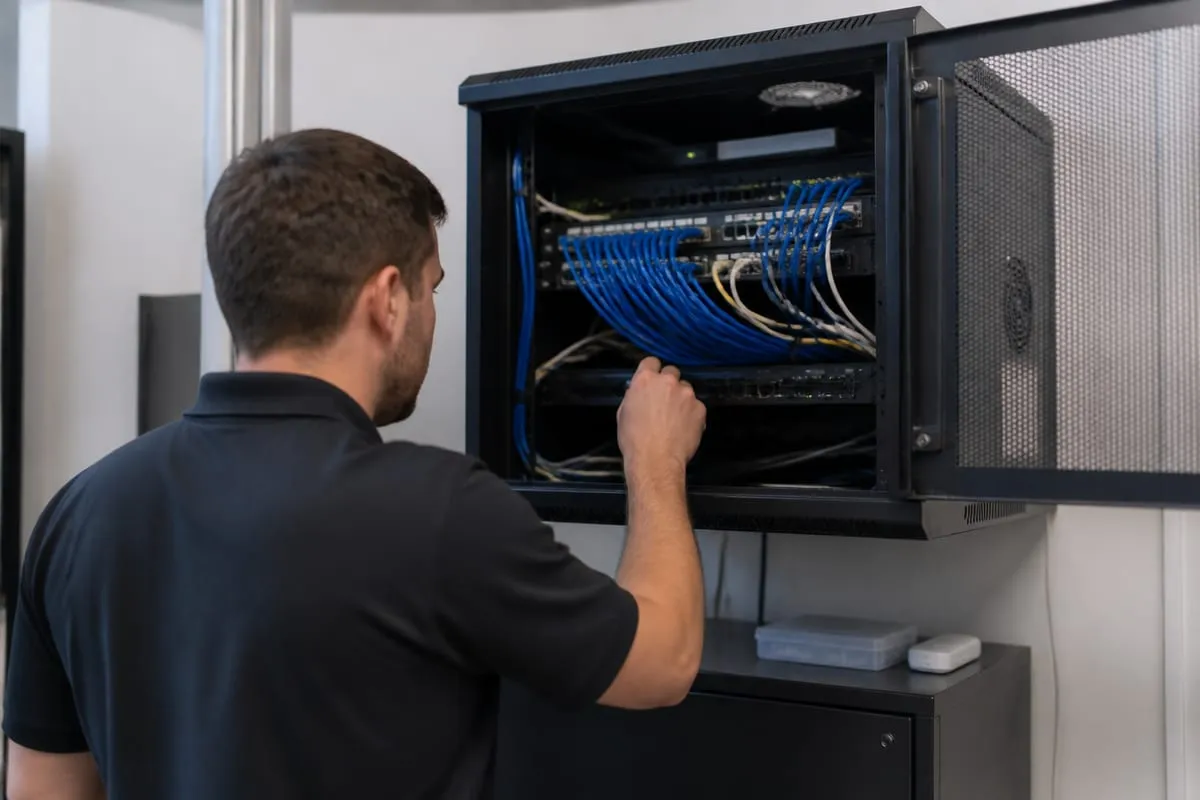
Not every system needs the same level of oversight, but some areas deserve close attention in almost every business environment.
Servers and business-critical devices
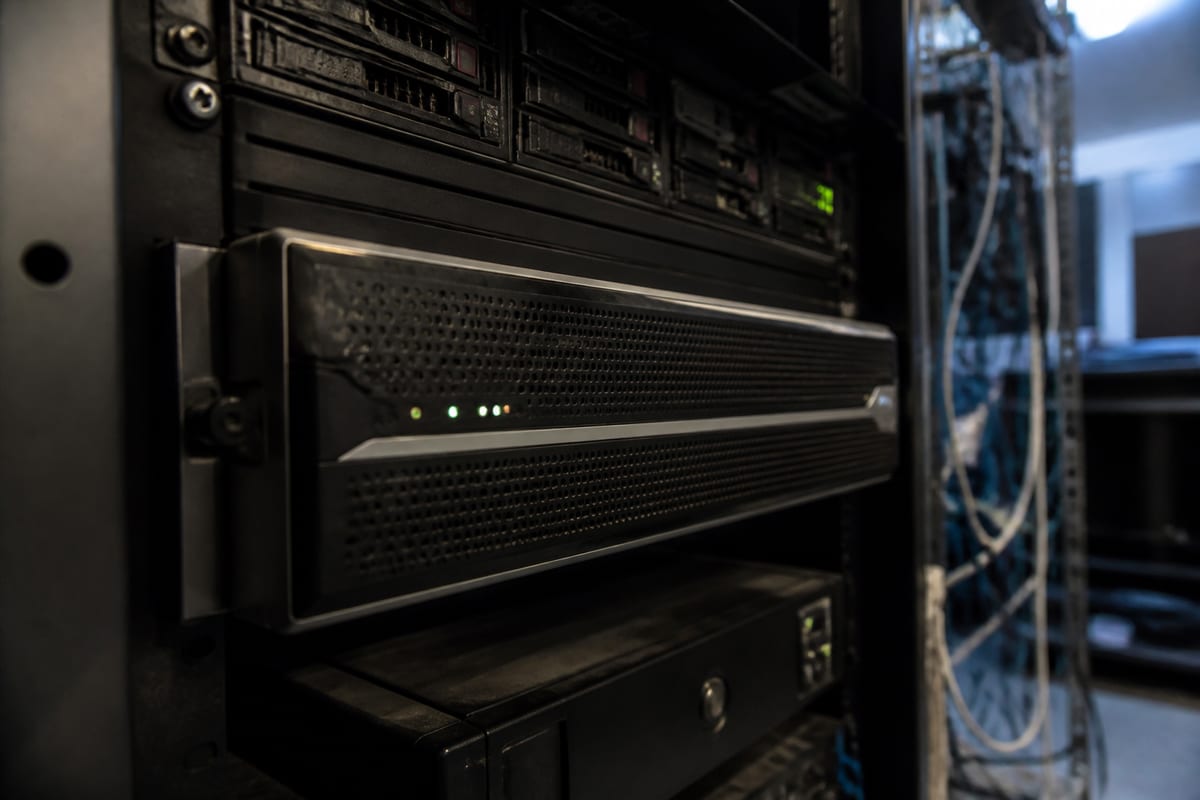
Servers, firewalls, switches, and line-of-business systems are foundational. If one of them becomes unstable, the impact can spread quickly. Monitoring can track uptime, performance, storage space, hardware health, and service availability.
For example, if a server starts running hot, a disk begins reporting errors, or a critical service repeatedly restarts, those are signals worth addressing early.
Network performance and connectivity
A network may appear to be working while still causing daily frustration. Slow file access, dropped calls, lag in cloud applications, and unreliable Wi-Fi often trace back to issues that can be measured and monitored.
This is especially important for businesses in Daytona Beach that serve customers on-site, support hybrid staff, or depend on stable internet access during peak hours. Monitoring can help reveal congestion, failing hardware, or recurring connection problems that are easy to overlook when they come and go.
Backup success and recovery readiness
Many businesses assume backups are running because they were set up at some point. That assumption can become a serious problem when a restore is needed and the backup has been failing for weeks.
Good monitoring checks whether backups completed successfully, whether storage targets are reachable, and whether protected systems are covered as expected. This is one of the clearest examples of why visibility matters.
Security alerts and suspicious behavior
Monitoring is not the same thing as a full cybersecurity program, but it plays an important role in one. Failed logins, unusual device behavior, missing patches, disabled security tools, and unexpected configuration changes can all be early indicators that something needs attention.
If you are unsure whether your current environment has the right level of visibility, a cybersecurity risk assessment can help uncover blind spots.
Why local businesses benefit from a prevention-first approach
Every business feels downtime differently. A professional office may lose billable hours. A retail location may struggle with payment systems or customer Wi-Fi. A healthcare or legal practice may face workflow delays and compliance concerns. A hospitality business may deal with service interruptions that affect the customer experience immediately.
In Daytona Beach, many organizations also navigate seasonal swings, mobile workforces, and multiple locations. Those realities can put extra pressure on networks, endpoints, and support teams. Proactive monitoring helps create consistency when demand changes or when staff are stretched thin.
It also supports better planning. When you can see recurring alerts, aging equipment, and long-term performance trends, you are no longer making decisions based only on the last emergency. You are making decisions based on evidence.
Warning signs your business may need better monitoring
Some companies assume their environment is fine because major outages are rare. In practice, the need for monitoring often shows up in smaller patterns first.
You may need a more proactive approach if:
- Employees regularly report slow systems, but no clear cause is found
- Internet or Wi-Fi issues keep returning without a lasting fix
- Backups are set up, but no one verifies them consistently
- Software updates and patches happen irregularly
- IT problems are usually discovered by end users first
- Leadership lacks a clear picture of system health and recurring risks
- The same devices or services cause repeated support tickets
These are not just technical annoyances. Over time, they affect productivity, morale, and trust in your systems.
Monitoring is also about better business decisions
One of the less obvious benefits of proactive monitoring is that it improves decision-making. It gives business owners and managers a clearer understanding of what is happening behind the scenes.
That can help answer practical questions like:
- Which systems are under the most strain?
- Are we replacing devices too late, or too early?
- Is our internet connection meeting actual demand?
- Are recurring issues tied to one location, one vendor, or one workflow?
- Do we have enough visibility to support compliance and security goals?
When your IT team has reliable data, recommendations become more grounded and less reactive. That leads to fewer surprises and more confidence in your technology roadmap.
Businesses looking for a stronger long-term approach often start with IT Monitoring Services to gain that visibility and establish a healthier baseline.
Choosing the right monitoring approach
Not all monitoring setups are equally useful. The goal is not to generate as many alerts as possible. The goal is to identify meaningful issues, prioritize them correctly, and turn insight into action.
A good monitoring strategy should be tailored to your environment. That includes the systems you rely on most, your risk tolerance, your internal workflows, and how quickly issues need to be escalated.
It should also answer a few important questions:
- What exactly is being monitored?
- Who reviews alerts, and when?
- Which alerts trigger action right away?
- How are recurring problems documented and resolved?
- How does monitoring connect to patching, backup checks, and security review?
If those answers are unclear, the monitoring may be too shallow to provide real protection.
A practical view for companies in Daytona Beach
For local businesses, the best IT strategy is usually the one that supports daily operations without adding unnecessary complexity. Proactive monitoring fits that goal because it focuses on stability, visibility, and early response.
It is not only for large enterprises with big internal IT teams. Smaller and midsize organizations often benefit the most because they have less time and margin for preventable disruptions. A single outage can pull people away from customers, delay work, and create stress that lingers long after the issue is fixed.
With the right support, monitoring becomes part of a broader effort to keep your technology dependable, not just repaired.
If you want to talk through priorities, risks, and next steps, you can schedule a security strategy call.
FAQ
What does proactive IT monitoring actually include?
It typically includes watching the health and performance of servers, computers, networks, backups, and key services. It may also include alerting for patch status, storage capacity, hardware issues, and certain security events.
Is proactive monitoring only useful for larger businesses?
No. Smaller businesses often feel the impact of downtime more sharply because they have fewer backup resources and less internal IT capacity. Monitoring can help them catch issues early and avoid preventable interruptions.
Can monitoring prevent every outage?
No system can prevent every problem. The value of monitoring is that it helps identify warning signs earlier, reduces avoidable downtime, and improves response when something does go wrong.
How is monitoring different from cybersecurity?
Monitoring and cybersecurity overlap, but they are not identical. Monitoring focuses on visibility and system health, while cybersecurity includes broader protections such as policies, access controls, employee training, risk management, and incident response.
Proactive monitoring gives your business a clearer picture of what is happening across your systems before a small issue turns into a major disruption. It supports uptime, improves response, and helps you make better decisions about the technology your team depends on every day.
For businesses in Daytona Beach, that kind of visibility can make day-to-day operations more stable and less stressful. If your current approach is mostly reactive, this is a good time to rethink it.
Contact us today for expert proactive it monitoring services!