How to Choose Managed Network Services That Actually Fit Your Business
Learn how to evaluate managed network services with a practical checklist that helps your business improve uptime, security, and support.
Published on · Craig Wheeler · How this article was made
Managed network services can sound simple on paper. Hand off the network, reduce headaches, move on. In practice, the right fit depends on how your business operates, what downtime costs you, and how much visibility you want into day-to-day performance.
If you are comparing providers or trying to decide whether outside help makes sense at all, use the checklist below. It is designed to help you make a practical decision, not just a fast one.
Start with the business problems, not the tools
Before you compare vendors, write down the issues you are actually trying to solve. For many businesses, that list includes recurring internet outages, slow office Wi-Fi, aging firewalls, poor visibility into network health, or too much time spent reacting to problems after employees complain.
A provider should be able to connect its recommendations to those real-world issues. If the conversation jumps straight to hardware models, dashboards, or jargon, slow it down. Good managed network services begin with business impact.
1. Map out what your network supports every day
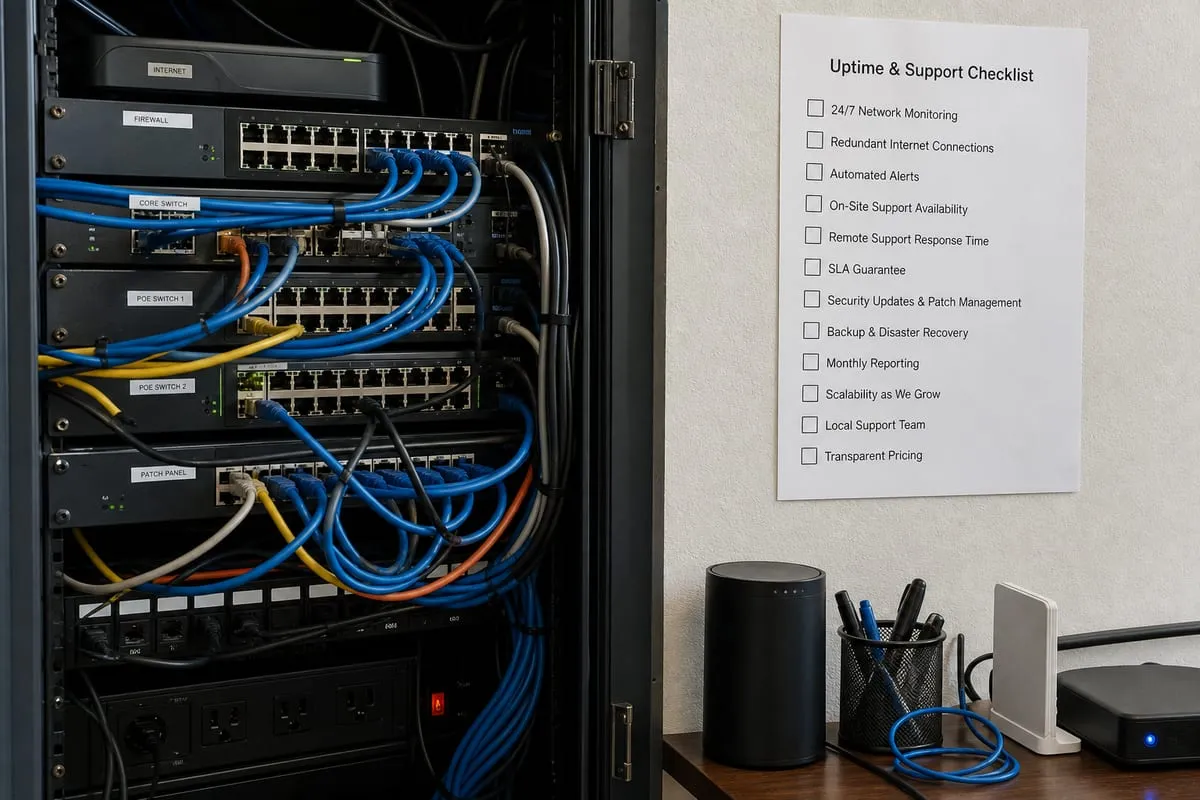
Create a basic inventory of what relies on your network.
- Internet connections and backup circuits
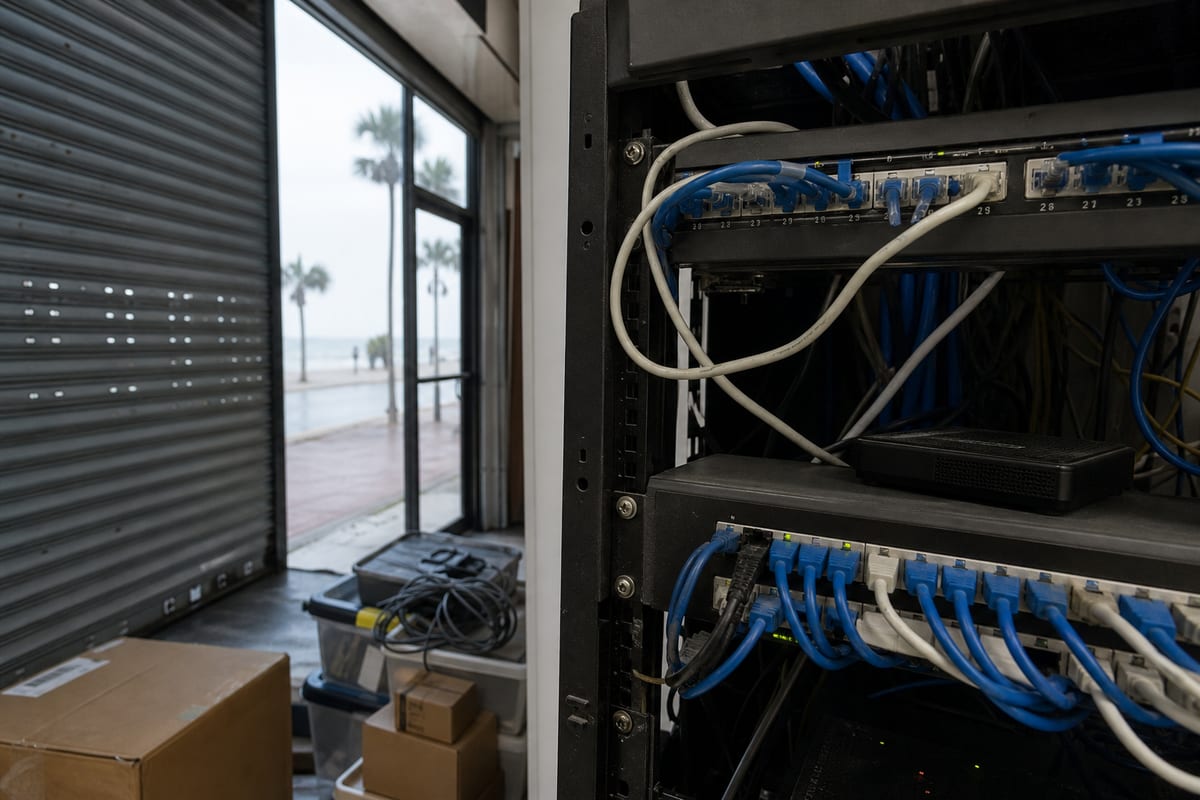
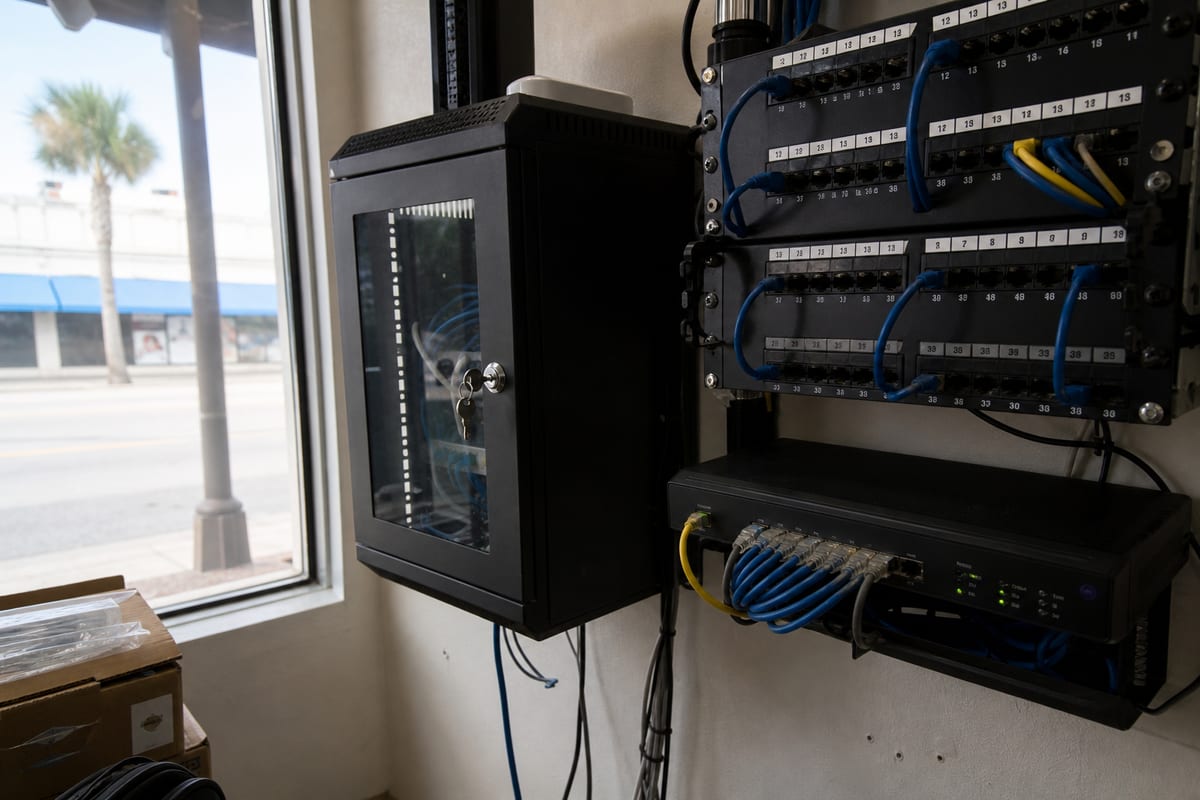
- Firewalls, switches, and wireless access points
- Office phones or VoIP systems
- Cloud apps your team uses constantly
- Printers, scanners, cameras, and smart devices
- Remote users, guest Wi-Fi, and multiple locations
This step matters because a small professional office has very different needs than a warehouse, healthcare practice, or multi-site company. A provider that understands your environment can recommend the right level of coverage instead of forcing a one-size-fits-all package.
2. Identify where downtime hurts the most
Not every network issue carries the same risk. Ask yourself:
- Which systems stop revenue-generating work?
- What can your team tolerate for an hour, and what needs immediate attention?
- Are there peak business times when even a short outage causes major disruption?
- Do you need after-hours support for updates or emergencies?
These answers help define service expectations. They also make it easier to discuss escalation paths, response times, and monitoring priorities with a provider.
3. Look for proactive monitoring, not just break-fix support
A strong managed network approach should catch warning signs early, such as overloaded circuits, failing hardware, unstable wireless coverage, or unusual traffic patterns. That is very different from waiting until users start opening tickets.
If you want a clearer picture of what proactive oversight should include, review network support options and compare them against your current process.
4. Ask how security is built into the service
Your network is not separate from cybersecurity. Firewalls, remote access, segmentation, firmware updates, and traffic visibility all affect risk. A provider should be able to explain how it handles routine hardening, patching, access controls, and suspicious activity.
For businesses that need stronger visibility into threats, it is worth asking how network management works alongside Managed Detection and Response. The best answer is not a list of products, it is a clear explanation of how incidents are detected, investigated, and contained.
5. Review the provider’s process for changes and documentation
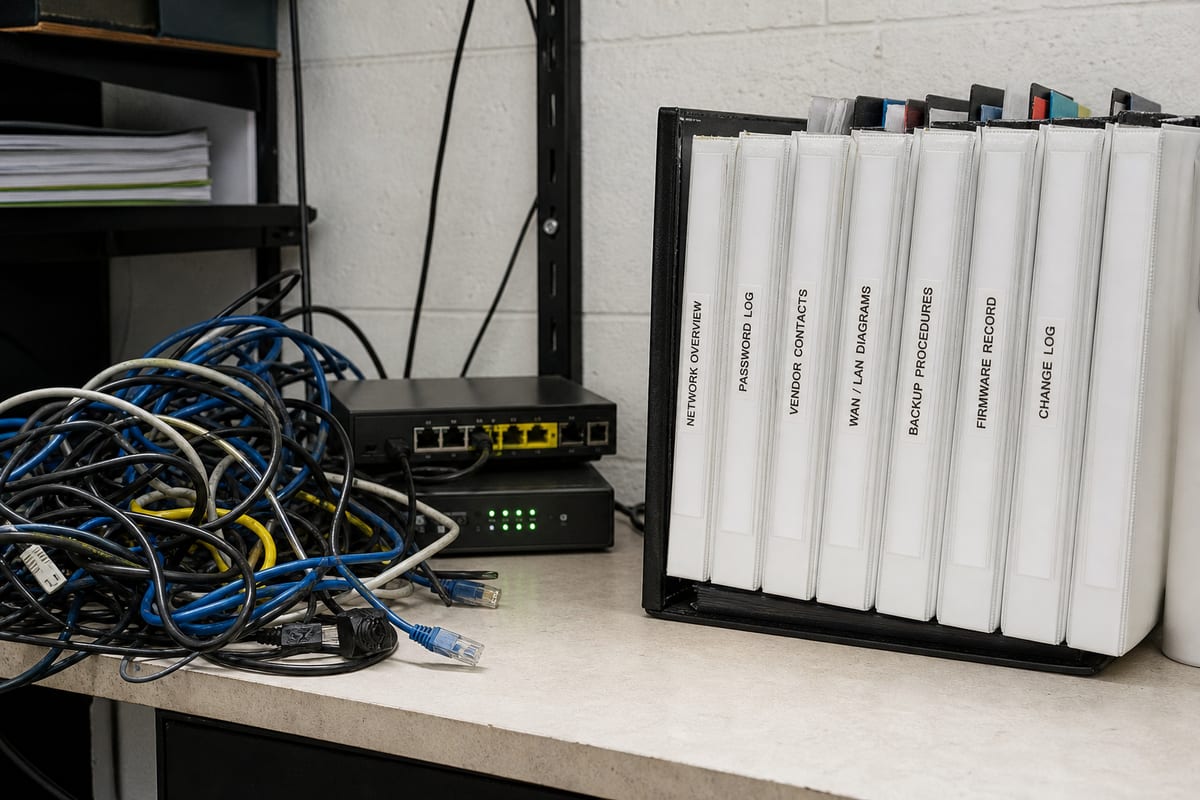
Networks become fragile when changes are made informally. One switch gets replaced, a rule is added to the firewall, guest Wi-Fi is adjusted, and six months later no one remembers what changed or why.
Ask these practical questions:
- How are network diagrams maintained?
- Are configurations backed up before major changes?
- Who approves changes that could affect users?
- How are after-hours updates scheduled and communicated?
- What documentation will your team be able to access?
A well-run service should make your environment more organized over time, not more dependent on tribal knowledge.
6. Confirm how the provider handles outages and escalation
When something fails, speed matters, but so does clarity. You should know who is alerted, who starts troubleshooting, and when your team is informed.
Look for a provider that can explain:
- What triggers an emergency response
- Whether monitoring is automated and continuous
- How internet, firewall, and Wi-Fi issues are triaged
- When onsite support is needed versus remote remediation
- How status updates are shared during an incident
This is especially important for businesses in the Daytona Beach area that rely on stable connectivity for customer service, cloud apps, and phone systems across busy workdays.
7. Make sure backup connectivity and recovery are part of the conversation
Managed network services should not stop at keeping devices online. Resilience matters too. If your primary connection fails, what happens next? If a network device dies, how quickly can it be restored or replaced?
That is where planning overlaps with backup and disaster recovery services. Even if your main concern is networking, recovery planning helps reduce the business impact of equipment failure, configuration loss, or site-level disruption.
8. Evaluate reporting for usefulness, not volume
Some providers send pages of charts that do little to help you make decisions. Better reporting is short, relevant, and tied to action.
Useful reports often include:
- Recurring performance issues
- Security events worth reviewing
- Device health and lifecycle concerns
- Bandwidth trends and capacity planning notes
- Recommendations for reducing future risk
The goal is not to overwhelm you with data. It is to give you enough insight to budget, plan, and improve.
9. Check whether the service can scale with your business
A network that works for 15 employees in one office may not work the same way when you add remote staff, a second site, more cloud applications, or stricter compliance requirements.
Ask providers how they support growth in areas like:
- Multi-location connectivity
- Secure remote access
- Wireless expansion
- Network segmentation
- Vendor coordination with internet and phone providers
This helps you avoid choosing a service that solves today’s problems but creates new limitations next year.
10. Ask what stays in your control
Managed services should reduce your workload, not leave you in the dark. Be clear about ownership and access from the start.
Important questions include:
- Who owns the hardware and licenses?
- Will your business retain admin access if needed?
- Can you see configurations, diagrams, and support history?
- What happens if you switch providers later?
- How are passwords and credentials stored and transferred?
A trustworthy provider should answer these directly and without defensiveness.
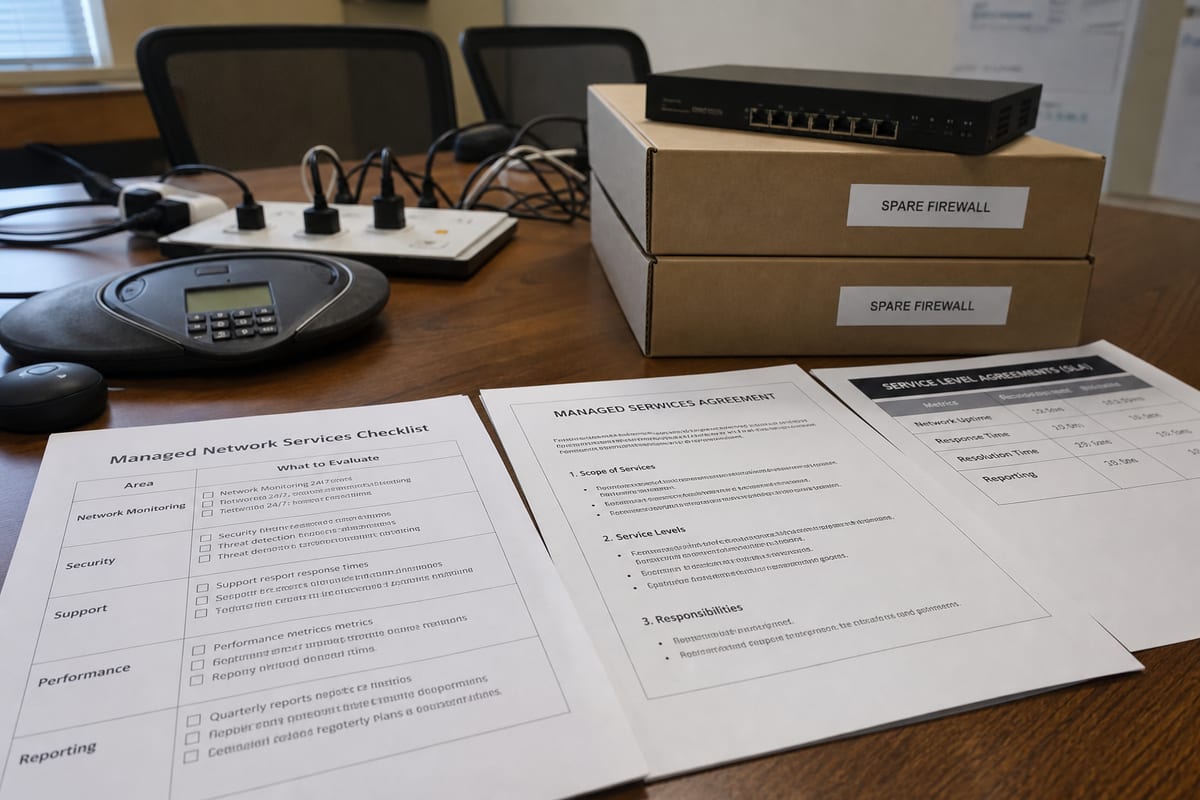
11. Compare service agreements in plain language
Do not judge a proposal only by monthly price. Compare what is actually included.
Look closely at:
- Monitoring hours and alert coverage
- Remote versus onsite support terms
- Response goals for different issue types
- Included maintenance and firmware updates
- Hardware procurement and replacement support
- Reporting cadence and review meetings
If the agreement is hard to understand, ask for it to be explained in plain language. A good provider should be comfortable doing that.
12. Pay attention to how the provider communicates early on
The sales process often reveals what the working relationship will feel like later. Are they listening carefully? Do they explain tradeoffs? Do they ask about your users, locations, and existing pain points?
For businesses in Daytona Beach, clear communication matters just as much as technical skill. You want a partner that can work smoothly with leadership, internal staff, and outside vendors without turning every issue into a maze of handoffs.
A simple way to make your final decision
Once you have narrowed your options, score each provider in five areas:
- Understanding of your business needs
- Proactive monitoring and support model
- Security and recovery readiness
- Documentation and transparency
- Communication and long-term fit
That quick scorecard can be more useful than comparing feature lists alone. It keeps the focus on reliability, accountability, and whether the service will actually make life easier for your team.
Choosing managed network services is really about reducing uncertainty. You want fewer surprises, faster resolution when problems happen, and a network that supports the way your business works.
If you are evaluating your current setup or comparing providers, take the time to ask better questions before you sign anything. The right partner should help you simplify operations, strengthen resilience, and feel more confident in the systems your team depends on every day.
If you want expert guidance on building a more reliable network, explore Managed Detection and Response or contact BlazeLink today to talk through your next steps.