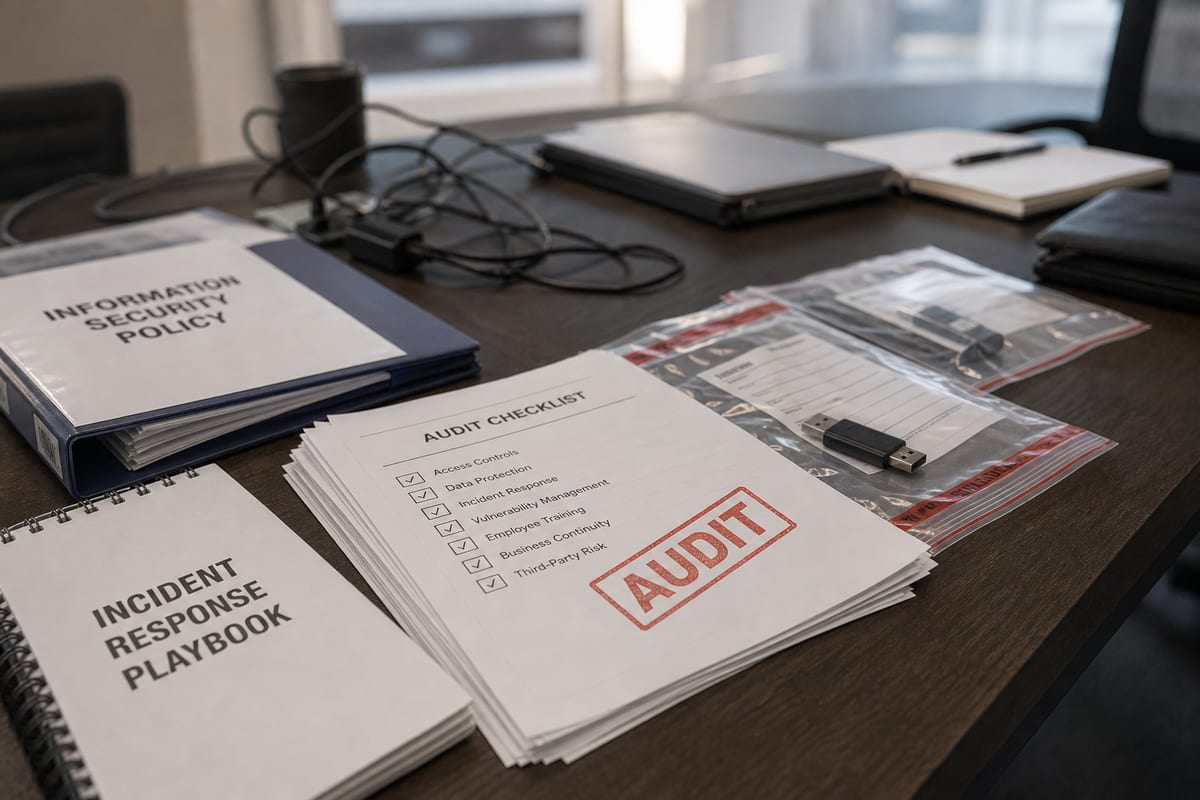
Checking Boxes vs. Reducing Risk: A Smarter Approach to Compliance in Daytona Beach
Learn how businesses in Daytona Beach can approach IT compliance support in practical, risk-focused ways that hold up under pressure.
Published on · Craig Wheeler · How this article was made
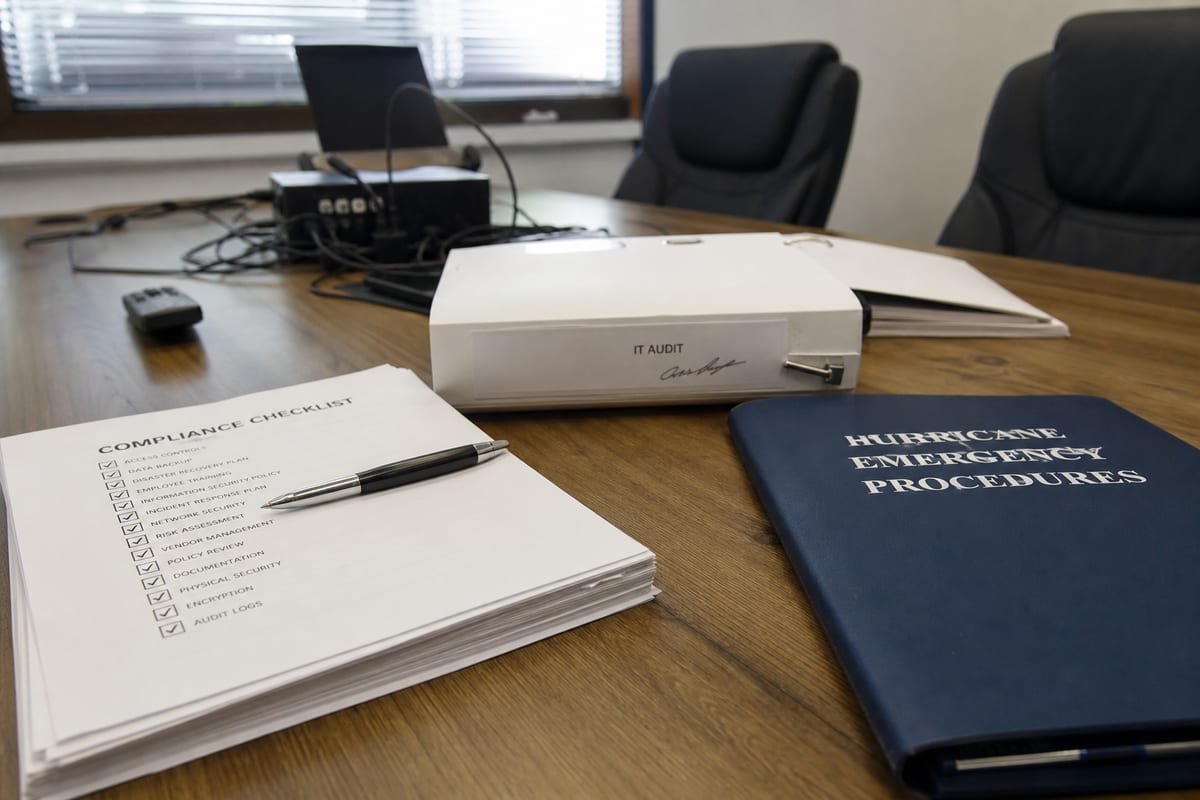
For many businesses, compliance starts as a requirement and turns into a scramble. A vendor asks for security documentation, cyber insurance adds new conditions, or an incident forces leadership to ask whether the company was actually prepared.
In Daytona Beach, that pressure can show up in very practical ways. Businesses near Daytona International Speedway often deal with major swings in customer volume around the Daytona 500, Bike Week, and Biketoberfest. Those events can create temporary spikes in point-of-sale activity, guest Wi-Fi use, remote access needs, and overall network demand for nearby hospitality, retail, and service organizations. When systems are stretched, weak controls tend to show themselves fast.
That is why compliance support services should be about more than passing an audit or filling out a questionnaire. Good support helps you understand where sensitive data lives, which rules apply to your business, and how to build processes that still work when your team is busy.
Why do businesses in Daytona Beach ask for compliance help in the first place?
Usually, it starts with one of four triggers:
- A customer or partner requires proof of security controls
- Cyber insurance asks for stronger documentation or technical safeguards
- Leadership realizes the business handles more sensitive data than expected
- An audit, breach, or near miss exposes gaps
For smaller and mid-sized organizations, the challenge is rarely a lack of concern. It is a lack of time, internal expertise, or a clear plan. Compliance requirements often overlap with IT operations, cybersecurity, employee training, vendor management, and documentation. When those pieces are handled separately, important details fall through the cracks.
Compliance sounds broad, so what does IT compliance support actually include?

At a practical level, IT compliance support helps your business translate rules and expectations into day-to-day controls.
That often includes:
- Reviewing how your systems store, process, and share sensitive information
- Identifying which regulations, contracts, or frameworks apply
- Assessing access controls, password policies, device security, and logging
- Improving backup, incident response, and change management practices
- Documenting policies and procedures in a way your team can actually follow
- Preparing for audits, questionnaires, or insurance reviews
A strong provider should not bury you in jargon. They should help you prioritize the most important risks first, then build from there.
Is compliance only for heavily regulated industries?
No. Highly regulated sectors often feel the pressure first, but many businesses outside healthcare or finance still have compliance obligations.
If you process card payments, store employee records, collect customer personal information, work with larger enterprise clients, or rely on cloud platforms with contractual security requirements, compliance is already part of your business reality. In many cases, the issue is not whether requirements exist, but whether they have been clearly mapped to your environment.
A question many owners ask: are we too small to worry about this?
Probably not.
Smaller organizations are often more exposed because they rely on lean teams, shared logins, older devices, or informal processes that grew over time. A business does not need to be large to face consequences from a security incident, failed client review, or missed reporting deadline.
Florida adds another reason to take preparation seriously. The Florida Information Protection Act, Fla. Stat. 501.171, requires businesses to notify affected individuals within 30 days of discovering a breach involving personal information, with only a limited extension available for good cause. That is a short timeline, especially if a company has not already defined who investigates incidents, how evidence is preserved, and who handles communications.
Which compliance gaps show up most often?
The most common issues are usually not dramatic. They are the everyday weaknesses that stay unnoticed until someone asks for proof.
Examples include:
- Users having more access than they need
- No consistent process for removing access when employees leave
- Missing multi-factor authentication on critical accounts
- Incomplete asset inventories
- Backups that exist, but are not regularly tested
- Policies copied from a template but never implemented
- Vendor risk reviews that are informal or undocumented
- Incident response plans that look good on paper but have never been practiced
These are fixable problems, but only if they are identified honestly.
How is compliance different from cybersecurity?
They overlap, but they are not the same.
Cybersecurity is about protecting systems, users, and data from threats. Compliance is about meeting specific legal, contractual, or framework-based requirements. You can be compliant on paper and still have security weaknesses. You can also improve security in meaningful ways without fully satisfying a required standard.
The goal is to connect the two. A useful starting point is a cybersecurity risk assessment, which can help uncover where technical risk and compliance obligations intersect.
Do Daytona Beach businesses need a different approach during major event seasons?
In some cases, yes.
For businesses affected by large Speedway events, temporary demand surges can create compliance headaches that do not show up during normal weeks. Extra seasonal staff may need access to systems. Pop-up devices or temporary payment workflows may be added quickly. Guest networks can become busier. Remote troubleshooting may increase. All of that can introduce exceptions, and exceptions are where compliance problems often begin.
A better approach is to plan for those periods in advance. Review who gets access, how long that access lasts, which devices are approved, and how payment or customer data is handled during peak traffic. If your environment changes during the Daytona 500, Bike Week, or Biketoberfest, your controls should account for that reality.
What should a compliance support partner be able to explain clearly?
If you are evaluating help, listen for clarity, not just credentials.
A good partner should be able to answer questions like:
- Which requirements apply to our business and which do not?
- What are our highest-risk gaps right now?
- Which fixes matter most in the next 30, 60, or 90 days?
- What evidence should we keep for audits or client reviews?
- How do our technical controls connect to our written policies?
- Who on our team needs to be involved beyond IT?
If the answers are vague, overly technical, or disconnected from your operations, the support may not be practical enough to help.
Can internal IT handle compliance without outside support?
Sometimes, yes. But that depends on bandwidth, experience, and the complexity of your environment.
Internal teams are often already busy with user issues, vendor coordination, infrastructure maintenance, and project work. Compliance adds documentation, testing, policy review, and cross-department follow-up that can be hard to sustain. Outside support can bring structure, accountability, and a more objective view of where gaps exist.
That does not mean replacing your internal team. In many cases, the best model is collaborative, where compliance guidance works alongside day-to-day IT support and internal operational knowledge.
How do you make compliance manageable instead of overwhelming?
Start smaller than you think.
You do not need to solve everything at once. Most businesses make better progress when they:
- Identify the data and systems that matter most
- Clarify which laws, contracts, and standards apply
- Fix the highest-risk access and security issues first
- Create documentation that reflects real operations
- Test key processes such as backups, access removal, and incident response
- Review changes regularly instead of waiting for the next audit
This turns compliance into an ongoing practice rather than a once-a-year event.
One more practical question: what should you prepare before asking for help?
You do not need a perfect packet of documentation, but it helps to gather:
- Any client or vendor security questionnaires you have received
- Cyber insurance requirements or renewal questions
- Existing policies, even if outdated
- A list of key software platforms and cloud services
- Information about where customer, employee, or payment data is stored
- Notes on any prior incidents, audit findings, or known concerns
That gives your provider a clearer starting point and helps the conversation move faster.
So, what does good compliance support really look like?
It should feel practical, prioritized, and tied to how your business actually runs in Daytona Beach. Not every company needs the same framework, the same documentation depth, or the same technical controls. What matters is building a program that fits your risk, your obligations, and your day-to-day operations.
If your business has been treating compliance like paperwork, now is a good time to rethink it. The right compliance support for your business can help you reduce risk, respond faster, and face audits or incidents with more confidence.
Compliance works best when it is part of how you operate, not something you rush through after a problem appears. If you want a clearer picture of where you stand and what to do next, start with the gaps that would hurt most if they were tested tomorrow.
The goal is not perfection. It is a business that can keep serving customers, protect sensitive information, and meet its obligations without constant fire drills. If you are ready for practical guidance, reach out to BlazeLink for expert compliance support in Daytona Beach.