Reliable Technology Support That Keeps Your Business Moving
Explore practical IT services for businesses in New Smyrna Beach, from support and security to proactive monitoring and planning.
Published on
For many businesses in New Smyrna Beach, technology is tied to nearly every part of the workday. Appointments, payments, email, file sharing, customer communication, remote access, and security all depend on systems working the way they should. When they do not, the disruption is immediate.
That is why good IT service is not just about fixing problems after something breaks. It is about creating a stable, secure, and practical setup that supports your team, reduces downtime, and helps you make better technology decisions over time.
Why local context matters more than most providers admit
Businesses in New Smyrna Beach often need a mix of fast remote help and dependable on-site service. Some operate year-round with lean teams. Others deal with seasonal traffic, busy weekends, or multiple locations across the area. A retail shop, medical office, marina, contractor, or professional firm may all rely on technology differently, but they share one common need, dependable support that fits daily operations.
Local knowledge helps in simple but important ways. It can mean understanding how weather affects connectivity, how to plan for storm-related outages, or how to support a business with staff working from the office, from home, and on the road. It also helps when an issue cannot be solved through a remote session and someone needs to be there in person.
The real job of IT service
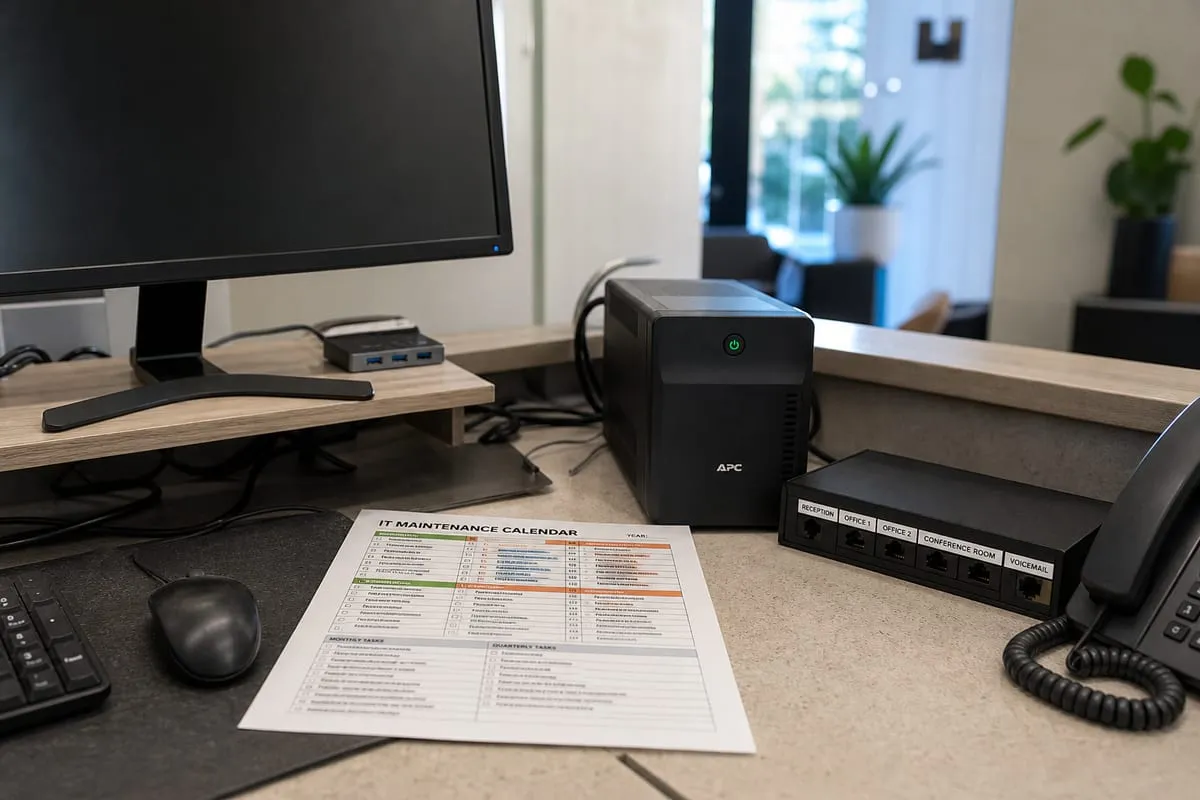
A strong IT partner should do more than answer help desk tickets. Day to day support matters, but businesses also need guidance, prevention, and follow-through.
Effective service usually includes:
- Troubleshooting computers, printers, internet issues, and business applications
- Managing user accounts, passwords, and access permissions
- Keeping devices and software updated
- Monitoring systems for early signs of trouble
- Protecting business data with backups and recovery planning
- Improving network reliability and Wi-Fi performance
- Helping with vendor coordination for internet, phones, and software
- Advising on hardware replacements and technology planning
When these pieces work together, your team spends less time waiting on fixes and more time focused on customers and operations.
Support that prevents problems, not just reacts to them
One of the biggest differences between basic tech help and a managed approach is consistency. Reactive support can solve immediate issues, but it often leaves the root causes untouched. That leads to repeated outages, aging hardware, patchy security practices, and frustration for employees.
Proactive service changes that pattern. With IT Monitoring Services, businesses can catch storage issues, failed backups, device health warnings, and other warning signs before they turn into larger disruptions. Monitoring does not replace human support, but it gives your provider a clearer view of what is happening behind the scenes.
For many companies, this is where technology starts feeling less unpredictable.
Security has to be part of everyday operations
Cybersecurity is not a separate project that sits off to the side. It should be built into normal IT management. Small and midsize businesses are often targeted because they may have fewer internal resources, older systems, or inconsistent policies.
Practical protection can include multi-factor authentication, endpoint security, patch management, secure backups, staff training, email filtering, and tighter access controls. It can also include a closer look at where sensitive data lives and who can reach it.
A good starting point for many organizations is a cybersecurity risk review. This helps identify gaps in systems, policies, and user habits so you can prioritize improvements based on real business risk.
Different businesses, different priorities
Not every company in New Smyrna Beach needs the same level of service. A small office with a handful of users may need responsive support and basic security. A growing business with cloud apps, remote staff, and compliance concerns may need more structure, documentation, and long-term planning.
Here are a few examples of how needs can differ:
- Healthcare practices may need stronger access controls, device management, and help with compliance-related safeguards.
- Professional service firms may prioritize secure file sharing, email reliability, and business continuity.
- Retail and hospitality businesses may focus on payment systems, guest Wi-Fi separation, and uptime during peak hours.
- Field-based companies may need better mobile access, cloud collaboration, and support for staff working from multiple locations.
The best service model reflects how your business actually runs, not a generic package.
Choosing a provider without getting lost in sales language
IT providers often sound similar at first. To compare them well, it helps to focus on how they work, not just what they promise.
Ask questions like:
- How do you handle urgent issues versus routine requests?
- What is included in ongoing support?
- How do you document systems, users, and network details?
- What security practices are part of your standard service?
- How do you approach backups and recovery testing?
- When do you recommend on-site visits?
- How do you help businesses plan for upgrades and budgeting?
Clear answers usually tell you more than broad claims ever will. You want a provider that communicates well, explains issues in plain language, and builds a service plan around your business goals.
When growing companies need more structure
As businesses expand, technology tends to get more complicated. New employees need devices and accounts. Software stacks grow. Permissions become harder to manage. Older equipment stays in use longer than it should. Without a clear process, small issues become recurring obstacles.
This is where documented workflows, lifecycle planning, and consistent support make a real difference. A provider offering business IT support can help standardize onboarding, reduce avoidable disruptions, and make sure your systems keep pace with your operations.
Growth is easier to manage when your technology is organized instead of patched together.
A practical checklist for businesses in New Smyrna Beach
If you are evaluating your current setup, start with a few straightforward questions:
- Are employees dealing with the same tech problems again and again?
- Do you know whether backups are running successfully?
- Is your network reliable in all the areas where staff and guests need it?
- Are devices being updated regularly?
- Do former employees still have access to any systems?
- Could your team keep working if the internet went down or a server failed?
- Do you have a clear point of contact when something urgent happens?
If several of these answers are uncertain, it may be time to improve your IT strategy.
FAQ
How quickly should a business expect IT help when something goes wrong?
That depends on the provider and the severity of the issue. Critical outages should be prioritized immediately, while routine requests may follow a standard queue. The important part is having clear response expectations and communication.
Is remote support enough for most businesses?
Remote support handles many common issues efficiently, but not all of them. Hardware failures, network troubleshooting, office moves, and some connectivity problems may still require on-site help in New Smyrna Beach.
What is the difference between break-fix support and managed services?
Break-fix support focuses on solving problems after they happen. Managed services are ongoing and proactive, often including monitoring, maintenance, security tasks, planning, and user support.
How often should a business review its cybersecurity setup?
At least annually is a good baseline, and more often if your business grows, adopts new software, handles sensitive data, or experiences major workflow changes.
Technology works best when it is aligned with the way your business actually operates. The goal is not to add complexity, it is to reduce friction, protect your data, and give your team dependable tools they can trust.
If your current setup feels reactive, inconsistent, or harder to manage than it should be, a better support approach can make a meaningful difference. Contact us today for expert it services!