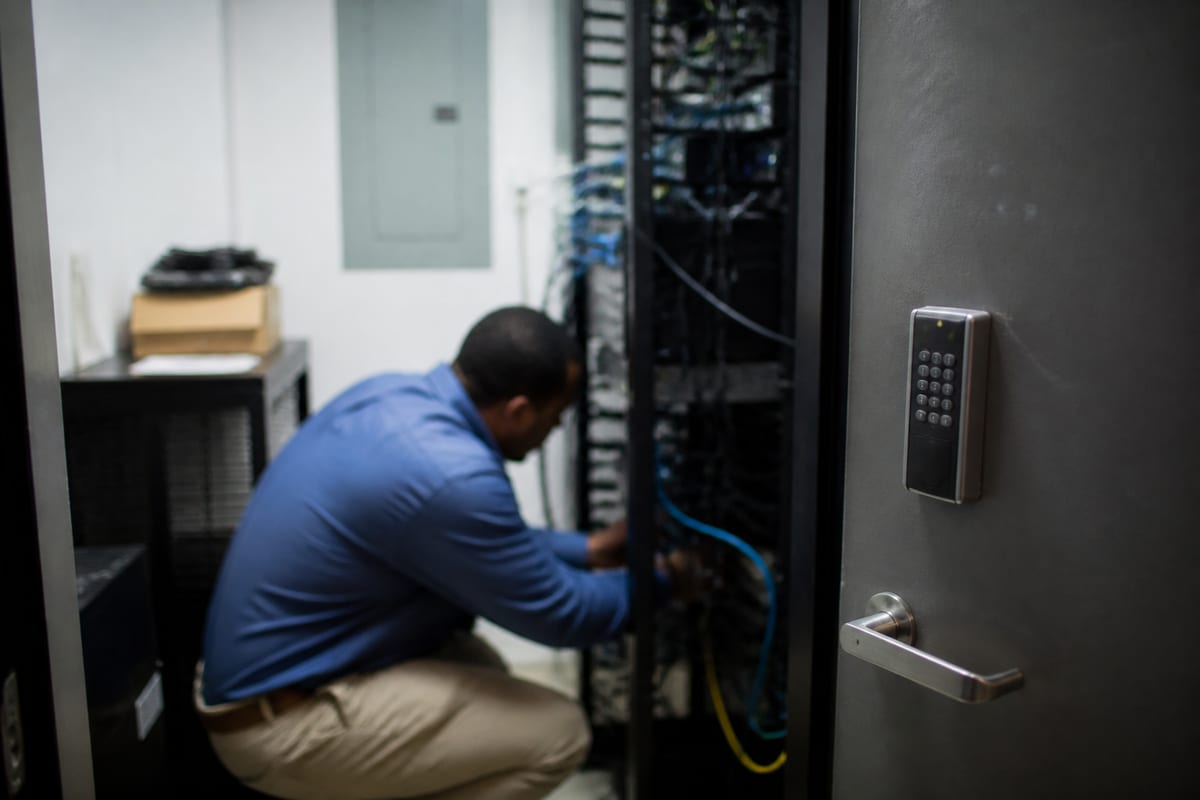

Quick Fixes vs. Long-Term Stability: A Smarter Way to Handle Business IT
Learn how managed IT services help Ormond Beach businesses reduce downtime, improve security, and plan technology with confidence.
Published on
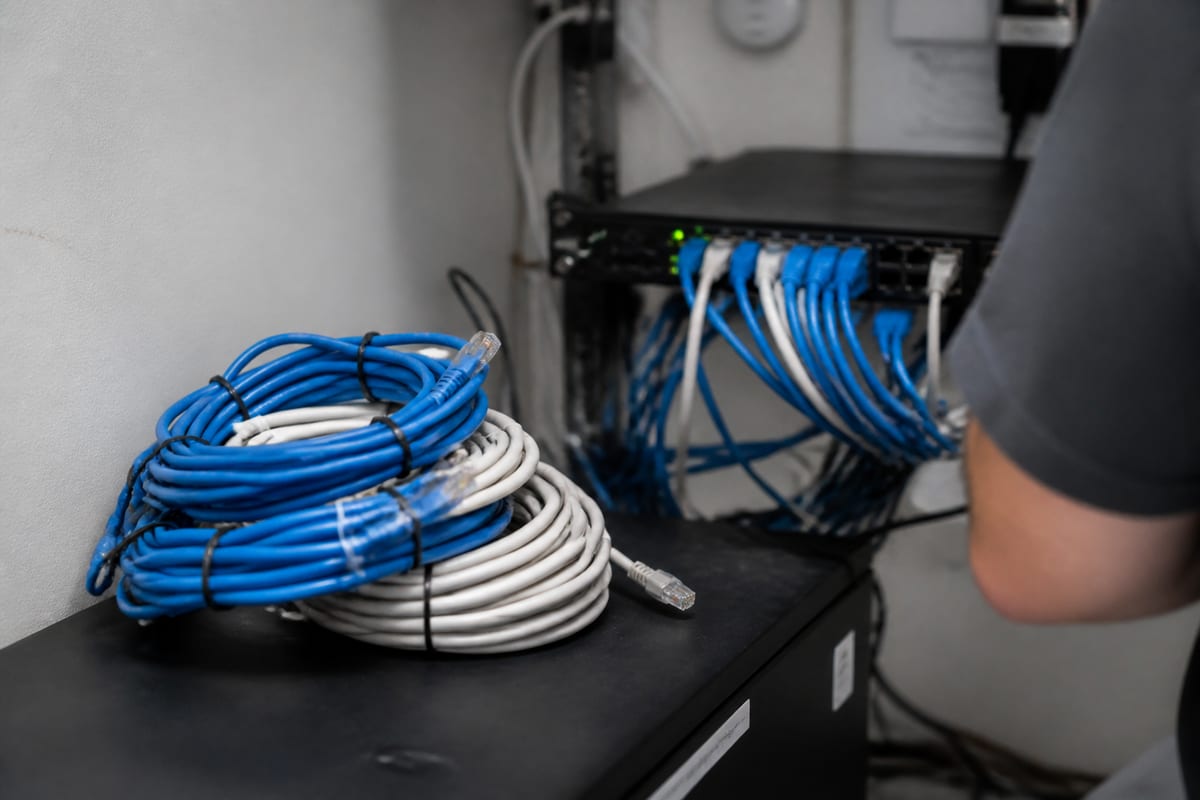
For many small and midsize businesses, technology only gets attention when something breaks. A printer stops working, email goes down, files will not open, or a staff member cannot connect from the road. Those issues feel urgent, but the bigger problem is often the pattern behind them.
Managed IT services give businesses in Ormond Beach a more reliable way to handle technology. Instead of reacting to problems one at a time, you get ongoing oversight, maintenance, support, and planning. The goal is not just to fix issues faster. It is to reduce how often they happen in the first place.
When reactive support starts costing more than it saves
A break-fix approach can seem practical, especially for growing companies watching expenses. You pay for help when you need it, and on the surface that feels efficient. In reality, the hidden costs add up quickly.
Downtime interrupts sales, customer service, scheduling, billing, and internal communication. Small issues also pull employees away from their actual jobs. If your team spends part of every week dealing with slow computers, login problems, or unreliable internet, that lost time becomes a real business cost.
This is where ongoing oversight matters. With IT Monitoring Services, many issues can be spotted early, before they turn into outages that disrupt your day.
A local business needs more than a help desk

Companies in Ormond Beach often have a mix of needs that make technology management more complex than it first appears. Some support seasonal demand. Some have staff working across multiple locations. Others depend on cloud apps, mobile devices, and secure access from outside the office.
In that environment, a good provider does more than answer tickets. They help create consistency across devices, user accounts, software updates, backups, and security settings. They also make sure your systems match the way your business actually operates.
That local understanding matters. A provider serving Ormond Beach should be ready to support offices, remote workers, and growing teams without forcing a one-size-fits-all setup.
What managed IT services usually include
The exact scope varies by provider, but most managed arrangements are built around a few core responsibilities.
- Day-to-day technical support for employees
- Monitoring of workstations, servers, and network devices
- Software patching and system updates
- User account management and access control
- Backup oversight and recovery planning
- Vendor coordination for internet, phones, and business software
- Strategic guidance for hardware replacement and future growth
Some businesses mainly need dependable business IT support for staff and devices. Others need a broader relationship that includes planning, documentation, and long-term improvement.
Security is no longer a separate conversation
Many business owners still think of cybersecurity as an add-on, something handled after the main technology decisions are made. In practice, security needs to be part of everyday IT management.
Phishing, weak passwords, outdated software, and unmanaged devices can all create risk. A managed approach helps reduce those gaps by making security part of routine operations. That can include patching, access reviews, endpoint protection, employee guidance, and escalation when suspicious activity appears.
For organizations that need stronger protection, managed detection and response can add deeper visibility and faster incident response.
Planning matters just as much as support
One of the most overlooked benefits of managed services is better decision-making. Without a plan, businesses often replace hardware too late, renew software without review, or adopt new tools without understanding how they fit into the rest of the environment.
A managed provider should help you think ahead. Which systems are aging out? Where are the recurring support issues? Are employees using tools that duplicate each other? Is your current setup strong enough to support hiring, remote access, or a new location?
These are not abstract IT questions. They affect budget, productivity, and customer experience.
Signs your business may be ready for a managed model
Not every company starts with a formal IT strategy. Many reach that point after repeated friction. If any of the following sounds familiar, it may be time to move from occasional fixes to ongoing management.
- Problems keep coming back after they are supposedly resolved
- Employees do not know who to contact for technical help
- Software updates and device replacements happen inconsistently
- You are unsure whether backups are working properly
- Security responsibilities are unclear or spread across too many people
- Technology decisions are being made only when something fails
Another clue is leadership fatigue. If owners or office managers are acting as the default IT coordinator, the business has probably outgrown its current approach.
Choosing a provider without overcomplicating it
You do not need a long checklist full of technical jargon to evaluate managed services. Start with practical questions.
How do they handle support requests? What is included each month? How do they monitor systems and communicate issues? Will they help with planning, budgeting, and vendor coordination? Can they explain recommendations clearly, without turning every conversation into a sales pitch?
It is also worth asking how they document your environment. Good documentation makes transitions smoother, speeds up support, and reduces confusion when something urgent happens.
In many cases, dependable monitoring is the foundation of everything else. A provider that uses proactive system monitoring well can often prevent the small issues that quietly drain time and money.
FAQ
Is managed IT a good fit for a small business?
Yes, especially if your team relies on computers, cloud apps, email, file access, or remote connectivity every day. Small businesses often benefit the most because they usually do not have enough internal capacity to manage everything consistently.
How is managed IT different from calling for help when something breaks?
Break-fix support is reactive. Managed IT is ongoing. It typically includes monitoring, maintenance, planning, and support designed to prevent issues, not just respond after the damage is done.
Do we need managed services if we already use Microsoft 365 and cloud apps?
Usually, yes. Cloud platforms still require user management, device security, access control, backup planning, and employee support. Moving to the cloud changes the work, but it does not eliminate it.
Will a managed provider replace our internal IT person?
Not always. In many businesses, managed services work alongside internal staff. A provider can handle monitoring, escalations, specialized expertise, or day-to-day support while your in-house team focuses on business-specific priorities.
Technology works best when it is managed with intention, not just patched together under pressure. For businesses in Ormond Beach, that means building an environment that supports daily work, protects important data, and leaves less to chance.
If your team is tired of recurring issues and unclear next steps, a managed approach can bring structure and peace of mind. The right partner should make technology feel more predictable, more secure, and easier to scale as your business grows.
Contact us today for expert managed it services!