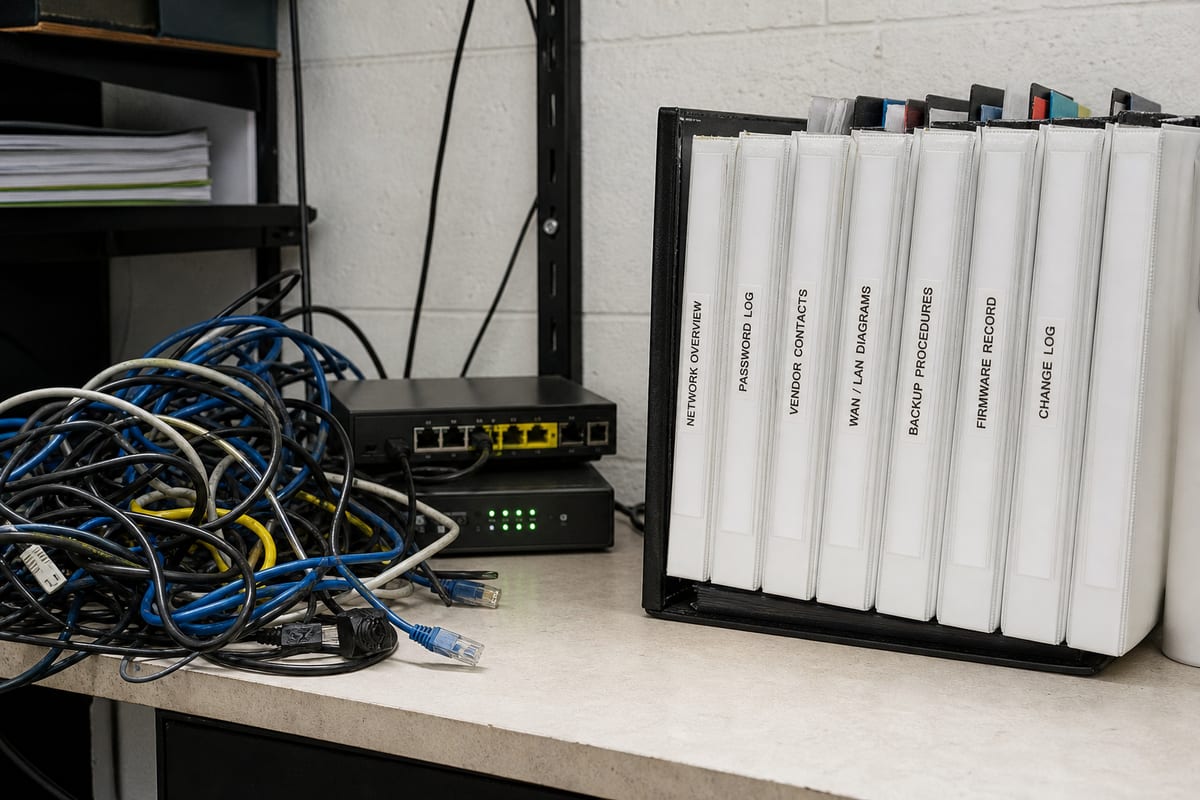
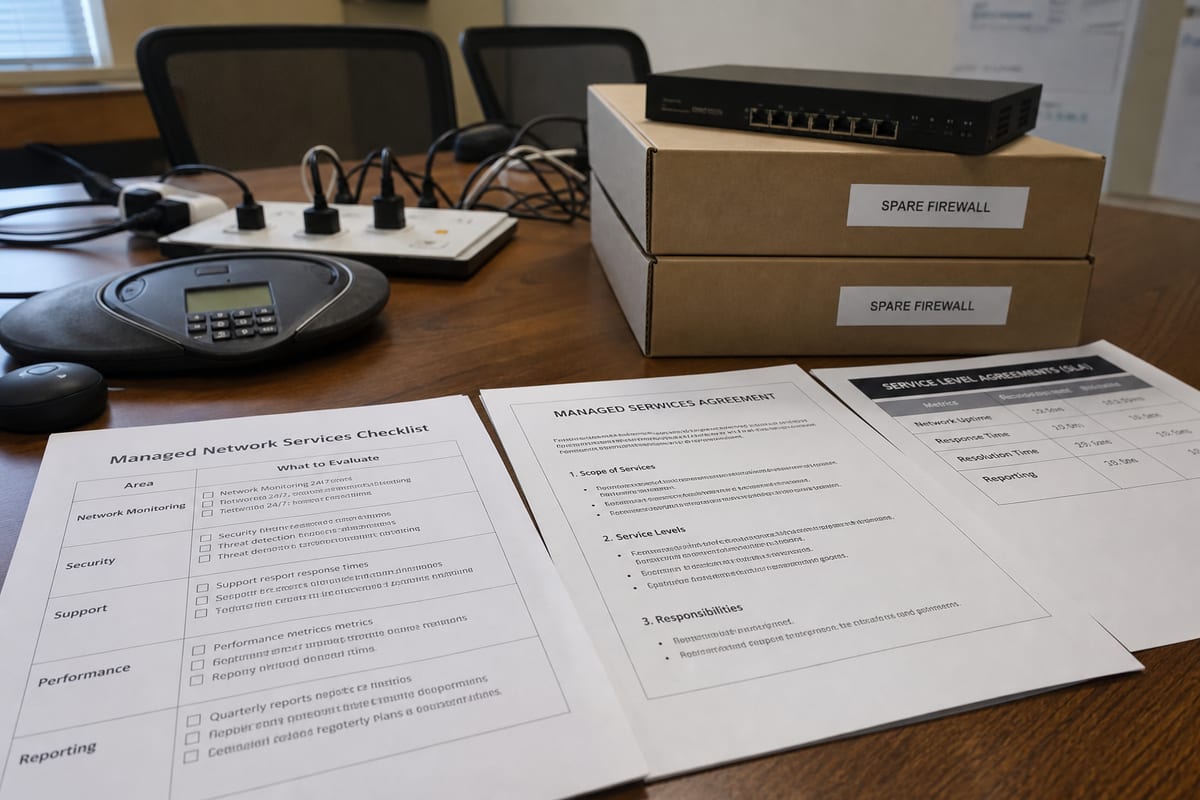
Fast Connections vs. Safe Operations: A Smarter Way to Approach Network Security in Daytona Beach
Learn how Daytona Beach businesses can strengthen network security with practical protections, local insight, and smarter planning.
Published on · Craig Wheeler · How this article was made
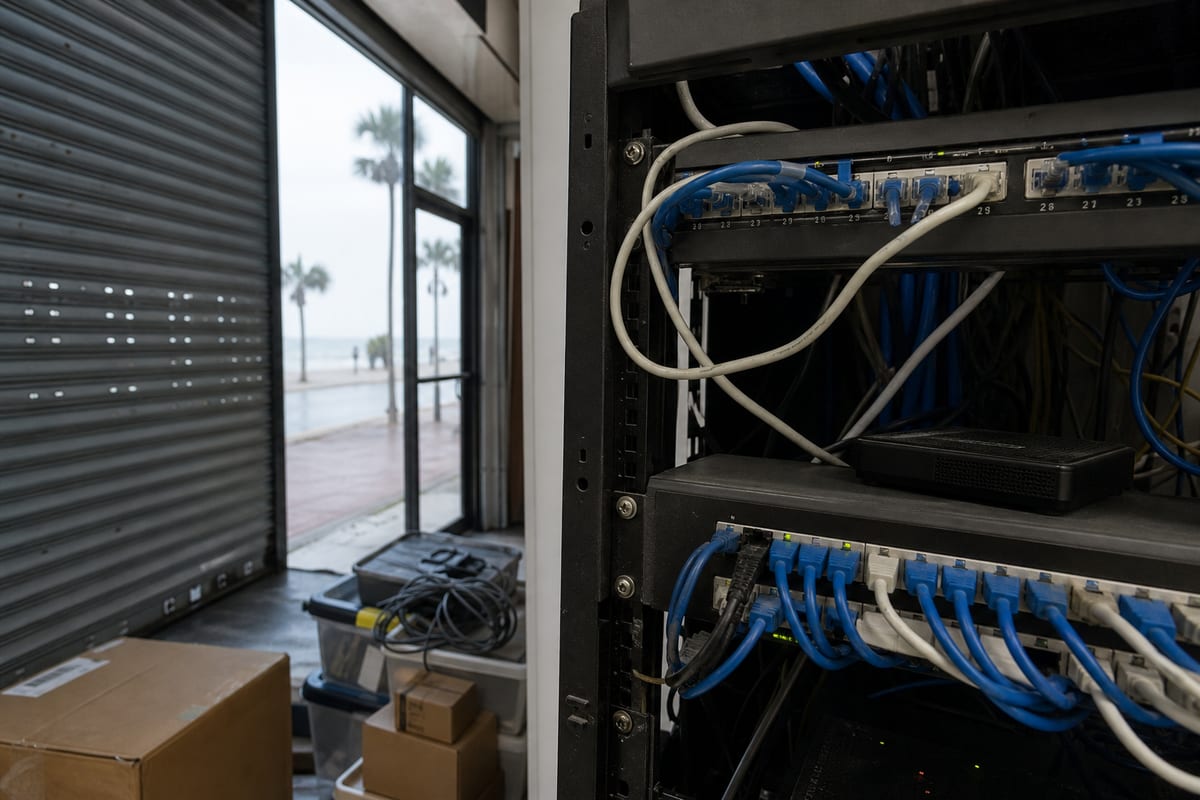
For many businesses, the network is expected to do two things at once: stay fast for daily work and stay secure against constant threats. That balance is not always easy. When security is added as an afterthought, teams often end up with slow systems, confusing workarounds, and gaps that attackers can exploit.
That is why network security services matter. A strong approach is not just about installing a firewall and hoping for the best. It is about designing a network that supports how your business actually operates, who needs access, where your data moves, and how problems will be found before they turn into downtime.
In Daytona Beach, that planning can look different from other cities. Local organizations often support a mix of tourism, hospitality, healthcare, professional offices, and businesses connected to the area around Daytona International Speedway and the airport corridor. That kind of business mix creates a wide range of network demands, from guest Wi-Fi and payment systems to secure file access and reliable communication between locations.
Security problems rarely start where people expect
Most network issues do not begin with a dramatic breach. They often start with smaller weaknesses that build up over time:
- Old firewall rules that no one has reviewed in years
- Shared passwords for important systems
- Unsecured guest wireless networks
- Remote access tools set up quickly, then left in place
- Devices on the network that are not being monitored
- Staff who are unsure how to spot suspicious login prompts or phishing attempts
A business can be running smoothly on the surface while carrying a lot of hidden risk underneath. That is one reason many companies turn to professional network support services when their internal team does not have time to manage every layer of protection.
Beyond the firewall, what good network security actually includes
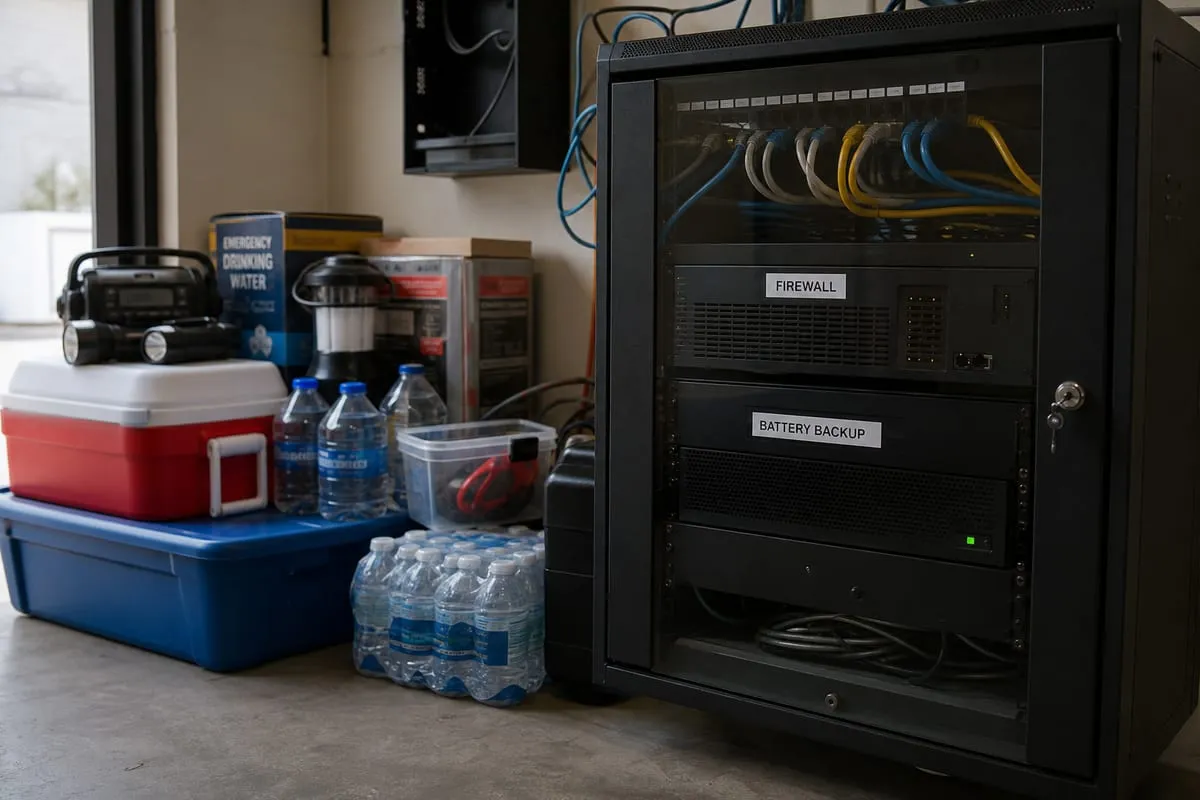
Network security is often reduced to one piece of hardware, but real protection is broader than that. A mature setup usually includes several working parts.
Access control that matches real job roles
Not every employee needs access to every system. Limiting permissions helps reduce damage if an account is compromised. It also makes it easier to track who accessed what and when.
Secure Wi-Fi design
Many businesses need separate wireless networks for staff, guests, and operational devices. Keeping those environments segmented helps prevent a problem in one area from spreading across the whole business.
Firewall and router management
Firewalls need more than installation. They need updates, rule reviews, logging, and regular tuning. The same goes for routers, switches, and other core network equipment.
Monitoring and alerting
A secure network should not stay silent when something unusual happens. Repeated failed logins, unknown devices, unexpected traffic spikes, and communication with suspicious destinations should all be investigated quickly.
Remote access protection
If your team works from home, travels, or connects to cloud systems from different locations, remote access needs to be protected with strong authentication and clear controls.
Backup-aware security planning
Security and recovery should work together. If ransomware or accidental deletion affects a critical system, your network plan should support fast isolation and restoration.
Why local business environments shape the right solution
A retail shop near Beach Street has different needs than a medical office, and both differ from a company serving events and vendors around the Speedway. Some organizations need strong guest network separation. Others need tighter controls for compliance, payment processing, or confidential client records.
That is why cookie-cutter security packages often disappoint. The right service starts with understanding your layout, devices, software, vendors, and day-to-day workflows. A network that supports front desk staff, mobile devices, security cameras, VoIP phones, and cloud applications all at once needs to be designed intentionally.
A useful first step is a structured cybersecurity risk assessment that identifies weak points before they are exploited.
Common warning signs your network needs attention
Sometimes businesses know they need help because a serious event already happened. More often, the signs are subtler.
You may need stronger network security if:
- Employees complain about random disconnects or slowdowns with no clear cause
- New devices are added without documentation or approval
- Guest Wi-Fi and internal business systems share the same environment
- Former employees may still have access to systems or remote tools
- Your firewall has not been reviewed in a long time
- You rely on consumer-grade networking equipment in a business setting
- No one is regularly checking logs, alerts, or unusual traffic patterns
- You are adding cloud apps faster than your security policies are keeping up
None of these automatically means you have been breached. They do mean your risk is likely higher than it should be.
Prevention is cheaper than cleanup
When businesses think about security spending, they sometimes compare it only to the cost of tools. A better comparison is the cost of prevention versus the cost of disruption.
Cleanup after a network incident can involve lost productivity, vendor coordination, emergency repairs, password resets, customer communication, and in some cases legal or compliance review. Even if the damage is limited, the interruption can be expensive and frustrating.
Preventive work tends to be far more manageable. Reviewing configurations, tightening access, segmenting networks, improving monitoring, and documenting recovery steps can prevent many common incidents from becoming major business problems.
Choosing a provider without getting lost in jargon
Not all providers approach network security the same way. Some focus only on hardware. Others only respond after something breaks. The best fit is usually a partner who can explain risks clearly, align recommendations with your business, and provide ongoing support instead of one-time setup.
When evaluating options, ask questions like:
- Will you review our current network before recommending changes?
- How do you handle firewall updates and rule reviews?
- Can you segment guest, staff, and device traffic appropriately?
- What kind of monitoring do you provide?
- How do you secure remote access?
- How do you document the network so future changes are safer?
- What is your process if suspicious activity is detected?
A provider should be able to answer these in plain language. If every answer sounds vague or overly technical, that is a warning sign.
For businesses that want both day-to-day help and long-term improvement, ongoing network support services can provide the consistency that one-off fixes usually miss.
A practical roadmap for stronger protection
If your current setup feels unclear or outdated, you do not need to solve everything at once. A phased approach is often the most realistic.
Start here:
- Inventory your network equipment, devices, and critical systems.
- Review who has access to what, including remote access.
- Separate guest traffic from business operations.
- Update firewall, router, and switch configurations.
- Enable stronger authentication where possible.
- Set up monitoring and alerting for unusual behavior.
- Test backups and recovery steps.
- Revisit the plan as your business changes.
If you are not sure which step matters most for your environment, a brief security strategy conversation can help you prioritize the right next move.
FAQ
Do small businesses really need network security services?
Yes. Smaller organizations are often targeted because they may have fewer internal resources and less formal protection in place. Good security is not only for large enterprises.
Is antivirus enough to protect a business network?
No. Antivirus can help with endpoint protection, but it does not replace firewall management, network segmentation, access control, monitoring, and secure remote access.
How often should network security be reviewed?
At minimum, review it regularly and any time your business changes significantly, such as moving offices, adding staff, adopting new cloud tools, or supporting more remote work.
Can guest Wi-Fi create security issues?
Yes. If guest access is not properly separated from internal systems, it can increase risk. A secure design keeps public access apart from business operations.
What if we already have a firewall?
That is a good start, but a firewall still needs proper configuration, updates, and review. Security problems often come from outdated rules, weak access policies, or poor visibility into network activity.
A secure network should make your business easier to run, not harder. The goal is not to pile on tools, it is to create a stable environment where your team can work confidently, customers can be served reliably, and risks are addressed before they become disruptions.
If your business in Daytona Beach is growing, changing, or simply overdue for a closer look, now is a good time to evaluate whether your network is truly supporting your operations and protecting what matters most.
Contact us today for expert network security services!