How to Choose Reliable IT Services for Your Business in New Smyrna Beach
A practical checklist for New Smyrna Beach businesses that want dependable IT support, stronger security, and fewer daily disruptions.
Published on · Craig Wheeler · How this article was made
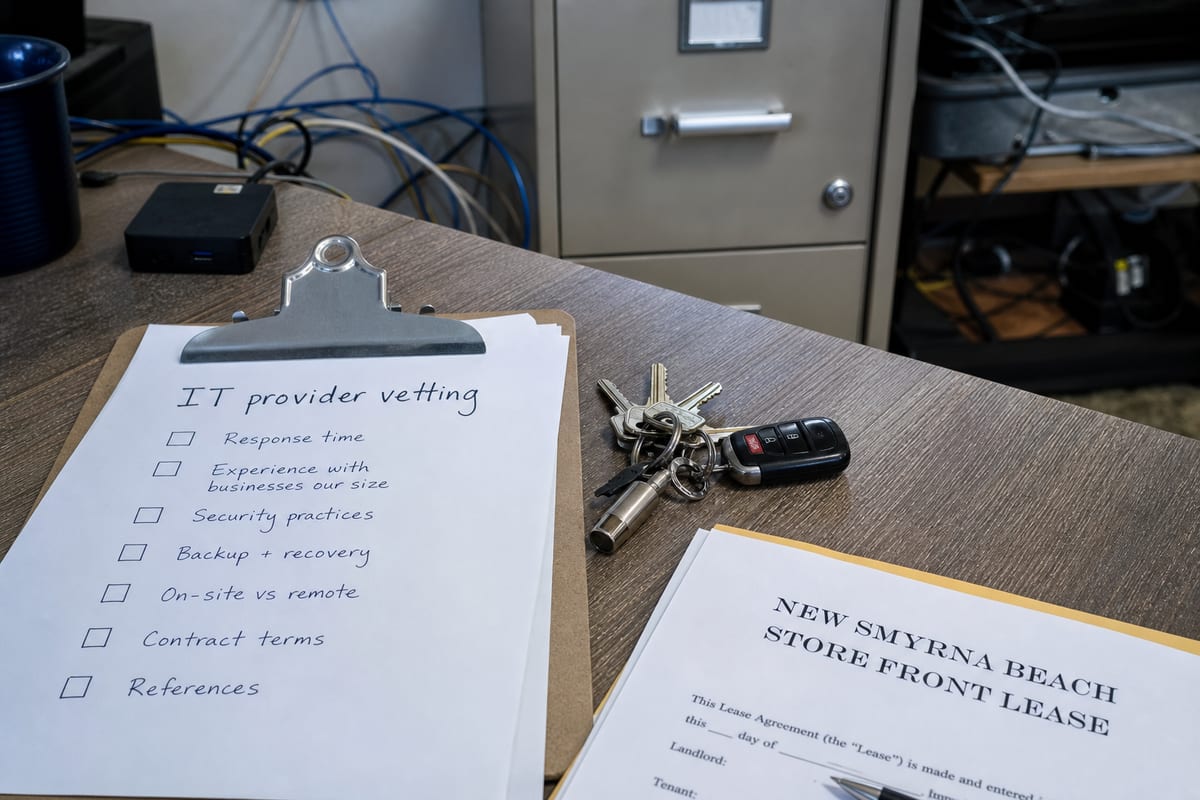
Finding the right technology partner can feel harder than it should. If you run a business in New Smyrna Beach, you are not just looking for someone to fix computers when something breaks. You need support that fits how local businesses actually operate, from busy hospitality seasons along Flagler Avenue to marine and service businesses that rely on steady connectivity near the Intracoastal Waterway.
The good news is that choosing well does not have to be complicated. Use the checklist below to compare providers, ask better questions, and find a team that can support your business for the long term.
1. Start with the way your business actually runs
Before comparing providers, list out the systems you rely on every day. Include the obvious items, like computers, Wi-Fi, email, printers, and phones, but also think about the tools that keep operations moving, such as point of sale systems, scheduling platforms, security cameras, cloud file access, and vendor portals.
In New Smyrna Beach, that list often looks different from a generic office setup. A restaurant near Canal Street may depend on reliable guest Wi-Fi and payment processing. A marina-related business may need dependable remote access for staff moving between office and dock operations. A professional office may care most about secure document sharing and fast response times when staff cannot access Microsoft 365.
When you know what matters most, it becomes much easier to judge whether a provider is offering real support or just a standard package.
2. Look for proactive help, not just break-fix repairs
A good provider should do more than wait for problems to appear. Ask how they monitor systems, apply updates, track hardware health, and catch issues early.
Proactive service usually means fewer interruptions, better device performance, and less time spent reacting to avoidable problems. If you want to understand what that should include, review how IT Monitoring Services help identify issues before they turn into downtime.
3. Ask how quickly you can reach a real person
Response time matters, but so does clarity. You want to know who answers the phone, how tickets are handled, and what happens if an issue affects your whole team.
As you compare options, ask questions like:
- What is your typical response time for urgent issues?
- Do you offer remote and onsite help?
- What happens after hours or on weekends?
- Will we work with a consistent team or a rotating help desk?
- How do you communicate status updates during an outage?
For many businesses, the best support relationship feels less like calling a vendor and more like having an extension of your own team.
4. Check whether they understand local connectivity realities
New Smyrna Beach has a geography that affects technology planning. Businesses are spread between mainland corridors and beachside areas connected by a limited number of causeways. That matters when you need onsite support, internet redundancy, or a recovery plan for a location that cannot afford to be cut off from systems during an outage.
A provider familiar with New Smyrna Beach should be able to talk through practical options, such as backup internet, cloud access for distributed teams, and how to keep key operations running if one location loses connectivity. This is the kind of local context that separates a true fit from a one-size-fits-all sales pitch.
5. Review security basics before you sign anything
Even smaller organizations are targets for phishing, account compromise, and ransomware. You do not need scare tactics, but you do need a provider that takes security seriously.
Use this quick checklist:
- Multi-factor authentication is enabled for email and critical apps
- Devices are patched regularly
- Antivirus or endpoint protection is actively managed
- Backups are tested, not just scheduled
- Access is removed promptly when employees leave
- Staff receive basic security awareness guidance
If you are unsure where your biggest risks are, a cybersecurity risk assessment can help uncover gaps before they become expensive problems.
6. Make sure backup and recovery are practical, not theoretical
Many businesses think they are backed up until they need to restore something quickly. Ask providers to explain, in plain language, what is backed up, how often, where it is stored, and how long a full recovery could take.
The key question is simple: if your office lost access to files or a critical device failed today, how would you get back to work?
That answer should cover more than servers. It should include cloud apps, shared files, email, line-of-business software, and the devices your team depends on every day.
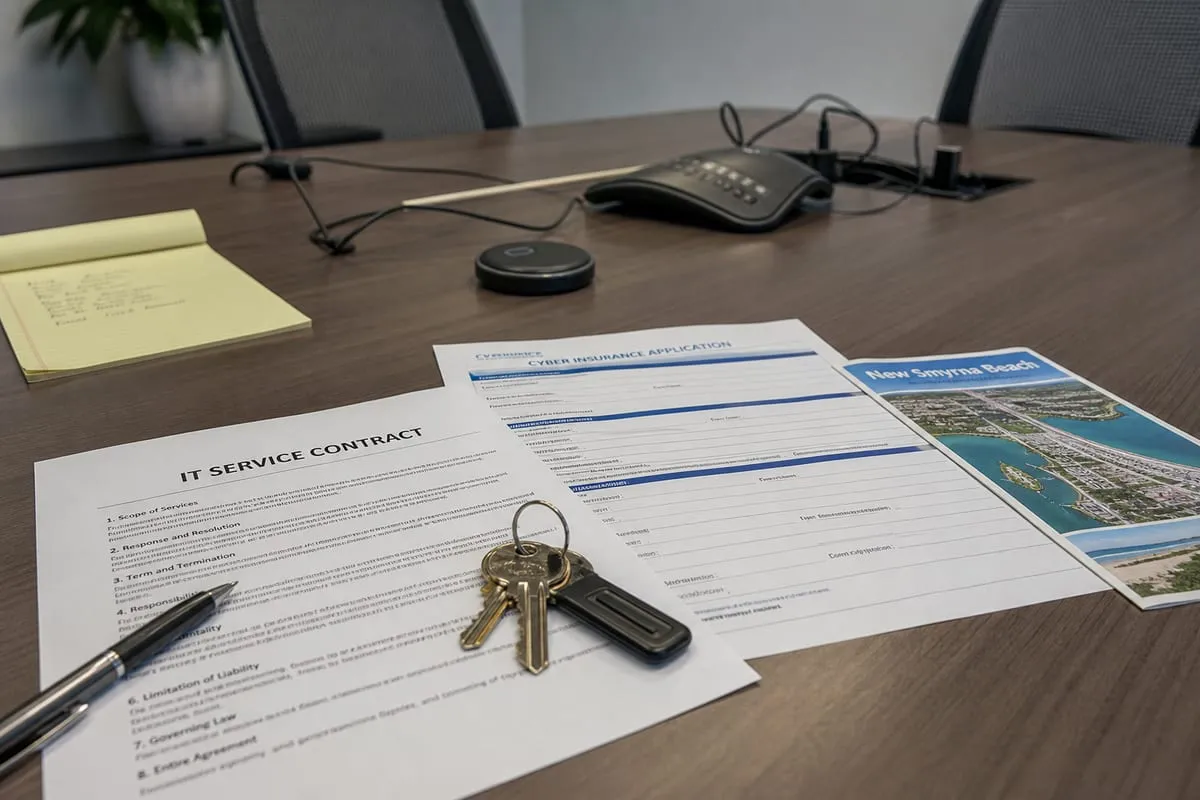
7. Compare service plans line by line
Not all managed service agreements cover the same things. One plan may include monitoring and patching but charge extra for user support. Another may include onsite visits but limit after-hours help.
As you review proposals, compare:
- What is included each month
- What triggers additional charges
- Whether projects are billed separately
- How new employees and devices are handled
- Whether vendor coordination is included
- What reporting you receive
This is also a good time to ask about their approach to IT support. The details matter because small exclusions often become recurring frustrations later.
8. Ask who handles strategy, not just tickets
Technology support should help your business make better decisions over time. That includes budgeting for replacements, planning network improvements, reviewing software sprawl, and identifying risks before they become emergencies.
A strong provider should be able to answer questions like:
- Which devices are nearing end of life?
- Are we paying for tools we do not need?
- What should we upgrade in the next 6 to 12 months?
- Where are we most vulnerable today?
- How can we simplify our setup without losing capability?
If a provider only talks about fixing problems, you may end up with reactive service instead of a real technology plan.
9. Look for clear documentation and simple onboarding
Good service gets better when the provider documents your environment well. That includes user accounts, device inventory, network details, backup systems, software licenses, and vendor contacts.
During onboarding, ask what information they gather, how long the transition takes, and whether they help clean up old accounts, outdated devices, or inconsistent settings. A thoughtful onboarding process often tells you a lot about how organized support will be later.
10. Pay attention to communication style
Technical skill matters, but so does the ability to explain things clearly. You should not need to decode jargon every time you ask a question.
The right provider will tell you what is happening, what it means for your business, what your options are, and what they recommend next. That kind of communication builds trust and helps you make decisions faster.
A simple way to narrow your options
If you are deciding between a few providers, use this final scorecard:
- They understand how your business operates in New Smyrna Beach
- They offer proactive monitoring and maintenance
- They respond clearly and consistently
- They take security and backups seriously
- Their pricing is understandable
- They help with planning, not just repairs
- They can explain technical issues in plain English
If a provider checks most of those boxes, you are likely looking at a strong long-term fit.
Choosing technology support is really about reducing friction in your day-to-day business. The right team helps your staff stay productive, protects important systems, and gives you confidence that problems will be handled before they grow.
If you are evaluating your options in New Smyrna Beach, start with the basics above and trust the conversations that feel practical, specific, and honest. Reach out to our team to learn how we can help with it.