IT Support That Keeps Work Moving When Problems Hit
Good IT support does more than fix outages, it helps your team stay productive, secure, and prepared for the next issue.
Published on · Craig Wheeler · How this article was made
Monday starts with a login problem.
One employee cannot open email. Another cannot print. A manager is trying to join a client call, but the webcam is not being recognized. Nobody thinks of these as major technology failures at first, but within 30 minutes, the whole morning feels off. Work slows down, frustration rises, and the business starts paying for the delay in ways that do not show up on an invoice.
That is usually when people realize the real value of IT support. It is not just about fixing a broken laptop or resetting a password. It is about keeping a normal workday from turning into a chain reaction.
When small issues become business problems
Most companies do not lose time because of one dramatic outage. They lose it in pieces. A shared folder stops syncing. A new employee waits two days for proper access. Wi-Fi works in one office but not the next. Software updates are ignored because nobody wants to risk interrupting work.
Each issue looks manageable on its own. Together, they create drag across the business. Teams waste time troubleshooting things they should never have to think about. Leaders make decisions with incomplete information because systems are not reliable. Customers feel the impact when response times slip.
This is where dependable IT support services matter. The goal is not only to respond when something breaks. The goal is to reduce the number of interruptions in the first place, then solve the remaining ones quickly and clearly.
The difference between fixing tickets and supporting people
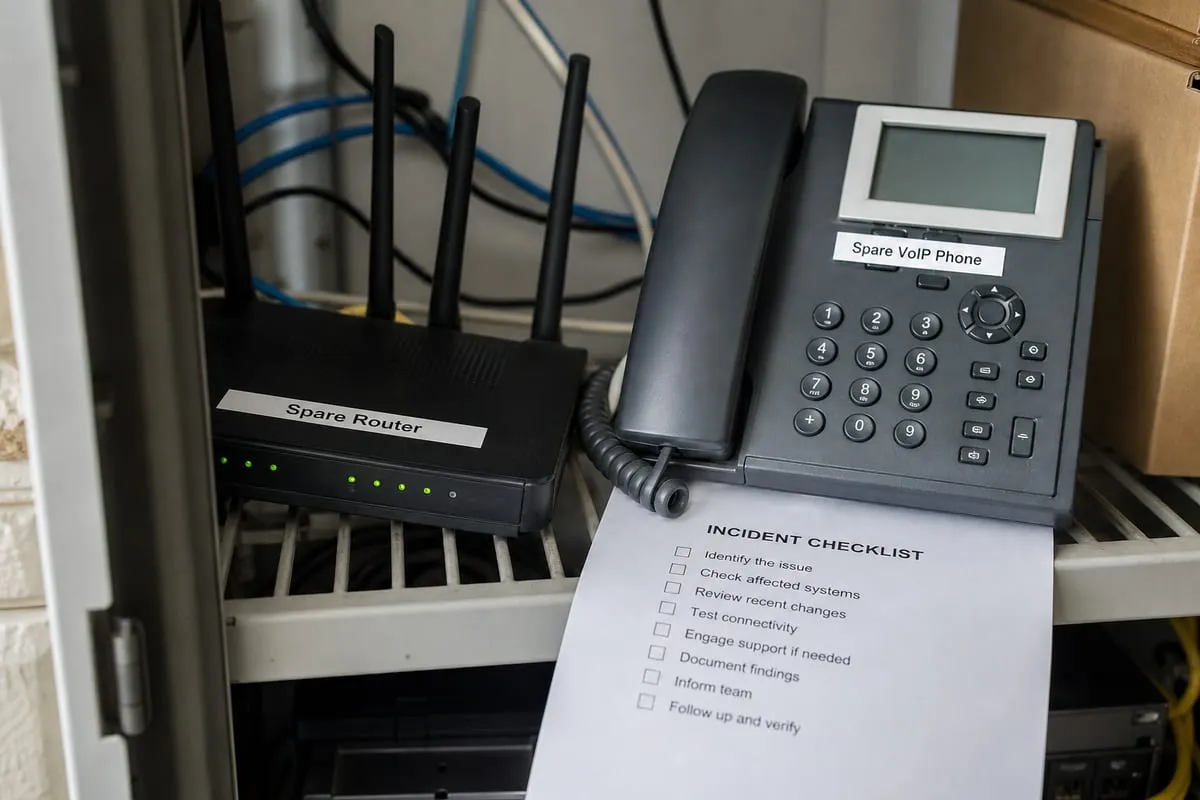
A lot of businesses have experienced reactive help. Someone submits a request, waits, gets a technical answer, and hopes the issue stays fixed. That may close the ticket, but it does not always solve the larger problem.
People-first support looks different. It starts by understanding how your team actually works. A front desk employee has different needs than a remote salesperson. An owner may need visibility into recurring issues, while a finance team may need tighter controls around access and devices.
Good support meets people where they are. It explains problems in plain language. It prioritizes issues based on business impact, not just technical severity. It notices patterns, like repeated printer failures or constant password lockouts, and addresses root causes instead of treating every incident like a one-off.
What strong support usually includes
The best support setups are not built around a single help desk inbox. They combine day-to-day assistance with maintenance, documentation, and planning.
That often includes user support for common issues, device setup for new hires, software troubleshooting, account and access management, patching, hardware guidance, and coordination with outside vendors when internet, phones, or line-of-business tools are involved.
It also helps to have proactive visibility. If your systems are being watched for warning signs, your team can catch storage problems, failed backups, or performance issues before users start calling. That is one reason many businesses pair support with IT Monitoring Services.
A better way to judge your current setup
If you are trying to decide whether your current support is working, do not just ask whether problems eventually get fixed. Ask better questions.
How long does it take for employees to get help? Do recurring issues keep coming back? Are new devices and user accounts set up consistently? Does anyone document changes, passwords, vendors, and configurations in a way the business can actually use later? When a security concern appears, does your support process connect smoothly with a broader cybersecurity risk assessment?
Those questions reveal whether support is helping the business run better, or simply helping it limp along.
Support should scale with the business
As a company grows, technology problems usually become less visible but more expensive. More devices, more apps, more vendors, and more people create more points of failure. Informal fixes that worked for a five-person office stop working for a team of twenty or fifty.
That is why mature support is not just technical. It becomes operational. It creates standards for onboarding and offboarding. It defines who has access to what. It keeps systems current. It gives leadership a clearer picture of risk, recurring issues, and upcoming needs.
For businesses in the Daytona Beach area, that local understanding can matter too. Support is better when the team understands how your office runs, what vendors you depend on, and how quickly an on-site visit may be needed when remote help is not enough.
Choosing a partner, not just a fixer
If you are evaluating providers, listen closely to how they talk about support. Do they focus only on response times, or do they talk about prevention, communication, and long-term improvement? Do they explain their process in a way your team can understand? Do they seem interested in your workflows, or only in your hardware list?
A strong provider should help you feel more organized, not more dependent. They should make technology easier to manage, easier to trust, and easier to align with the way your business actually operates. If you need a starting point, reviewing our approach to IT support can help you see what a more structured model looks like.
Reliable support is not about removing every possible issue. Technology will always need attention. The real win is building an environment where problems are smaller, responses are faster, and your team can stay focused on work that matters.
If your current setup feels reactive, inconsistent, or harder to manage than it should be, that is usually a sign to step back and rethink the role support should play in the business.
Ready to talk about IT support? Contact us to get started.