What Managed IT Services in New Smyrna Beach Look Like for a Growing Business
See what practical managed IT services look like for New Smyrna Beach businesses that need dependable support, security, and room to grow.
Published on · Craig Wheeler · How this article was made
For many business owners, technology only gets attention when something breaks. A printer goes offline before a client meeting, email stops syncing, or a staff member clicks a suspicious link and suddenly everyone is asking what happens next.
Managed IT services are meant to change that pattern. Instead of reacting to problems one at a time, you get ongoing oversight, maintenance, support, and planning that keeps your systems usable, secure, and aligned with how your business actually operates.
In New Smyrna Beach, that matters for a wide range of organizations. A professional office near Canal Street does not have the same day-to-day needs as a hospitality business serving visitors close to Flagler Avenue, yet both rely on stable networks, protected data, and fast help when issues interrupt work.
The real job of managed IT
At its best, managed IT is not just outsourced troubleshooting. It is a structured way to run your technology so small issues are caught early, employees have support, and leadership gets a clearer view of risk, cost, and next steps.
That usually includes:
- Day-to-day help for employees when devices, apps, email, or logins stop working
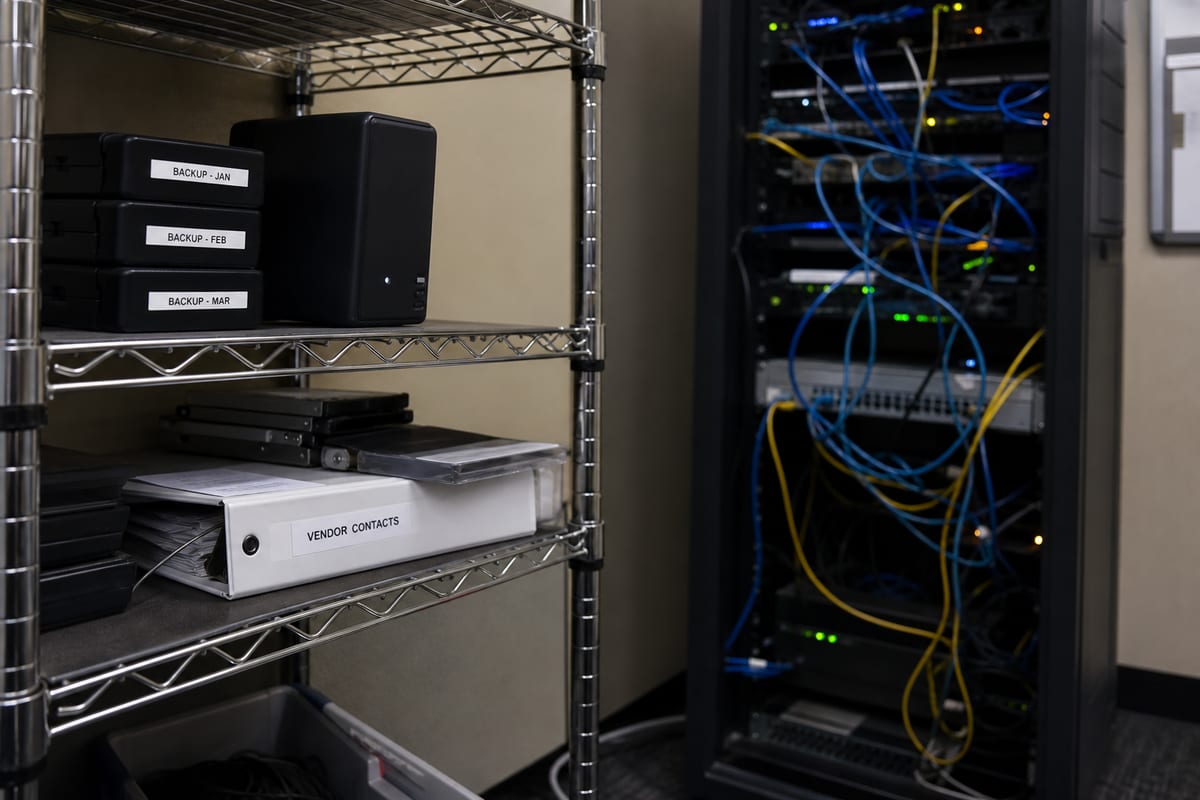
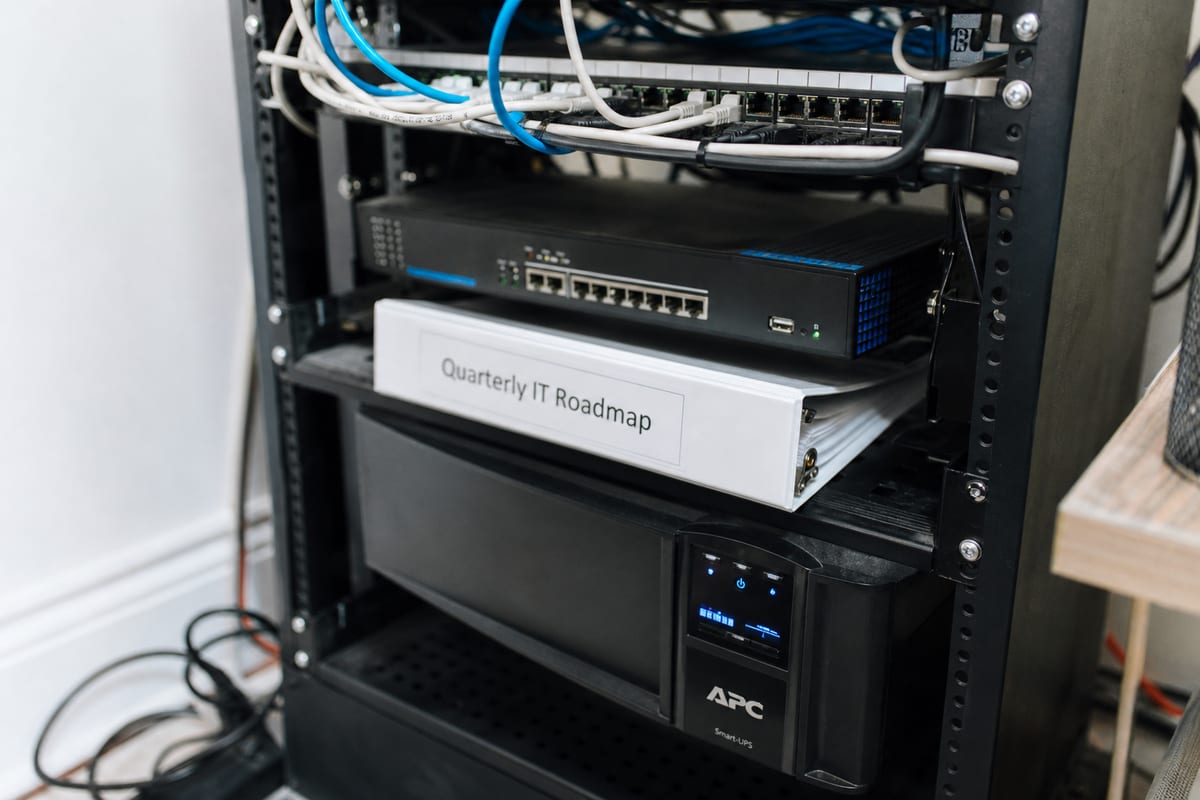
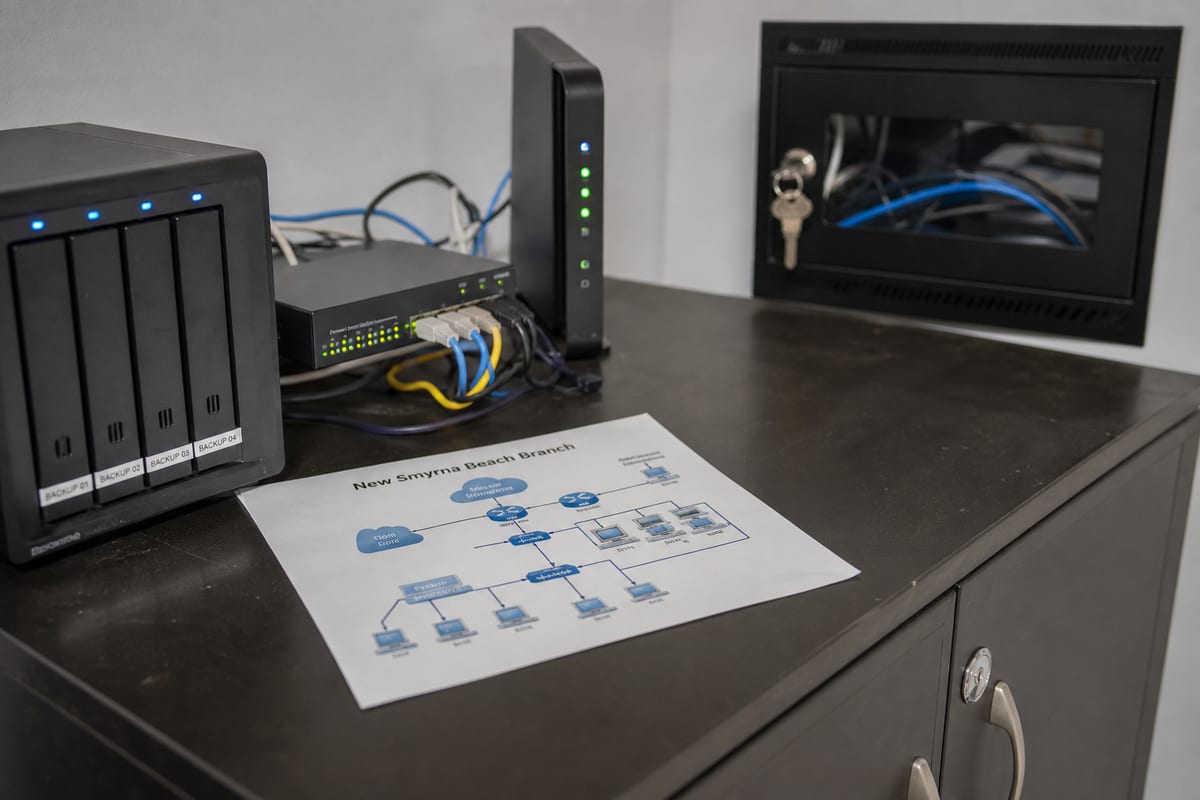
- Ongoing maintenance for computers, servers, Wi-Fi, and core business systems
- Security controls such as patching, account protection, and threat monitoring
- Vendor coordination when internet, software, or phone providers are involved
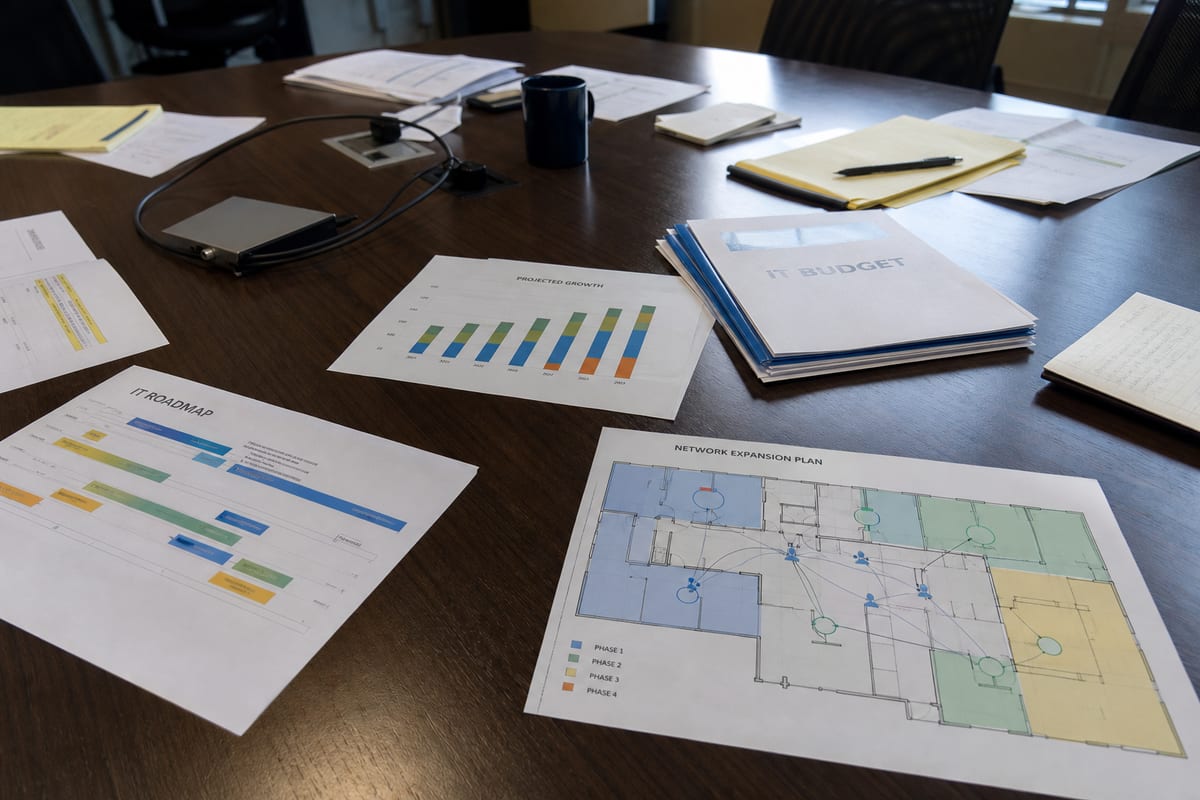
- Planning for hardware replacement, software changes, and business growth
- Backup and recovery preparation so a bad day does not become a business-ending event
A good provider is not there just to fix a laptop. They help reduce downtime, simplify decisions, and make your environment easier to manage over time.
What local businesses usually need most
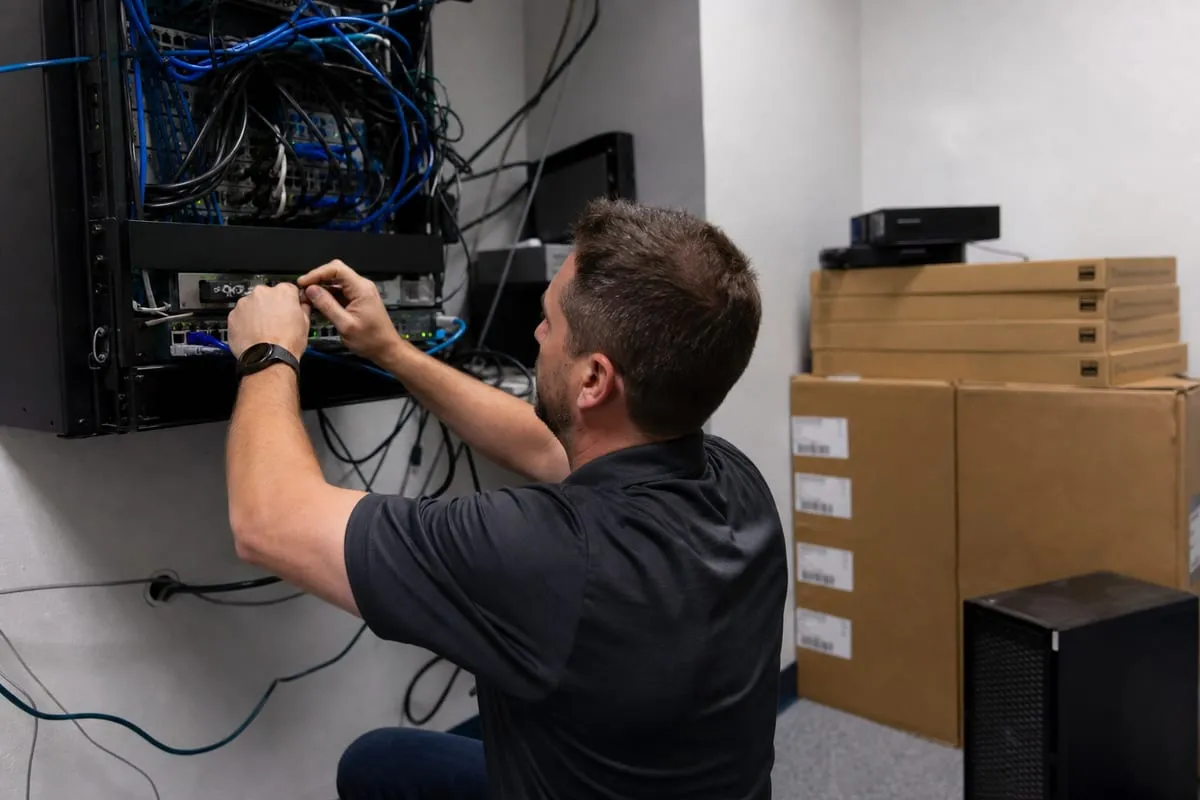
Many companies do not need a huge enterprise setup. They need technology that works consistently, support that responds quickly, and a plan that fits their size.
For businesses in New Smyrna Beach, the most common needs often include a mix of practical priorities:
- Reliable Wi-Fi for staff, guests, and connected devices
- Secure access to email, files, and cloud apps from the office or on the go
- Protection against phishing, account compromise, and ransomware
- Better visibility into aging computers and network equipment
- Clear support for onboarding new employees and removing access when someone leaves
- Predictable monthly IT costs instead of surprise repair bills
This is especially important for businesses with lean teams. When one person handles operations, HR, vendors, and office administration, IT problems can sit too long or get patched together in ways that create bigger issues later.
A managed approach brings consistency. With IT Monitoring Services, for example, many problems can be identified before they turn into a full outage.
Signs your current setup is costing more than it seems
Some companies assume they are fine because they have made it work so far. The problem is that hidden IT costs rarely show up as one obvious line item. They show up in lost time, recurring disruptions, and avoidable risk.
You may be ready for managed IT if:
- Employees regularly restart devices, reconnect apps, or work around the same recurring issues
- No one is fully responsible for updates, backups, or security checks
- Former employees’ accounts and access are not reviewed promptly
- Leadership is unsure which systems are critical and which ones are outdated
- Support depends on a single employee, friend, or break-fix technician
- You have added cloud tools over time, but no one has standardized how they are managed
Even if everything seems mostly functional, that does not always mean your environment is healthy. It may just mean your team has gotten used to friction.
Security has to be part of the service, not an add-on
Managed IT without cybersecurity is incomplete. Most businesses today rely on email, cloud platforms, and shared files, which means account security and endpoint protection have to be handled as part of normal operations.
That includes basics done well, such as patching systems promptly, using multifactor authentication, reviewing permissions, and monitoring for suspicious activity. It also means having a response plan when something does happen.
For companies that want stronger protection, managed detection and response can add deeper visibility and faster action against active threats.
The key point is simple, security should not depend on whether someone remembers to check a box. It should be built into the way your IT is managed every day.
Support that fits the way your business runs
Not every company needs the same level of hands-on help. A small accounting office may mainly need reliable user support, secure file access, and compliance-minded processes. A retail or hospitality business may need stronger network segmentation, payment system reliability, and dependable coverage across multiple devices.
The right managed service model starts with your workflow, not a canned bundle. That means asking useful questions:
- Which systems stop revenue or operations if they go down?
- How many people work remotely, travel, or use personal devices?
- Where is sensitive customer or financial data stored?
- Which vendors are involved in your internet, phones, software, and payment tools?
- What has been failing repeatedly over the last year?
Those answers shape the service plan. They also help avoid overbuying tools you do not need, or underinvesting in areas that create real risk.
A provider should help you plan, not just react
One of the biggest differences between basic support and true managed IT is planning. If your provider only appears when something breaks, you are still operating in reactive mode.
A better relationship includes regular review of what is aging, what needs to be replaced, where security gaps exist, and how upcoming business changes affect your systems. That might involve office moves, staffing growth, new software rollouts, or better cloud file management.
This is where a solid support foundation matters. Businesses that need dependable day-to-day help often benefit from responsive technical support as part of a broader managed strategy.
When planning is part of the service, budgeting becomes easier and surprises become less frequent.
What to ask before choosing a managed IT partner
If you are comparing providers, ask questions that reveal how they actually work, not just what they promise.
Consider asking:
- What is included in ongoing support, and what falls outside the agreement?
- How do you handle monitoring, patching, and routine maintenance?
- What does onboarding look like for our users, devices, and vendors?
- How do you document our environment and keep that documentation current?
- What happens when there is a security incident or major outage?
- How often do you review our systems and make recommendations?
- Will we have a clear point of contact for support and planning?
You are not just buying tools. You are choosing a process, a communication style, and a long-term operating partner.
FAQ
How is managed IT different from break-fix support?
Break-fix support usually starts after something goes wrong. Managed IT focuses on prevention, ongoing maintenance, monitoring, support, and planning so fewer issues escalate in the first place.
Is managed IT only for larger companies?
No. Small and midsize businesses often benefit the most because they need reliable support and security without hiring a full internal IT department.
Can managed IT help if we already use Microsoft 365 and cloud apps?
Yes. Cloud tools still need user support, security settings, device management, account controls, and oversight. Moving to the cloud does not remove the need for IT management.
What if we already have someone internal who handles technology?
Managed IT can complement an internal employee or small team. It can provide monitoring, security coverage, escalation support, documentation, and strategic guidance so your internal resources are not carrying everything alone.
Technology should make your business easier to run, not harder to manage. The right managed IT approach gives you more than quick fixes, it gives you structure, visibility, and support that matches how your team works every day.
If your systems feel patched together, reactive, or harder to trust than they should be, it may be time for a more consistent model. A strong partner helps you reduce friction now while building a more stable foundation for what comes next.
Contact us today for expert managed it services!