How to Choose IT Support for a Small Business Without Paying for More Than You Need
Learn how to choose practical IT support for a small business, reduce downtime, improve security, and get help that fits your budget.
Published on · Craig Wheeler · How this article was made
For many small businesses, technology is both essential and frustrating. You need your computers, internet, email, software, printers, phones, and files to work together every day, but you may not have an in-house IT team to keep everything running smoothly. That gap is where the right support can make a real difference.
Good IT support is not just about fixing problems after something breaks. It is about helping your business stay productive, secure, and prepared as you grow. The challenge is finding support that fits your size, budget, and workflow, instead of paying for a long list of services you may never use.
If you are evaluating options, this guide will help you understand what small business IT support should actually include, what warning signs to watch for, and how to choose a provider with confidence.
What small businesses usually need most
Small businesses rarely need the same level of technology support as a large enterprise, but they do need consistency. In most cases, the biggest priorities are:
- Fast help when something stops working
- Protection against common security threats
- Reliable backups and recovery planning
- Support for employees working in the office, remotely, or both
- Clear guidance on hardware and software decisions
- Ongoing maintenance that prevents avoidable downtime
That last point matters more than many owners realize. Waiting until a computer fails, a user gets locked out, or a network issue interrupts the day usually costs more than preventing the issue in the first place. Even a short disruption can affect sales, customer service, scheduling, and team morale.
A dependable provider of small business IT support should help you move from reactive fixes to a more stable, planned approach.
Break-fix versus ongoing support
One of the first decisions is whether you need occasional help or a continuing relationship.
Break-fix support means you call when something goes wrong. This can work for very small companies with simple systems and a high tolerance for interruptions. The downside is that problems are often discovered only after they start affecting your business.
Ongoing support is more proactive. It typically includes monitoring, maintenance, user support, updates, and planning. That does not mean every company needs a large monthly contract, but it does mean many businesses benefit from regular oversight.
A useful way to think about it is this: if your team depends on technology every day, your business probably benefits from support that is available before, during, and after problems appear.
The services that matter most
Not every support plan is equally useful. Some look comprehensive on paper but leave out the practical help businesses need most. When comparing providers, focus on the basics that directly affect operations.
Help desk and user support
Your employees need a clear way to get help with login problems, email issues, software errors, printing troubles, and device setup. Good support should be responsive, easy to reach, and able to explain solutions in plain language.
Device and system maintenance
Computers, servers, firewalls, and business software need updates and routine maintenance. Skipping these tasks can create performance problems and security gaps.
Network reliability
Slow or unstable connections affect nearly everything. Support should include troubleshooting for internet issues, Wi-Fi performance, shared resources, and office connectivity.
Backup and recovery
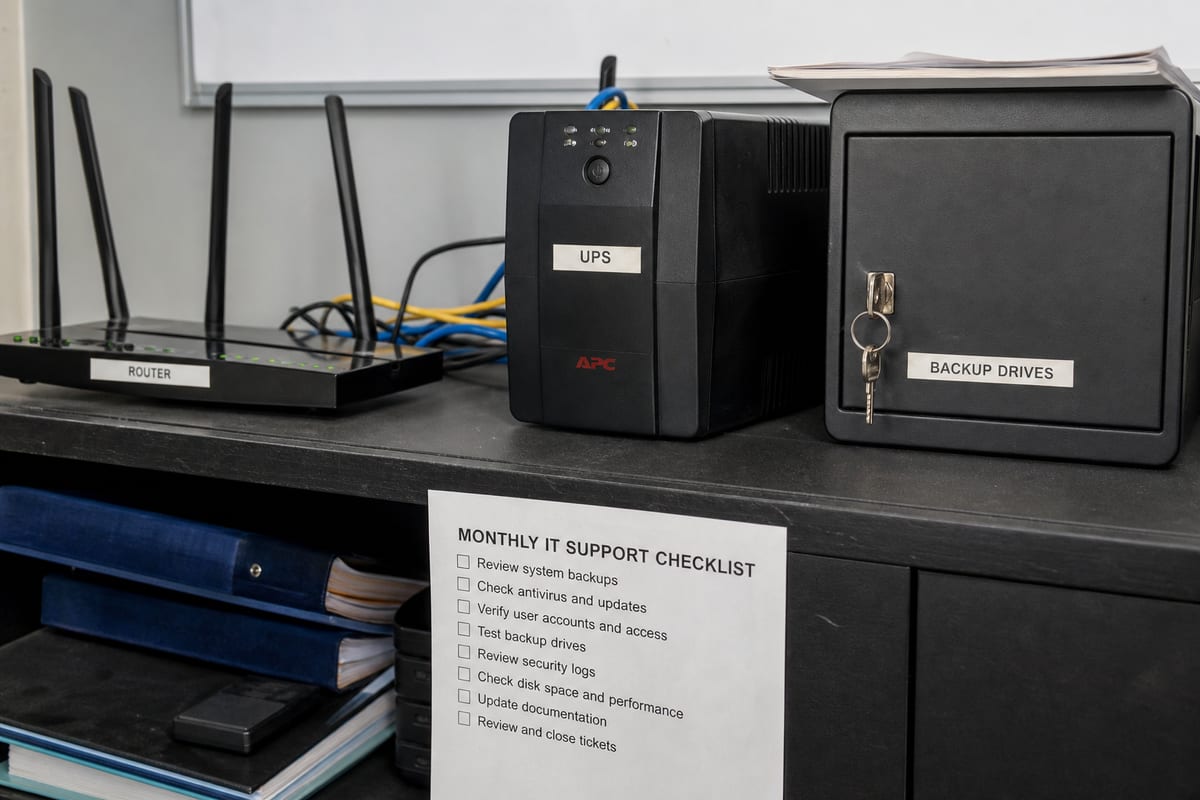
Backups are only helpful if they are monitored and can actually be restored. Ask how backups are verified, how often they run, and what recovery would look like after accidental deletion, hardware failure, or ransomware.
Security basics
Even small companies are targets for phishing, password theft, and malware. Basic protections should include patching, secure access controls, antivirus or endpoint protection, and employee guidance.
If you are not sure where your risks stand today, a cybersecurity risk assessment can help identify the most urgent gaps before they turn into larger problems.
Signs your current setup is holding you back
Some businesses assume their technology is fine because they have learned to work around recurring issues. In reality, those workarounds often signal that support is overdue.
Watch for patterns like:
- Frequent internet or Wi-Fi complaints
- Employees restarting devices to get through the day
- Shared files that are hard to access or version correctly
- Unclear backup status
- Former employees who may still have account access
- Software and hardware that are far past recommended life cycles
- No documented process for onboarding or offboarding staff
- Uncertainty about who to call when something goes wrong
These issues do not always look dramatic, but together they create friction, risk, and lost time.
Budgeting without guessing
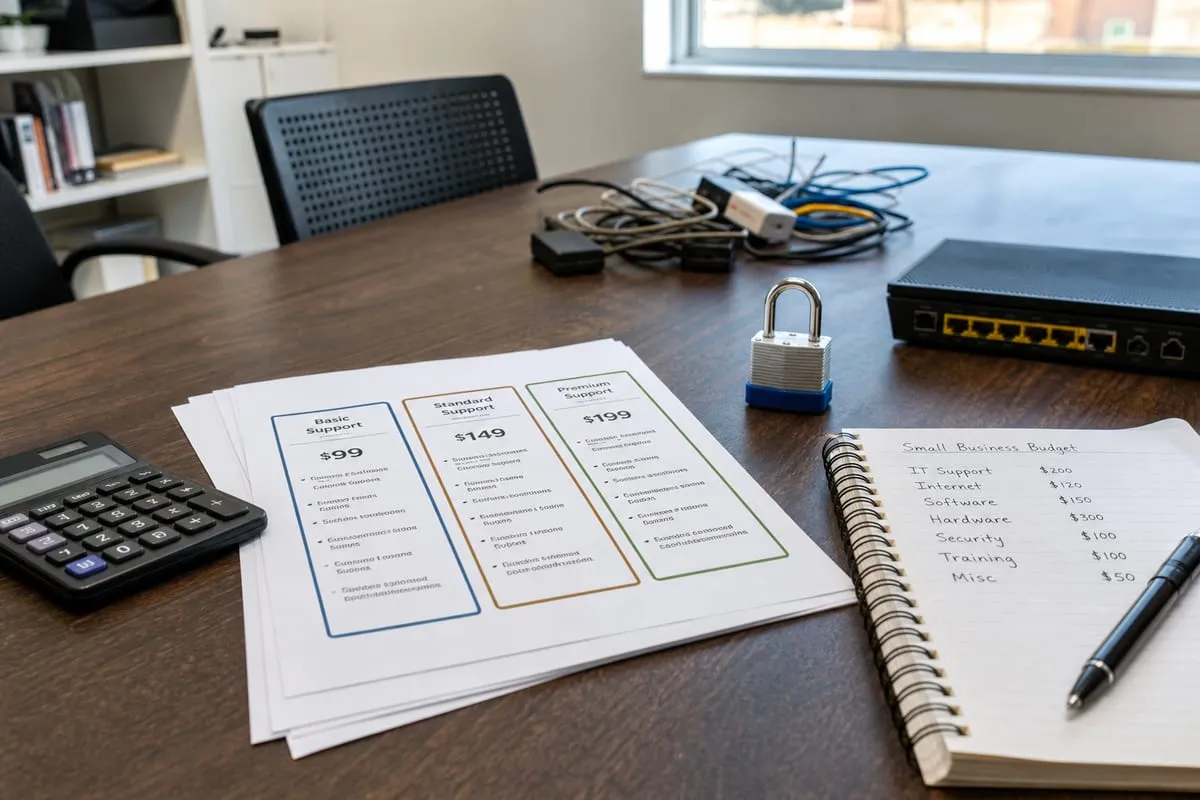
Small business owners often worry that professional support will be too expensive. In some cases, that concern comes from comparing the monthly cost of support to a period when nothing happened. A better comparison is the cost of downtime, rushed repairs, security incidents, lost data, and employee time spent struggling with preventable problems.
A practical budget conversation should include:
- How many users and devices you have
- Which systems are business-critical
- Whether you need remote support only or on-site help too
- Your current security and backup posture
- Any compliance or insurance requirements
- Growth plans over the next 12 to 24 months
The goal is not to buy the biggest package. It is to match support to the actual complexity of your business.
Questions worth asking before you sign
A provider should be able to explain their process clearly, without hiding behind jargon. During your evaluation, ask questions like:
- What is included in day-to-day support?
- How are requests submitted and tracked?
- What response times can we realistically expect?
- Do you offer proactive maintenance and monitoring?
- How do you handle backups and recovery testing?
- What cybersecurity protections are included?
- How do you support remote or hybrid employees?
- What happens if we need help after hours?
- Will you help us plan upgrades and replacements?
- How do you document our systems and accounts?
The quality of the answers matters as much as the answers themselves. A good provider should be direct, specific, and comfortable discussing limitations as well as strengths.
Why communication matters as much as technical skill
Technical knowledge is essential, but small businesses also need a support partner who communicates well. That means responding promptly, setting expectations, documenting work, and explaining recommendations in a way that helps you make decisions.
You should not feel pressured into every upgrade or confused after every conversation. The best support relationships make technology easier to manage, not harder to understand.
This is especially important when planning for security improvements or future growth. A provider that takes time to understand your business can recommend changes in the right order, based on risk and impact, instead of pushing a one-size-fits-all approach.
If you want a clearer sense of what your next steps should be, a cybersecurity strategy call can be a useful starting point.
Building support around the way your business works
A law office, medical practice, retail store, contractor, and nonprofit may all be small businesses, but their technology needs can be very different. The right support model should reflect how your team actually works.
For example, if your staff travels often, mobile device support and secure remote access may be high priorities. If you rely on specialized software, vendor coordination may matter more. If you handle sensitive client data, access controls and backup planning may need extra attention.
This is one reason a thoughtful provider will ask detailed questions before recommending a plan. They should want to understand your tools, processes, pain points, and growth goals.
A simple checklist for choosing wisely
If you want a practical way to compare options, use this checklist:
- Do they understand the needs of smaller organizations?
- Can they explain services in plain English?
- Do they offer both reactive help and proactive maintenance?
- Is security built into the support model?
- Will they help document systems, users, and processes?
- Can they support your current setup and future growth?
- Are pricing and expectations clear?
- Do you feel like they are solving problems, not selling fear?
A strong answer to these questions usually tells you more than a flashy proposal.
FAQ
How much IT support does a small business usually need?
It depends on how much your business relies on technology, how many employees and devices you have, and how much downtime you can tolerate. Some companies need only occasional support, while others benefit from ongoing monitoring, maintenance, and help desk coverage.
Is outsourced IT support a good fit for a small business?
Yes, often it is. Outsourced support can give you access to broader expertise without the cost of hiring a full in-house team. The key is choosing a provider whose services match your size and day-to-day needs.
What should be included in small business IT support?
At a minimum, look for user support, device maintenance, software updates, network troubleshooting, backup oversight, and basic cybersecurity protections. Some businesses also need planning help for hardware replacements, cloud tools, and employee onboarding.
When should a business move from break-fix to ongoing support?
Usually when downtime starts affecting operations, employees depend heavily on connected systems, or security and backup responsibilities become too important to manage informally. If recurring issues keep interrupting work, proactive support is often the better value.
How can we tell if our current provider is doing enough?
Look at outcomes. If issues repeat, response times are unclear, backups are uncertain, or you rarely get strategic guidance, your support may be too reactive. A good provider should improve stability, reduce confusion, and help you plan ahead.
Choosing support for your business does not have to mean buying every available service. It means understanding what your team depends on, where your risks are, and what kind of help will actually keep work moving.
The best IT support is practical, responsive, and aligned with your goals. When you have the right partner, technology becomes less of a daily distraction and more of a reliable part of how your business operates.
Contact us today for expert it support for small business services!