
How to Prepare for a Cybersecurity Audit Without Disrupting Your Business
Learn how a cybersecurity audit helps Daytona Beach businesses find risk, strengthen defenses, and prepare for real-world threats.
Published on
A cybersecurity audit can feel intimidating at first, especially if you are not sure what reviewers will look for or how much work it will create for your team. In practice, a good audit is less about passing a test and more about getting a clear picture of where your business stands today.
For businesses in Daytona Beach, that clarity matters. Many local organizations rely on cloud apps, email, remote access, payment systems, and connected devices every day. Each of those tools supports productivity, but each also creates opportunities for security gaps if it is not configured, monitored, and maintained carefully.
A well-run cybersecurity audit helps you identify weak points before they turn into downtime, fraud, data loss, or compliance trouble. It also gives leadership something practical, a prioritized plan instead of vague concern.
Why an audit matters more than a basic security checklist
Many companies already have antivirus, firewalls, and password policies in place. That is a solid start, but a checklist alone rarely shows how your systems, users, vendors, and processes work together under real conditions.
An audit looks deeper. It examines whether your protections are actually aligned with the way your business operates. It can uncover issues like former employees who still have access, devices that are missing updates, shared accounts that make accountability difficult, or backup systems that exist but have never been tested.
This is especially important for growing organizations in Daytona Beach that may have added new software, remote workers, or additional locations over time. Security often changes in small steps, and those small steps can create blind spots.
What a cybersecurity audit usually reviews
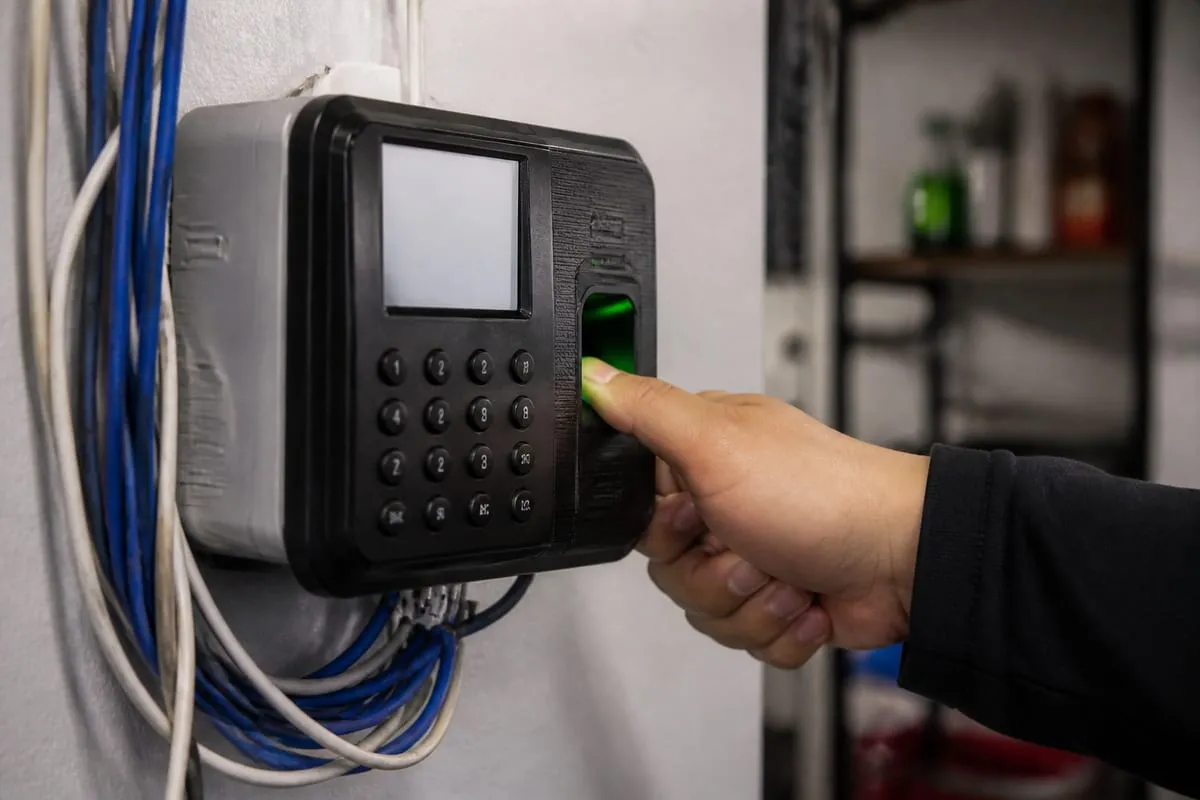
The exact scope depends on your environment, but most audits examine a mix of technical controls and day-to-day practices.
Typical review areas include:
- User accounts and access permissions
- Password policies and multi-factor authentication
- Endpoint protection on laptops, desktops, and mobile devices
- Firewall and network security settings
- Email security and phishing protections
- Patch management and software updates
- Backup procedures and recovery readiness
- Cloud platform configuration
- Vendor access and third-party risk
- Security awareness training for employees
- Logging, alerting, and incident response procedures
- Compliance requirements tied to your industry
The goal is not to create a giant report full of jargon. The goal is to understand which risks are most urgent, which can be improved quickly, and which require longer-term planning.
Signs your business may be overdue for a review
Some companies schedule audits routinely. Others wait until something feels off. If any of the situations below sound familiar, it may be time to take a closer look.
- Your business has grown quickly in the last year
- Employees work remotely or use personal devices
- You have onboarded several new software platforms
- Access rights have not been reviewed recently
- You are unsure whether backups have been tested
- Staff members have reported suspicious emails or login issues
- You need to meet insurance, client, or regulatory requirements
- Your current documentation is incomplete or outdated
If you are in that position, starting with a security review for your business can help you define the right scope before bigger issues develop.
Before the audit begins, get organized
Preparation makes the process smoother and more useful. You do not need to have everything perfect before an audit starts, but it helps to gather the basics.
Start with an inventory of your systems. That includes workstations, servers, networking equipment, cloud services, business applications, and any devices that store or access company data. If you have multiple offices, remote users, or shared workspaces, include those too.
Next, collect your existing policies and documentation. This may include password standards, onboarding and offboarding procedures, backup documentation, vendor lists, cyber insurance requirements, and any compliance materials you already maintain.
It is also smart to identify the people who will answer questions during the review. In many businesses, that includes leadership, operations, finance, and whoever handles day-to-day technology decisions. Security is not only an IT issue, so the best audits usually involve more than one department.
Common findings that deserve quick attention
Not every issue uncovered in an audit is equally serious. Some findings can be addressed quickly and significantly reduce risk.
Common examples include:
- Missing multi-factor authentication on email or admin accounts
- Former staff accounts that were never disabled
- Inconsistent software patching across devices
- Shared logins for critical systems
- Overly broad permissions for users or vendors
- Unencrypted laptops or portable drives
- Backup jobs that run without verification testing
- Weak visibility into suspicious login attempts
These are the kinds of problems that often hide in plain sight. They are easy to overlook during busy periods, but they can have serious consequences if left unresolved.
Local considerations for Daytona Beach organizations
Businesses in Daytona Beach often operate in industries where uptime and trust matter every day, including healthcare, hospitality, professional services, retail, marine operations, and construction. Many also depend on seasonal traffic, distributed staff, and fast customer transactions.
That mix creates specific security pressures. A front desk team may need quick access to systems, a field team may connect from different locations, and leadership may rely on cloud tools while traveling. Convenience matters, but convenience without review can lead to unnecessary exposure.
Local organizations also work closely with vendors, payment platforms, and outside partners. An audit helps confirm that those connections are limited appropriately, documented clearly, and reviewed regularly.
Turning audit results into an action plan
An audit only creates value if the results lead to action. After the review, your business should have a clear list of findings organized by priority, impact, and effort.
A practical action plan usually breaks recommendations into three groups:
Fix now
These are high-risk issues with straightforward solutions, such as enabling multi-factor authentication, removing stale accounts, or correcting critical firewall settings.
Improve soon
These items may require planning, budgeting, or coordination, such as updating endpoint management, improving employee training, or refining backup validation.
Build over time
These are strategic improvements like maturing incident response, strengthening vendor governance, or aligning security controls with a formal compliance framework.
If you want help interpreting findings and deciding what to tackle first, a cybersecurity strategy call can help connect technical issues to business priorities.
What to expect from a strong audit partner
Not all audits are equally useful. The best audit partner does more than point out problems. They explain risk in plain language, tailor recommendations to your environment, and help you focus on what matters most.
Look for a team that can:
- Define scope clearly before work begins
- Review both technical controls and business processes
- Explain findings without unnecessary jargon
- Prioritize recommendations realistically
- Support remediation planning after the audit
- Understand the needs of businesses in Daytona Beach and nearby communities
A useful audit should leave you with confidence, not confusion.
FAQ
How often should a business schedule a cybersecurity audit?
At least annually is a good baseline for many organizations. You may need reviews more often if you handle sensitive data, face compliance requirements, grow quickly, or make major infrastructure changes.
Is a cybersecurity audit only for larger companies?
No. Smaller businesses are often more vulnerable because they have fewer internal resources and less formal documentation. An audit helps businesses of all sizes understand risk and make smarter decisions.
Will an audit interrupt daily operations?
A well-planned audit should minimize disruption. Much of the work involves reviewing configurations, policies, access controls, and documentation. Some interviews or testing may require coordination, but the process should be structured around your operations.
What is the difference between an audit and a vulnerability scan?
A vulnerability scan is usually a technical tool that identifies known weaknesses in systems or software. An audit is broader. It reviews controls, processes, user access, policies, and how your overall security program functions.
What should we do after the audit is complete?
Start by addressing the highest-risk findings, assign ownership for each task, and create a timeline for improvements. It is also important to revisit progress regularly so the audit becomes part of an ongoing security effort, not a one-time event.
Security is easier to improve when you can see your environment clearly. A cybersecurity audit gives you that visibility, along with a practical path forward based on how your business actually works.
If your organization in Daytona Beach has grown, changed, or simply gone too long without a full review, now is a good time to take a closer look. The right audit can help you reduce risk, strengthen operations, and make better technology decisions with confidence.
Contact us today for expert cybersecurity audit services!