Reliable Technology Support That Keeps Port Orange Businesses Moving
Discover practical IT services for Port Orange businesses, from faster support to stronger security and smarter planning.
Published on · Craig Wheeler · How this article was made

When your systems work, your team can focus on customers, projects, and daily operations. When they do not, even small problems can slow down scheduling, billing, communication, and service delivery. That is why dependable IT help matters for businesses in Port Orange.
Local companies often need more than break-fix support. They need responsive troubleshooting, proactive maintenance, security guidance, and a plan for growth. Whether you run a professional office, a healthcare practice, a retail operation, or a service business, the right technology partner should make your day easier, not more complicated.
Why dependable support matters in Port Orange
Port Orange has a distinct business mix. Along Dunlawton Avenue and in busy commercial areas near The Pavilion at Port Orange, businesses rely on stable networks, working phones, secure payment systems, and dependable cloud access throughout the day. A checkout issue, internet slowdown, or email outage can quickly affect customer experience and revenue.
Many local organizations also work across multiple locations in the greater Volusia area, or support mobile staff who need secure access from the field. That creates a practical need for IT support that is fast, organized, and built around how people actually work.
Good IT service should solve problems before they spread
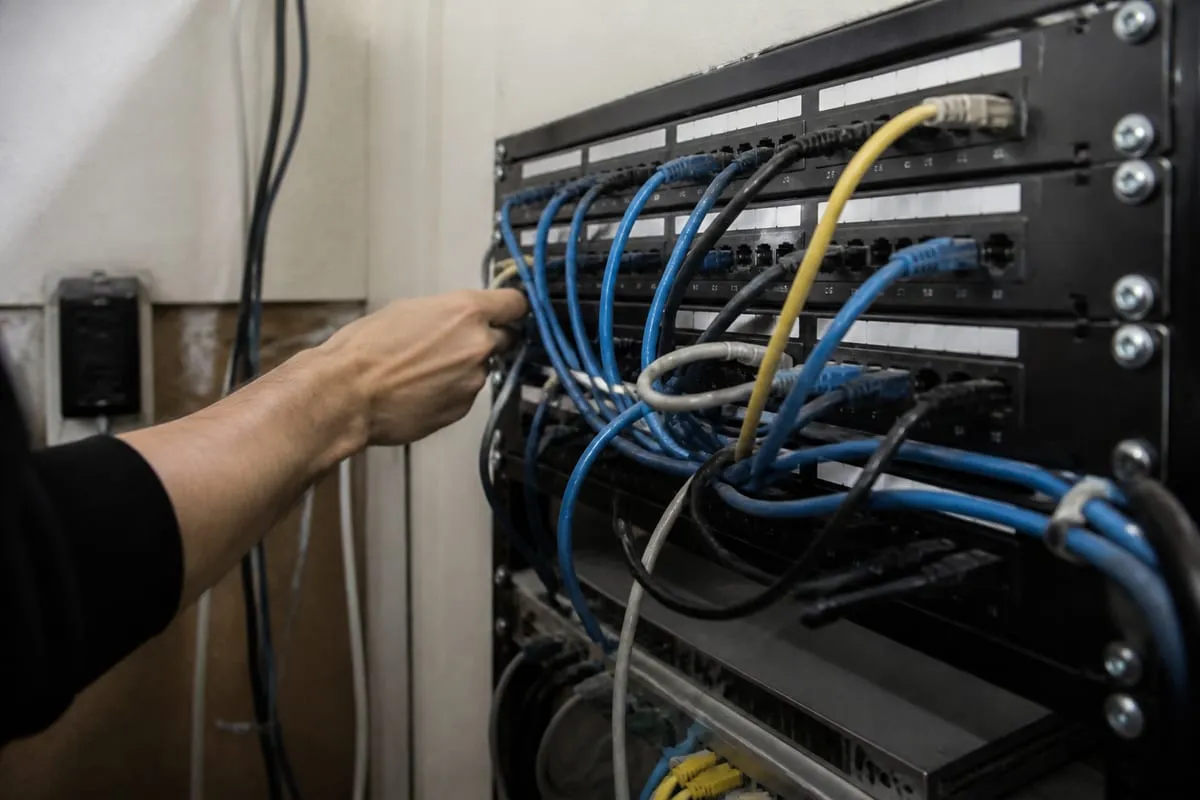
A strong IT provider does not just wait for something to break. They look for warning signs, patch known issues, and help reduce the number of disruptions your team sees in the first place. That can include device updates, account management, hardware planning, Wi-Fi troubleshooting, and help desk support for everyday issues.
For many businesses, the most valuable improvement is consistency. Instead of wondering who to call when a printer fails, email stops syncing, or a shared file disappears, your staff has a clear support process. That saves time and reduces frustration across the whole team.
If your business is still reacting to problems one at a time, it may be worth exploring responsive IT support for growing businesses. The goal is not just fixing tickets, it is creating a more reliable work environment.
What to look for in a technology partner
Not all providers deliver the same level of service. A helpful partner should be able to explain technical issues in plain language, respond within a reasonable timeframe, and make recommendations that fit your budget and business goals.
Here are a few qualities worth looking for:
- Clear communication, without jargon or vague promises
- Support that covers both urgent issues and long-term planning
- Practical cybersecurity guidance for employees and devices
- Documentation of systems, users, and recurring issues
- Scalable recommendations as your business adds staff, tools, or locations
You should also expect your provider to learn how your business operates. A busy front desk, a field service team, or a shared workstation setup all create different support needs. Good service starts with understanding those details.
Beyond troubleshooting, planning for stability
Many companies think about IT only when something stops working. In reality, some of the best service happens quietly in the background. Routine maintenance, device lifecycle planning, account reviews, and backup checks all help prevent larger disruptions later.
This is where IT Monitoring Services can make a real difference. Monitoring helps catch issues such as low disk space, failed updates, or unusual device behavior before they turn into lost productivity.
Planning also matters when your business is growing. Adding new employees, moving offices, upgrading internet service, or adopting cloud tools all benefit from a thoughtful rollout. Without planning, small changes can create unnecessary downtime or security gaps.
Security is part of everyday support
IT service is not separate from cybersecurity anymore. Password resets, email setup, device access, and software updates all affect your security posture. Even basic support tasks should be handled with security in mind.
That includes:
- Multi-factor authentication for critical accounts
- Timely patching for operating systems and software
- Secure onboarding and offboarding for employees
- Backup verification and recovery planning
- Access controls for shared files and business apps
For organizations with regulatory requirements, support also needs to align with documentation and policy expectations. If that applies to your business, compliance support for regulated environments can help connect day-to-day IT work with broader business obligations.
Signs your current setup may be holding you back
Sometimes the need for better support is obvious. Other times, it shows up in smaller patterns that have become normal over time.
Watch for signs like these:
- Employees regularly restarting devices to fix recurring issues
- Slow response times when support requests are submitted
- Unclear ownership of passwords, licenses, or vendor accounts
- Frequent Wi-Fi complaints in the office
- Aging computers that struggle with current software
- Staff using personal workarounds because official systems are unreliable
These issues do not always point to a major failure, but they often signal that your environment needs more structure and attention.
Choosing support that fits your business
The right service model depends on your size, internal resources, and day-to-day demands. Some businesses need a fully outsourced partner. Others need extra help for an internal administrator or office manager who already handles basic technology tasks.
What matters most is fit. You want support that is responsive enough for daily needs, strategic enough to guide improvements, and practical enough to work within your budget. A good provider should help you prioritize what matters now while building toward a more stable setup over time.
If you are comparing options, ask how support requests are handled, what is included in ongoing service, how security responsibilities are shared, and whether the provider helps with planning as well as troubleshooting. You can also review business IT support options to understand what a broader support relationship can include.
FAQ
How quickly should a business expect help when an IT issue comes up?
That depends on the severity of the issue and the service agreement, but urgent problems that stop business operations should be addressed quickly. It is reasonable to ask a provider how they prioritize outages, user issues, and routine requests.
Is outsourced IT a good fit for smaller businesses?
Yes, often it is. Smaller organizations may not need a full in-house IT department, but they still need reliable support, security basics, and planning. Outsourced support can provide those resources in a more practical way.
What is the difference between reactive support and proactive support?
Reactive support fixes issues after they happen. Proactive support focuses on maintenance, monitoring, updates, and planning to reduce the number and impact of those issues.
Can an IT provider help with Microsoft 365, email, and user accounts?
Yes. Many support providers assist with account setup, password resets, license management, email troubleshooting, and access controls for cloud platforms your team uses every day.
Technology should help your business run smoother, not create daily friction. The right support approach gives your team a dependable place to turn, while also improving security, stability, and long-term planning.
If your business in Port Orange is dealing with recurring tech problems, unclear systems, or support that feels too reactive, it may be time for a better approach. A reliable IT partner should reduce stress, improve uptime, and help you make smarter decisions as your business grows.
Contact us today for expert it services!