
How to Build Smarter IT Alerting and Monitoring for Your Daytona Beach Business
Learn how better IT alerting and monitoring helps Daytona Beach businesses catch issues early and reduce downtime.
Published on
When your systems are running smoothly, most people never think about monitoring. The problem is that by the time a server slows down, a backup fails, or a network device drops offline, the damage may already be affecting your team, your customers, or your revenue.
That is why effective IT alerting and monitoring matters. It gives your business a way to spot issues early, respond faster, and make smarter decisions about technology before small problems turn into expensive disruptions.
For businesses in Daytona Beach, that can be especially important during busy seasonal swings, weather-related disruptions, and periods when staff need dependable access to systems from different locations. Whether you run a professional office, healthcare practice, retail operation, marina, or hospitality business, visibility into your technology environment helps you stay ahead of avoidable downtime.
Why monitoring is more than just getting notifications
Many businesses assume monitoring simply means receiving an email when something breaks. In practice, good monitoring is much more useful than that.
A strong approach tracks the health, performance, and availability of the systems your business depends on every day. That can include servers, workstations, firewalls, wireless networks, cloud services, backups, storage, and critical business applications. The goal is not to create more alerts. The goal is to create the right alerts, for the right people, at the right time.
If every minor event triggers a notification, your team starts ignoring them. If important warnings are too vague, they do not lead to action. Useful alerting is tuned to your environment, your priorities, and the real-world impact on operations.
Businesses that want a more proactive setup often start with IT Monitoring Services to gain clearer visibility into what is happening behind the scenes.
What smart alerting actually looks like

Not all alerts are equally important. A well-designed monitoring strategy separates routine events from urgent issues.
For example, a smart alerting setup may prioritize:
- Internet outages affecting the whole office
- Failed backups or backup jobs that did not complete correctly
- Servers running out of storage space
- Unusual login behavior or account lockouts
- Critical hardware warnings on firewalls, switches, or hosts
- Cloud application availability problems
- Performance issues that point to a developing bottleneck
It may also suppress noise from temporary or low-risk events, so your team is not flooded with notifications that do not require action.
The difference is simple. Basic monitoring tells you something happened. Smart monitoring helps you understand what matters first.
Local realities that shape monitoring decisions
Technology planning is never completely generic. Businesses in Daytona Beach often face a mix of year-round operational needs and local conditions that can affect uptime.
Storm season is one obvious factor. Power interruptions, internet instability, and hardware risks can all affect business continuity. Monitoring can help identify whether a device failed, whether a site lost connectivity, or whether backups and failover systems are functioning as expected after an event.
Tourism and seasonal demand can also put pressure on systems. A retail business, hotel property, medical office, or service provider may see heavier usage at certain times of year. Monitoring helps identify when systems are reaching capacity before performance issues start affecting staff or customers.
For organizations that also need stronger protection against suspicious activity, our team also supports cybersecurity planning in Daytona Beach.
The systems worth monitoring first
If your business is not monitoring much today, it is best to start with the systems that would hurt the most if they failed.
That usually includes:
Core network equipment
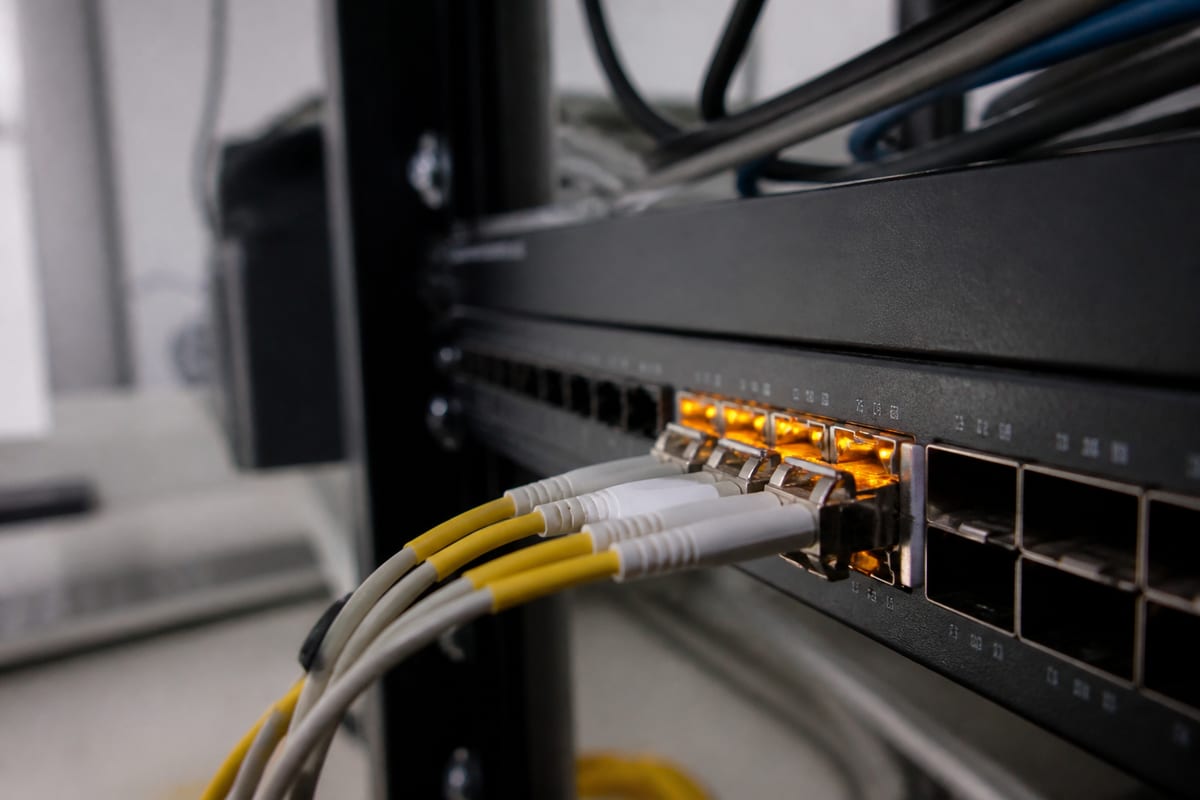
Firewalls, switches, wireless access points, and internet connections are the foundation of daily operations. If the network becomes unstable, nearly everything else suffers.
Servers and virtual environments
Whether you host applications on-site, in a data center, or in a hybrid environment, server performance and resource usage should be watched closely.
Backup success and storage health
A backup that fails quietly is one of the most dangerous technology problems a business can have. Monitoring should confirm that backups are running, completing, and remaining recoverable.
Endpoints used for critical work
Not every workstation needs the same level of attention, but executive devices, front-desk systems, shared terminals, and computers tied to key workflows often do.
Cloud platforms and business applications
If your team depends on Microsoft 365, line-of-business software, remote access tools, or hosted systems, those services should be part of your monitoring picture too.
Avoiding alert fatigue before it starts
One of the biggest reasons monitoring programs fail is alert fatigue. If people receive too many warnings, they stop trusting the system.
To avoid that, businesses should define severity levels clearly. A critical outage should never look the same as a minor warning. Escalation paths should also be clear, so people know who responds first, what gets documented, and when an issue becomes urgent enough to involve leadership or outside support.
Thresholds matter too. A single short spike in CPU usage may not mean much. Sustained high usage during business hours may be a real issue. Good monitoring looks for patterns, not just isolated events.
This is also where context matters. A backup failure on a file server deserves more attention than a nonessential device briefly going offline after hours.
Monitoring and support should work together
Monitoring is only valuable if it leads to action. An alert without a response plan is just noise.
That is why many businesses connect monitoring with a broader support process. When alerts are reviewed by people who understand your environment, your business hours, and your priorities, response becomes faster and more practical.
If you need hands-on help beyond monitoring alone, learn more about our Daytona Beach team for ongoing technology support.
Questions to ask before choosing a monitoring approach
If you are evaluating your current setup or comparing providers, ask a few practical questions:
- Which systems are being monitored right now?
- Which alerts are truly actionable?
- Who receives alerts, and who is responsible for response?
- Are backups being checked for success, not just scheduled?
- Are cloud services included, or only on-site equipment?
- How are thresholds set and reviewed over time?
- What happens after hours, on weekends, or during severe weather?
These questions help reveal whether your monitoring strategy is proactive or just reactive.
FAQ
What is the difference between IT monitoring and IT alerting?
Monitoring is the ongoing tracking of system health, availability, and performance. Alerting is the notification process that happens when monitored systems meet certain conditions, such as low disk space, failed backups, or connectivity loss.
How often should alerts be reviewed?
Critical alerts should be reviewed right away. Less urgent warnings can be reviewed on a scheduled basis, depending on the system and business impact. The important thing is having clear rules for what needs immediate action and what can wait.
Can small businesses benefit from monitoring, or is it only for larger companies?
Small businesses often benefit just as much, sometimes more. With fewer internal IT resources, early warning signs can prevent a small issue from turning into a major interruption.
Should cloud services be monitored too?
Yes. Even if your business relies heavily on cloud platforms, you still need visibility into account issues, sync failures, service interruptions, and access problems that affect your team.
What should be monitored first if budget is limited?
Start with the systems that are most critical to daily operations, usually internet connectivity, firewalls, servers, backups, and any application your team cannot work without.
Good IT alerting and monitoring is not about collecting more data for its own sake. It is about giving your business earlier visibility, better response times, and fewer unpleasant surprises when technology problems start developing.
If your current setup feels inconsistent, noisy, or too reactive, it may be time to simplify and refocus on what actually supports your operations. Contact us today for expert it alerting and monitoring services!