
WordPress Barcode Scanner Security Update
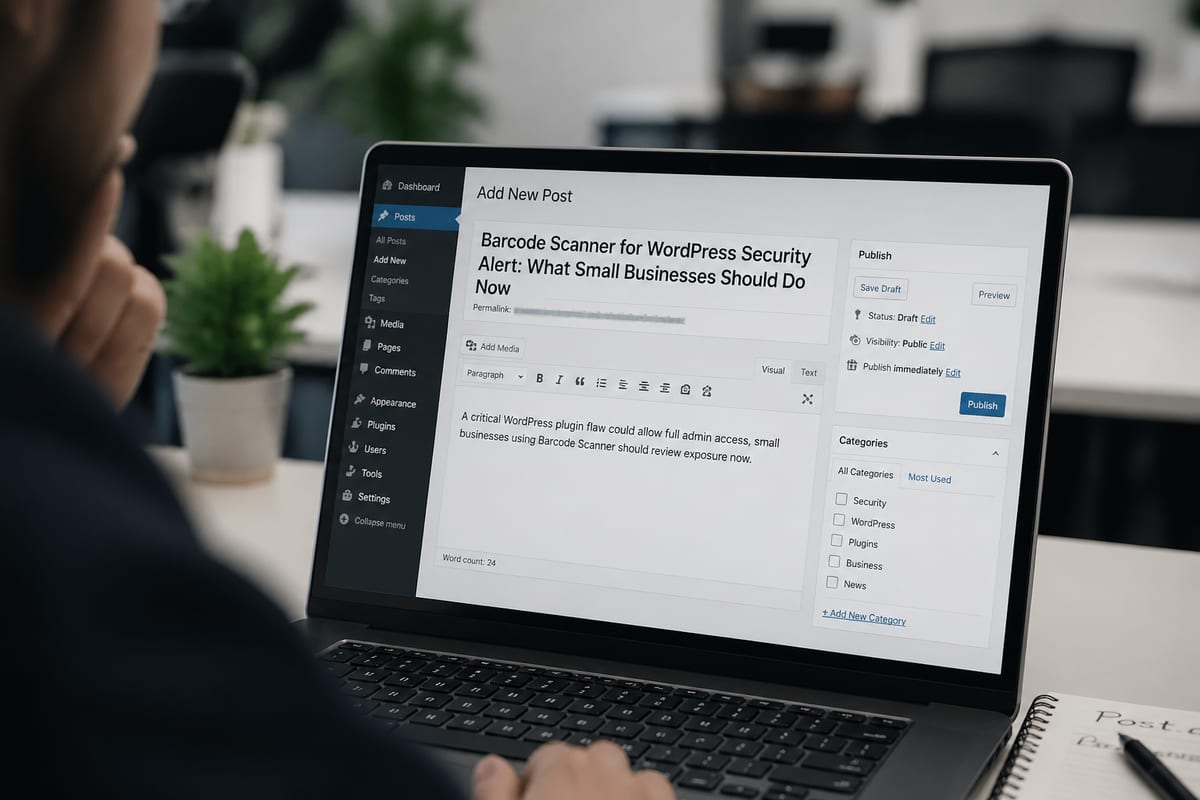
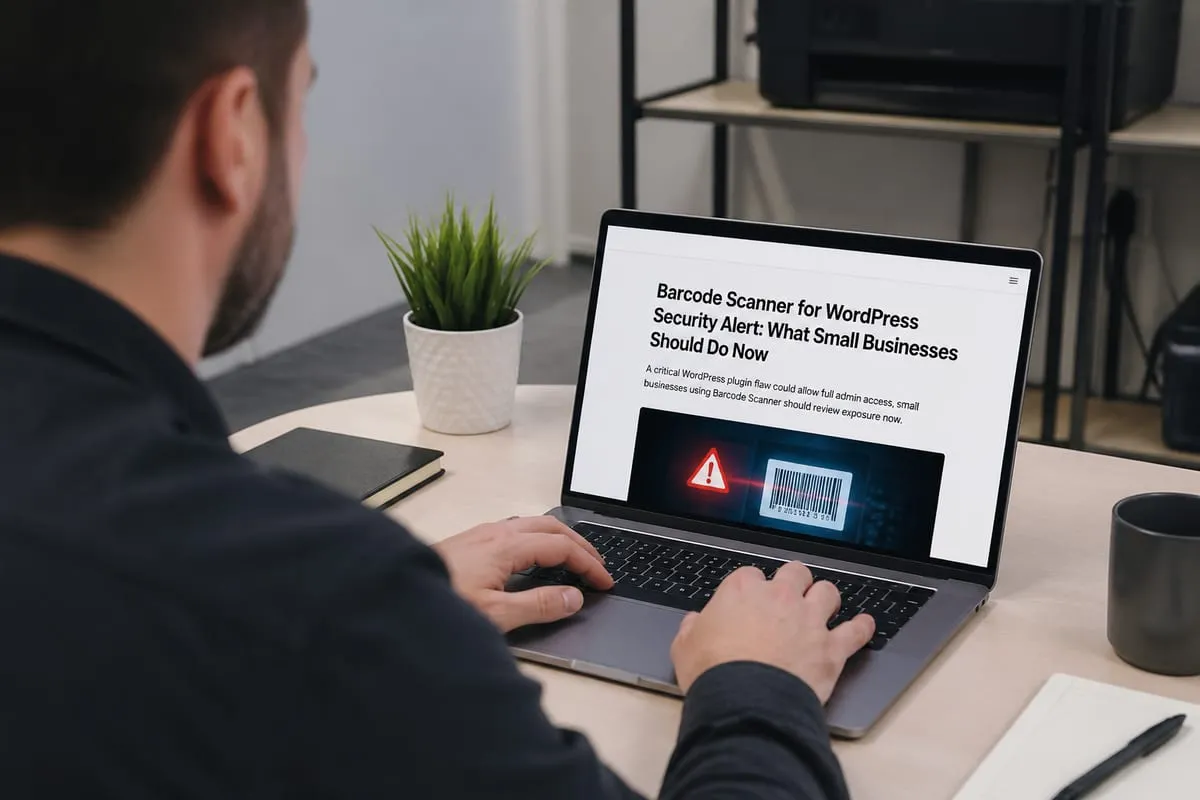
A critical WordPress plugin flaw could allow full admin access, small businesses using Barcode Scanner should review exposure now.
Published on · How this article was made
What Happened
A serious security issue has been disclosed in the Barcode Scanner (+Mobile App) plugin for WordPress, a tool used for inventory management, order fulfillment, and point of sale functions. The problem affects versions up to and including 1.11.0.
In plain terms, the plugin appears to trust information sent by a visitor when it should not. That weakness can let an outside attacker pretend to be a more powerful user, obtain access they should never have, and then change account permissions. If successful, that could allow them to take full administrator control of the WordPress site.
For a small business, this matters because administrator access is not limited to one plugin. In many cases, it can allow changes across the entire website, including users, settings, and potentially other connected business functions.
Who Is Affected
The following products are reported as affected:
- Barcode Scanner (+Mobile App) for WordPress
- All versions up to and including 1.11.0
Affected products have not yet been fully confirmed, so it is important to check the vendor advisory for updates. If you are not sure whether your website uses this plugin, ask your web developer, hosting provider, or IT support company to verify it.
Why It Matters for Small Businesses
If an attacker gains administrator access to your WordPress site, the impact can go far beyond a website glitch. They may be able to change content, create hidden accounts, interfere with order workflows, or lock legitimate users out.
For businesses using WordPress as part of inventory, fulfillment, or point of sale operations, this kind of access can also create business disruption. That can mean downtime, exposure of business or customer information, fraud risk, or a foothold for additional malware or ransomware activity.
Even if your website is small, a plugin tied to operations deserves immediate attention because it may connect to day-to-day sales and back-office processes.
Exploitation Status
No active exploitation has been confirmed.
That means there is currently no confirmed reporting that attackers are using this vulnerability in the wild. Even so, businesses using the affected plugin should take it seriously and review their exposure promptly.
What the Vendor Recommends
At this time, no official patch has been confirmed.
Businesses should monitor the vendor advisory and apply any official update or mitigation as soon as it becomes available. If your website depends on this plugin for business operations, speak with your IT provider before making changes so you can reduce risk without interrupting sales or fulfillment.
Practical Next Steps
- Check whether this plugin is installed on any company WordPress site.
- Confirm the plugin version and document where it is used.
- Limit administrator accounts to only the people who truly need them.
- Review WordPress user accounts for any unfamiliar admins or recent permission changes.
- Ask your IT provider to monitor the vendor advisory and help assess temporary risk reduction steps.
When to Contact BlazeLink
If your business in the Daytona Beach area uses WordPress for sales, inventory, or customer-facing services, this is a good time to have your setup reviewed. A quick check can confirm whether the plugin is present and whether any unusual account changes need attention.
BlazeLink helps small businesses understand issues like this in plain language and take practical next steps. If you are unsure how exposed your site may be, we can help you assess it and plan a safe response.